

What is Nano Banana Pro?
Nano Banana Pro is Google’s advanced image generation model, integrated directly into Manus for creating professional-quality visuals. When you need slides or images that look like they were designed by a studio, Nano Banana Pro generates custom, high-resolution imagery tailored specifically to your content. This transforms Manus from a text-based tool into a complete visual content creation platform, capable of producing presentation decks and graphics that would typically require professional design software and expertise.Why Use Nano Banana Pro?
Most AI image generators struggle with two critical problems: they can’t render readable text within images, and they can’t maintain visual consistency across multiple outputs. This makes them impractical for professional presentations. Nano Banana Pro solves both:- Nano Banana’s text rendering: Crisp, legible text integrated directly into images
- Manus’s contextual understanding: Consistent artistic direction across entire decks
Getting Started with Nano Banana Pro
For Slide Decks
-
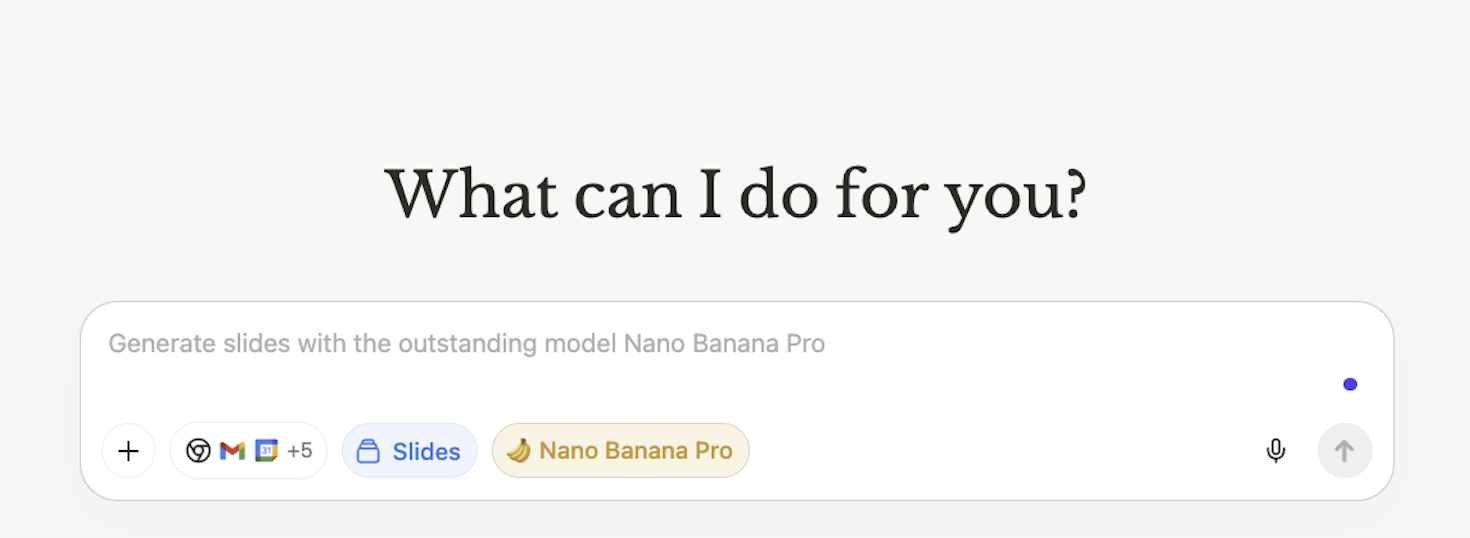
Open Manus and navigate to the Slides section
-
Look for templates marked with the 🍌 Nano Banana icon OR just write your prompt
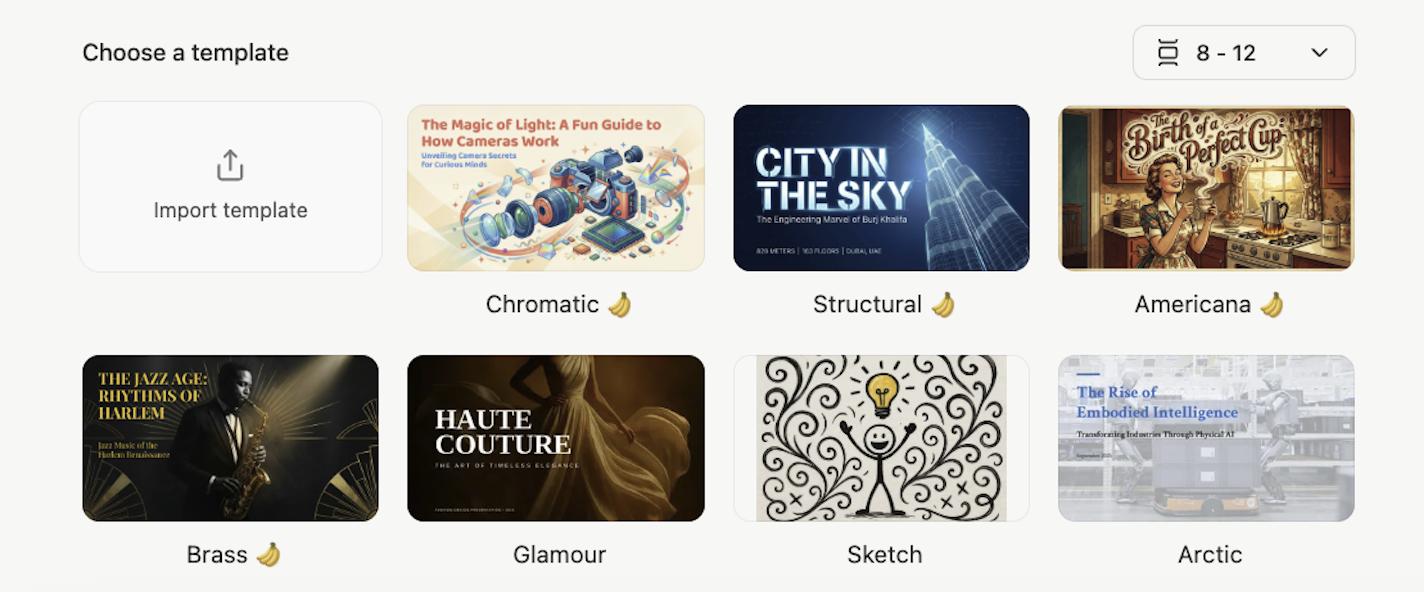
- Write your prompt describing your presentation topic and desired style
- Select slide count (typically 8-12 slides)
- Generate and wait for your deck to be created (2-5 minutes)
For Standalone Images
-
Navigate to Image Generation in Manus

- Select “Nano Banana Pro” as your model
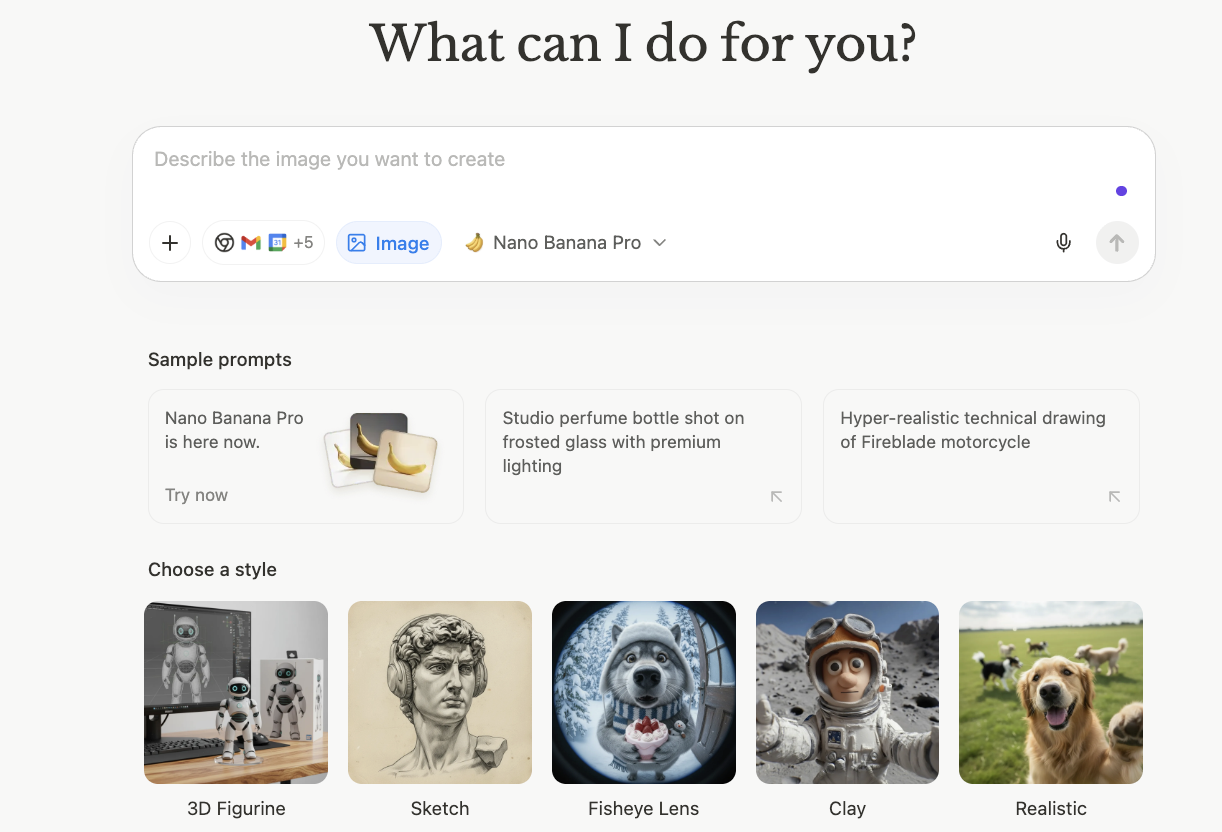
- Describe the image you need with specific details
- Generate and download your custom visual
How Manus Generates Your Content
For slide decks, Manus:- Analyzes your prompt and understands your message
- Creates a complete presentation outline
- Determines visual direction (colors, layout, imagery)
- Batch-generates all slides with consistent design
- Delivers a ready-to-use deck
4. Export and Use
Download your slides as PDF or individual images, ready for any platform.Use Dynamic Prompts
Combine Nano Banana Pro with other Manus features for powerful, data-driven presentations: Wide Research + Slides:Tips for Effective Use
Do I need design skills to use Nano Banana Pro?
Do I need design skills to use Nano Banana Pro?
Click the 🍌 Nano Banana Pro button in the Slides interface before entering your prompt. You’ll see it next to the Slides button in the input area.
Can Manus combine research with Nano Banana Pro slides?
Can Manus combine research with Nano Banana Pro slides?
Yes. Manus can research topics, analyze data, or scrape websites, then automatically create visually stunning presentations with that information. Just describe the full workflow in your prompt.
Can I edit slides after Manus generates them?
Can I edit slides after Manus generates them?
Not yet, Nano Banana Pro slides are complete images with text rendered directly into the visual. For editable presentations, use Manus’s standard HTML slides instead. But Manus will support this soon.
When should I use Nano Banana Pro vs. standard HTML slides in Manus?
When should I use Nano Banana Pro vs. standard HTML slides in Manus?
Use Nano Banana Pro for high-impact visual presentations (pitches, launches, keynotes). Use HTML slides for data-heavy content you’ll update frequently or need to edit.
Does using Nano Banana Pro consume more credits?
Does using Nano Banana Pro consume more credits?
Image generation uses credits based on complexity and quantity. Check your Manus plan details for specific credit costs per slide or image.