Create AI Slides in Manus: Nano Banana Pro🍌
Tired of spending hours on presentations? Build stunning, editable AI PowerPoint decks in seconds. No design skills. No wasted time. Just your ideas, brought to life.
Why Use Nano Banana Pro to Create Slides?

Perfect Text Rendering
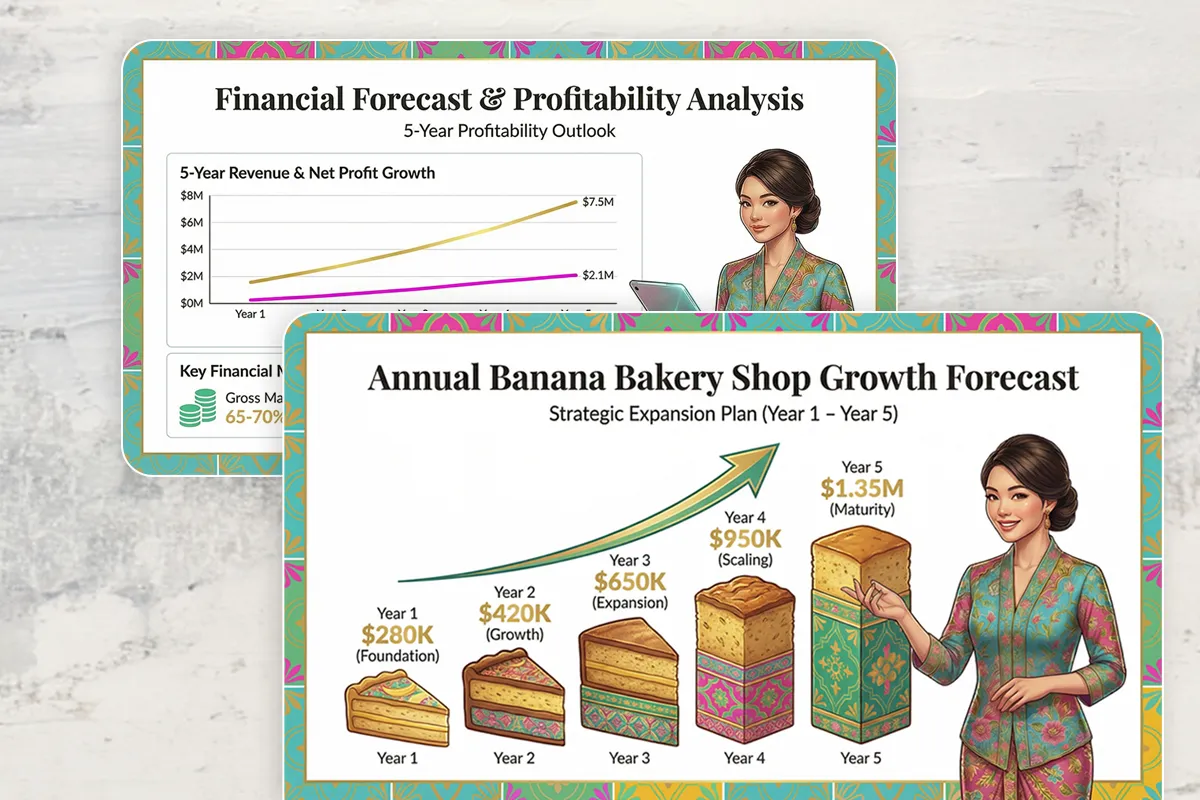
Get Accurate Infographics Instantly

Consistent Branding Throughout
Which Image Model is Better for Slides?
While other AI models are great for general images, Nano Banana Pro is the only tool specifically optimized for the visuals you need in a presentation: infographics, diagrams, and layouts with accurate text.
Try Nano Banana Pro Now
3 Simple Steps to Create Your Presentation
From idea to finished presentation in minutes. Here's how you can use Nano Banana Pro in Manus AI to work together to create your perfect deck.
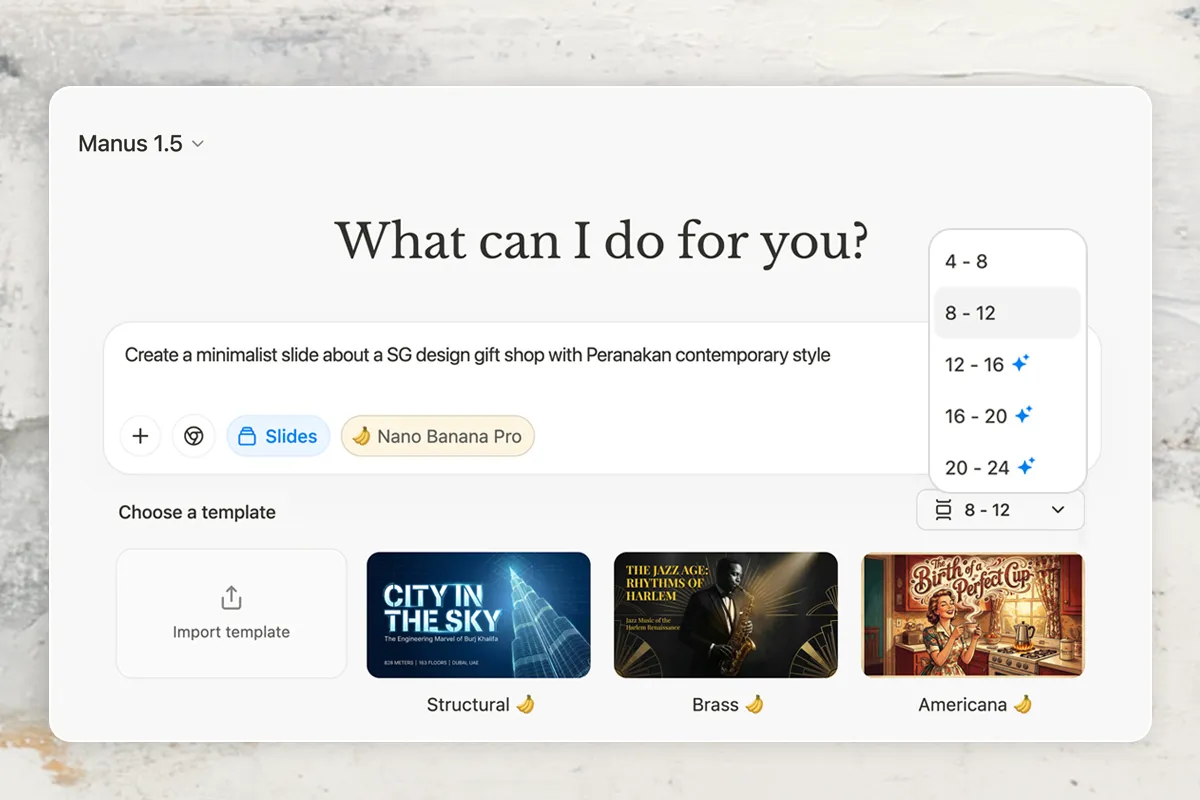
1. Describe Your Presentation
Tell Manus AI your topic, audience, and key messages. It's as simple as writing an email.
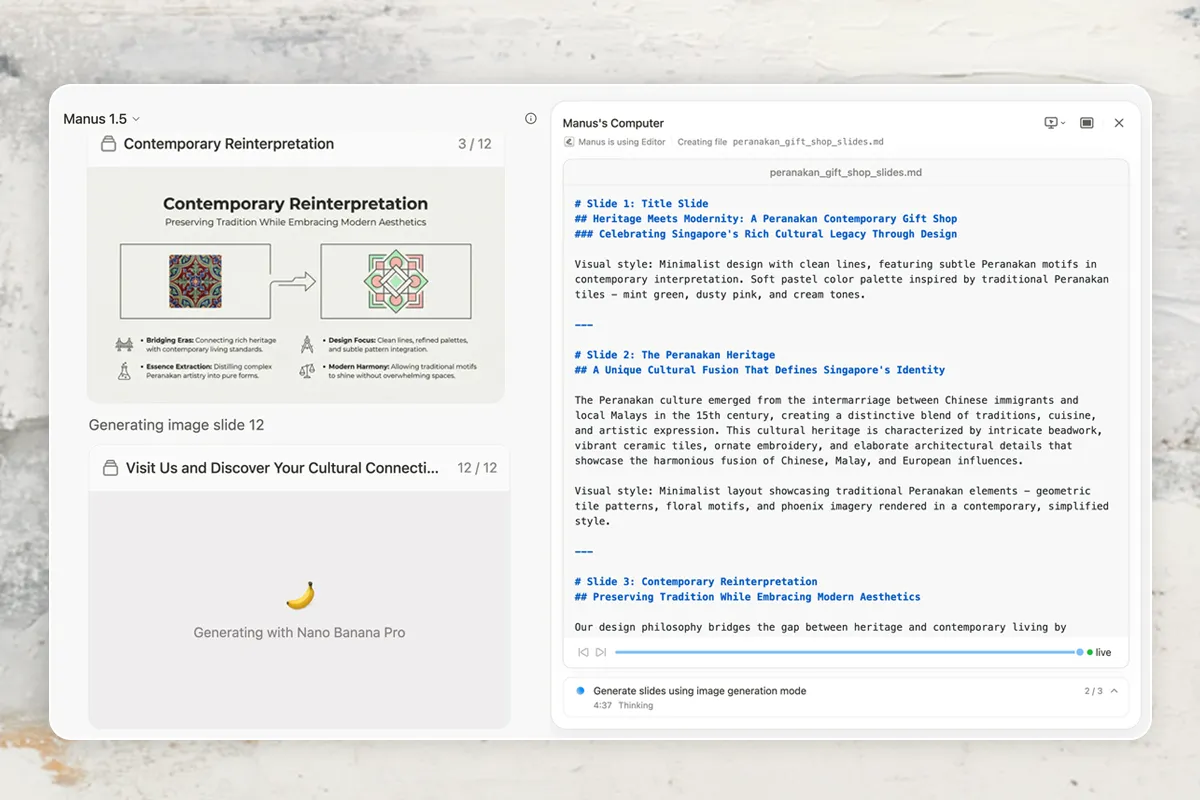
2. Watch Manus AI build your deck
Manus AI uses Nano Banana Pro to create slide-ready visuals with text, graphics, and layouts.
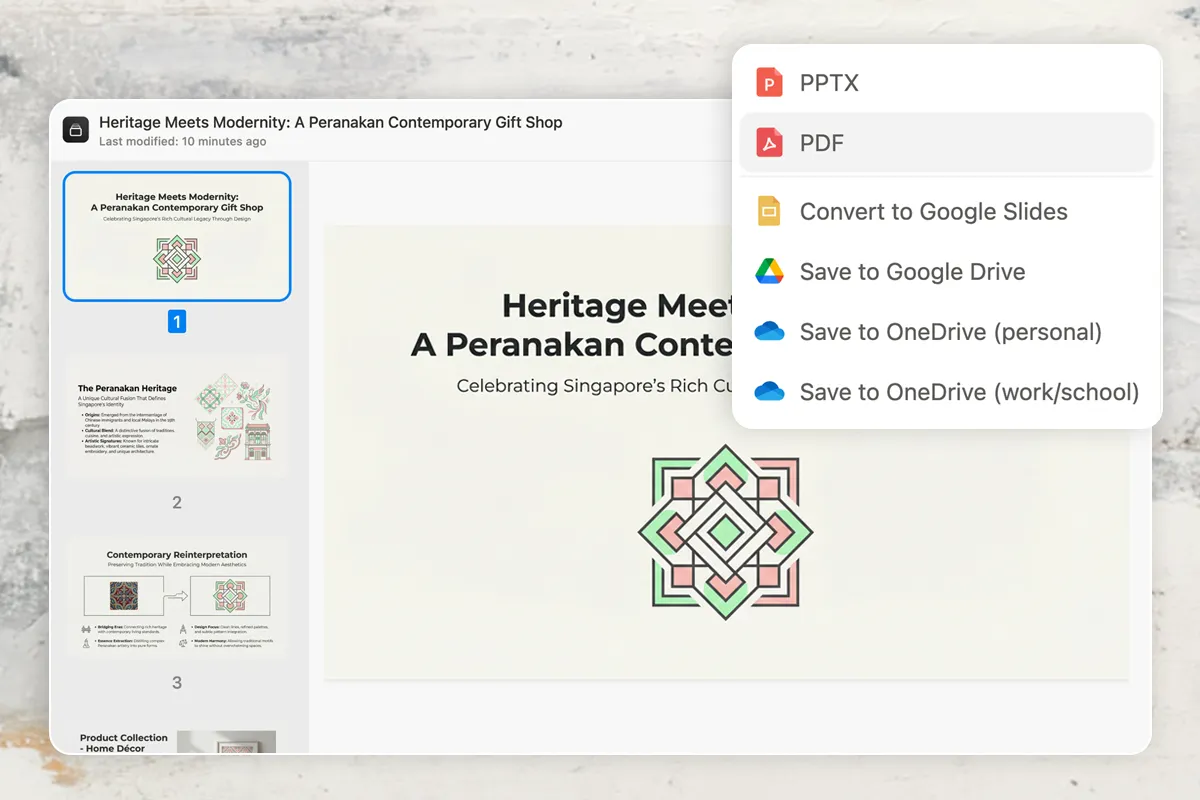
3. Download Your Editable Deck
Download as PPTX, PDF, or Google Slides. Save it to Google Drive or OneDrive.
Try Manus AI for Free Today
Slides made with Nano Banana Pro
Explore what Nano Banana Pro can create. Each presentation below demonstrates how the model can generate a full set of slides that consistently follow a unique Peranakan visual style.
Frequently Asked Questions
How do I get access to Nano Banana Pro?
Using Nano Banana Pro to generate presentation slides is only available to Manus Pro users. If you want to use Nano Banana Pro for Slides, you will need to upgrade to a Pro or Team plan. You can check out our account plans on our pricing page.
How is this different from other AI image models?
Unlike general-purpose AI image tools, Nano Banana Pro is optimized for presentation formats, ensuring that text is legible and layouts are professional. It also supports a wide range of languages, including Japanese, Korean, Arabic, and more.
What kind of presentations can I create?
You can create any type of presentation, including sales pitches, educational lectures, business reports, and marketing decks.
Why not just use a standard AI image models for my slides?
Standard AI models struggle with text rendering, which is critical for presentations. Nano Banana Pro is built on Google's Gemini 3 Pro and specifically designed to generate clear text, accurate diagrams, and professional layouts—making it a better choice for presentation slides.
Does Manus just create the images, or does it build the whole presentation?
Manus builds the entire presentation. It manages the complete workflow—helping you structure your ideas, generating the visuals with Nano Banana Pro, and assembling the final, polished presentation deck for you. It's an end-to-end solution.
Are there limits on how many slides I can create?
The users are limited to 12 slides per presentation, but you can create longer decks by upgrading to a Pro or Team plan.