fernwaycoffee.com/journal/pour-over-at-home
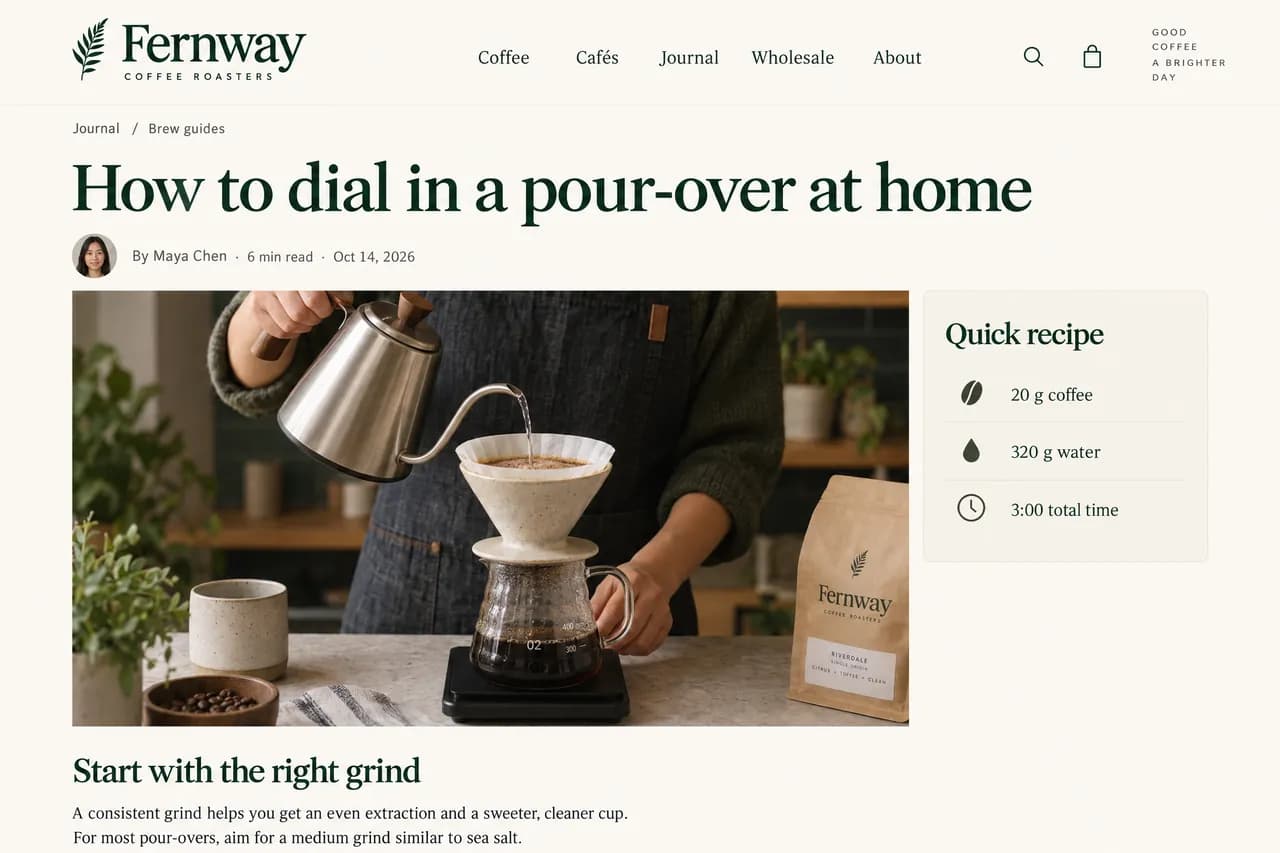
Draft Webflow blog posts from a topic list
Each post gets a name, slug, summary and body, saved as a draft you can open and edit in Webflow.
Manus is an independent AI agent, not Webflow AI or the AI Assistant built into Webflow. Connect your own Webflow account and it works on your sites, pages, CMS collections, components and custom code, then publishes the changes when you ask.
Send Manus a topic list or a spreadsheet. It creates or updates items in your Webflow CMS collection as drafts with the fields filled in, so you can bulk update Webflow CMS content without opening each item.
Each post gets a name, slug, summary and body, saved as a draft you can open and edit in Webflow.
Attach a sheet with new opening hours, prices or descriptions. Manus matches each row to a CMS item and updates the fields.
Manus reads the SEO title and meta description of every page and CMS item, lists the ones that are missing, too long or too short, and suggests a fix for each. Once you approve the list, it updates them in one go.
Pages get new SEO and Open Graph settings. CMS items get their SEO fields filled in, if your collection has them.
Change a headline, a button or a paragraph with one sentence, or fill in another language version of a page. The layout and styles stay as they are.
Name the page and the words to change. Manus updates the text on that page and shows you what changed.
Set up the locale in Webflow first. Manus translates the page text and updates existing CMS items in that locale.
Ask for a list of everything Manus changed, check it on your webflow.io staging domain, then tell it to publish to your live domain.
Manus connects to the official Webflow MCP server, so there’s no server address or config file to add. Set it up once and any task can use it.
In Manus, open Connectors and select Webflow.
Click Connect, sign in to Webflow and choose the sites or Workspace Manus can use.
Start a task, name Webflow and your site, and describe the change you need.
Open Connectors in Manus, select Webflow and choose Connect. Sign in to Webflow, choose the sites or Workspace Manus can use and authorize access. Then mention Webflow in a task, for example with your site name.
It works with sites, pages, CMS collections and items, components and custom code. It can create and update CMS items, edit the text on a page, update SEO titles, descriptions and Open Graph tags, and publish your site. If you ask, it can also unpublish or delete CMS items, delete assets, change styles and edit or clear custom code. It only sees the sites you authorize and can only do what your Webflow role allows.
CMS items it creates or updates are saved as drafts, and publishing is a separate step. To check first, ask Manus to list every change and wait for your OK before it publishes, as the examples on this page do.
Changes go through the official Webflow MCP server and stay within your Webflow role. New and updated CMS items stay as drafts until they’re published, and you can ask Manus to publish page changes to your webflow.io staging domain first. Deleting or unpublishing items, deleting assets and clearing custom code take effect right away, and some can’t be undone, so ask Manus to list its plan and wait for your OK before it does them.
No. The AI site builder, AI Assistant and other built-in AI features are made by Webflow and run inside Webflow. Manus is an independent AI agent that works on your existing Webflow sites through the connector, and the same task can also use your files and other connected apps.
No. Webflow says work done through its MCP server doesn’t use those credits. It counts toward the plan or credits of the AI tool you connect, which here is Manus.
Yes. The Webflow connector in Manus connects to the official Webflow MCP server, so there’s no server address, token or config file to set up. It works on every Webflow Site plan, including the free Starter plan.
Yes. Both connect to the official Webflow MCP server. A connection you set up in Claude or another app stays in that app, so connect Webflow in Manus once: open Connectors, select Webflow and sign in.
Yes, into locales you’ve already set up in Webflow. It can translate the text on pages and components and update existing CMS items in a secondary locale. It can’t create new CMS items in a secondary locale.
No. CMS content, pages, SEO settings and publishing work without the Webflow Designer open. A few actions, such as taking a snapshot of an element, need your site open in the Webflow Designer with the MCP Bridge App running.
Yes. Open Connectors in Manus, select Webflow and choose Disconnect. To use a different Webflow Workspace, disconnect, connect again and choose that Workspace when you sign in.
Use Manus as your Webflow AI agent for CMS content, page copy and SEO.
Connect Webflow in Manus