The 5 Best AI Agents for Your Desktop in 2026
AI agents are no longer just a futuristic concept; they are powerful tools available today that can operate directly on your computer, automating complex tasks and transforming personal productivity. Unlike traditional chatbots that are confined to a chat window, these agents can interact with your local files, run software, and perform multi-step workflows autonomously.
But with a growing number of options, each with its own strengths and focus, which one is right for you? This guide breaks down the top 5 AI agents that are leading the charge in 2026, comparing their features, pricing, and ideal use cases to help you make an informed decision. If you want to compare beyond desktop tools, see the  top AI agents across every category.
At a Glance: The Top 5 AI Agents
Tool | Best For | Key Differentiator | Pricing |
Manus My Computer | Integrated Productivity & Content Creation | Hybrid cloud-to-local model with a focus on security | Freemium (with paid tiers) |
Perplexity Computer | Complex Research & Analysis | Multi-model orchestration for deep research | Paid (Part of Perplexity Pro) |
Claude Cowork | Document & Data-Heavy Tasks | Native Microsoft Office integration | Paid (Part of Claude Pro) |
ChatGPT Agent | General Purpose Web Tasks | Seamless integration with the ChatGPT ecosystem | Paid (Requires ChatGPT Plus/Pro) |
Genspark | All-in-One Autonomous Work | Mixture-of-agents architecture, can make phone calls | Freemium (with paid tiers) |
What Can You Do With an AI Agent on Your Desktop?
Before diving into the specific tools, it's important to understand what this new category of software unlocks. An AI agent on your desktop can:
•Organize Local Files: Automatically sort your messy Downloads folder, rename files based on their content, and create a structured folder system.
•Process Bulk Documents: Read a folder containing hundreds of PDFs, extract key information from each, and compile the data into a single, organized spreadsheet.
•Automate Content Creation: Monitor a website for new articles, and when one is posted, automatically write a summary, draft social media posts, and save them to a local folder for your review.
•Build and Run Software: Write the code for a fully functional local application (like an expense tracker), set up the necessary databases, and install it on your machine, all from a natural language prompt.
Now, let's look at the top contenders.
1. Manus My Computer
Desktop Connectivity & Setup
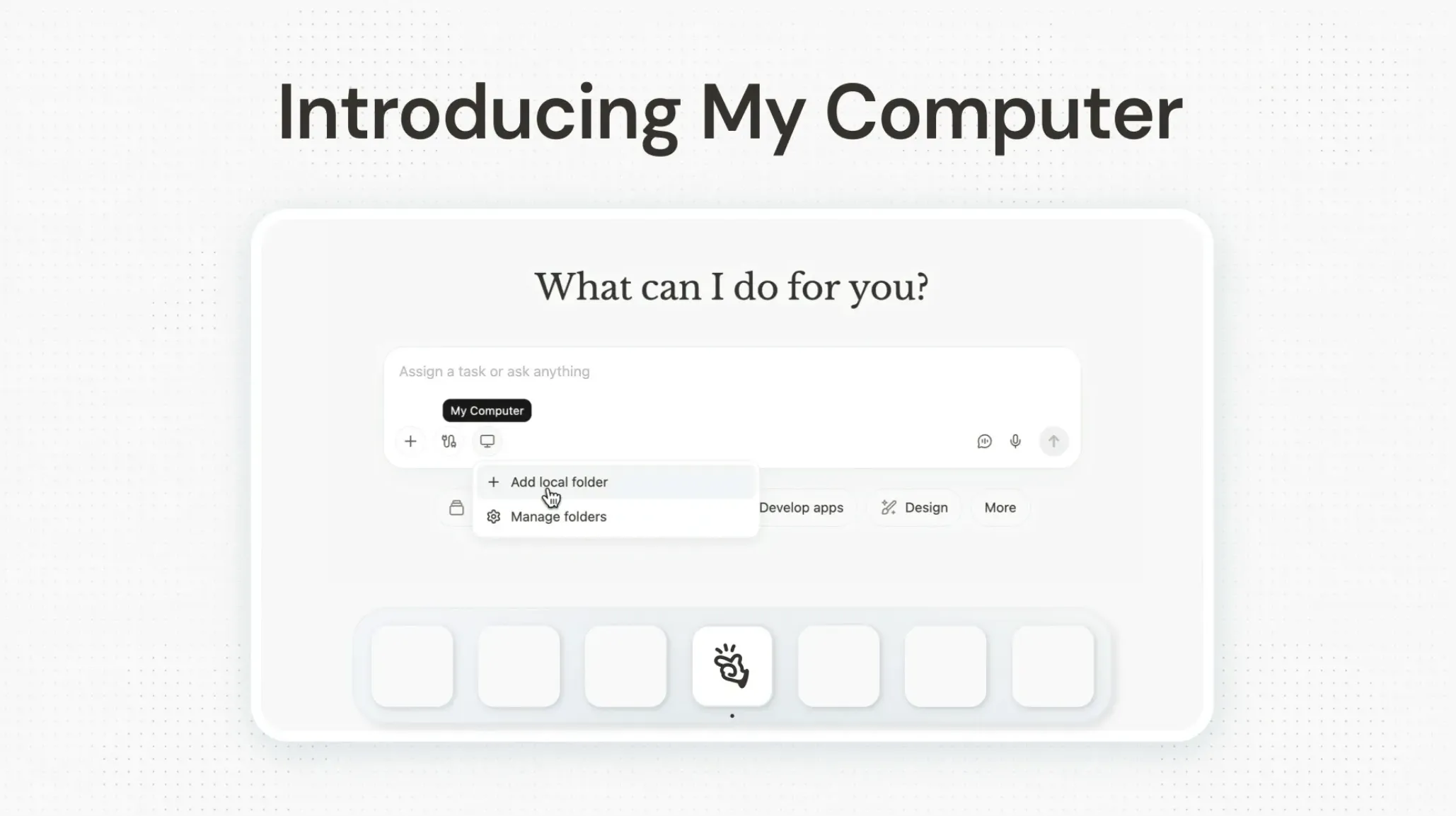
Setting up Manus on Desktop involves downloading and installing the native app for macOS or Windows. During setup, you grant it permission to access specific local folders. This creates a secure bridge between the cloud agent and your local file system. This hybrid model allows you to initiate a task from anywhere (e.g., the mobile app) and have the agent work on files directly on your home or office computer, as long as the machine is on and the Manus Desktop app is running. For 24/7 access, running it on a dedicated machine like a Mac mini is the recommended approach.
How Should I Use My Computer?
•To build a fully functional desktop app without code: Ask it to build a custom, native application for your Mac or Windows machine from a plain-English description. For example, "Build me a simple, offline expense tracker app that lets me input an expense name, amount, and category." Manus will write the code, compile it, and deliver a ready-to-use app directly on your desktop.
•For an end-to-end content workflow: Use it to monitor a list of competitor websites, and when a new blog is posted, have it automatically perform a deep analysis, write a counter-argument, generate a new blog post with accompanying images, and save the final Word document and all image assets into a specific project folder on your local computer.
Real User Experience
When it comes to true local desktop automation, Manus Desktop receives high praise for its ease of use and tangible time savings.  One reviewer, tested the "My Computer" feature for 72 hours and found it incredibly powerful for local file organization, noting that it was significantly faster than browser-based agents for local tasks. They advised new users to start with low-risk tasks like organizing downloads to build trust before giving it access to sensitive folders. Another user,
  techtiff.ai, demonstrated the agent tracking their spending by autonomously pulling receipts from their camera roll and inbox to build an expense spreadsheet, noting that they now just "check completed work" instead of doing admin. Reviewers consistently highlight how it works straight out of the box without requiring coding knowledge or API keys. While some users note occasional struggles with complex UI elements, the consensus is that it successfully turns a standard machine into an AI-powered workstation.
techtiff.ai, demonstrated the agent tracking their spending by autonomously pulling receipts from their camera roll and inbox to build an expense spreadsheet, noting that they now just "check completed work" instead of doing admin. Reviewers consistently highlight how it works straight out of the box without requiring coding knowledge or API keys. While some users note occasional struggles with complex UI elements, the consensus is that it successfully turns a standard machine into an AI-powered workstation.Pros & Cons
Pros | Cons |
Simple, user-friendly setup | Hybrid model may be less intuitive for some users |
Strong focus on security and user control | May not have the raw, system-level access of developer-focused tools |
Excellent for integrated content workflows | Can be expensive with credit-based system |
Manus offers a generous Free tier. Paid plans with more features and higher limits are also available.
Who It's For
Professionals, students, and general users who want a powerful, secure, and easy-to-use AI agent to automate their productivity and content creation workflows.
2. Claude Cowork
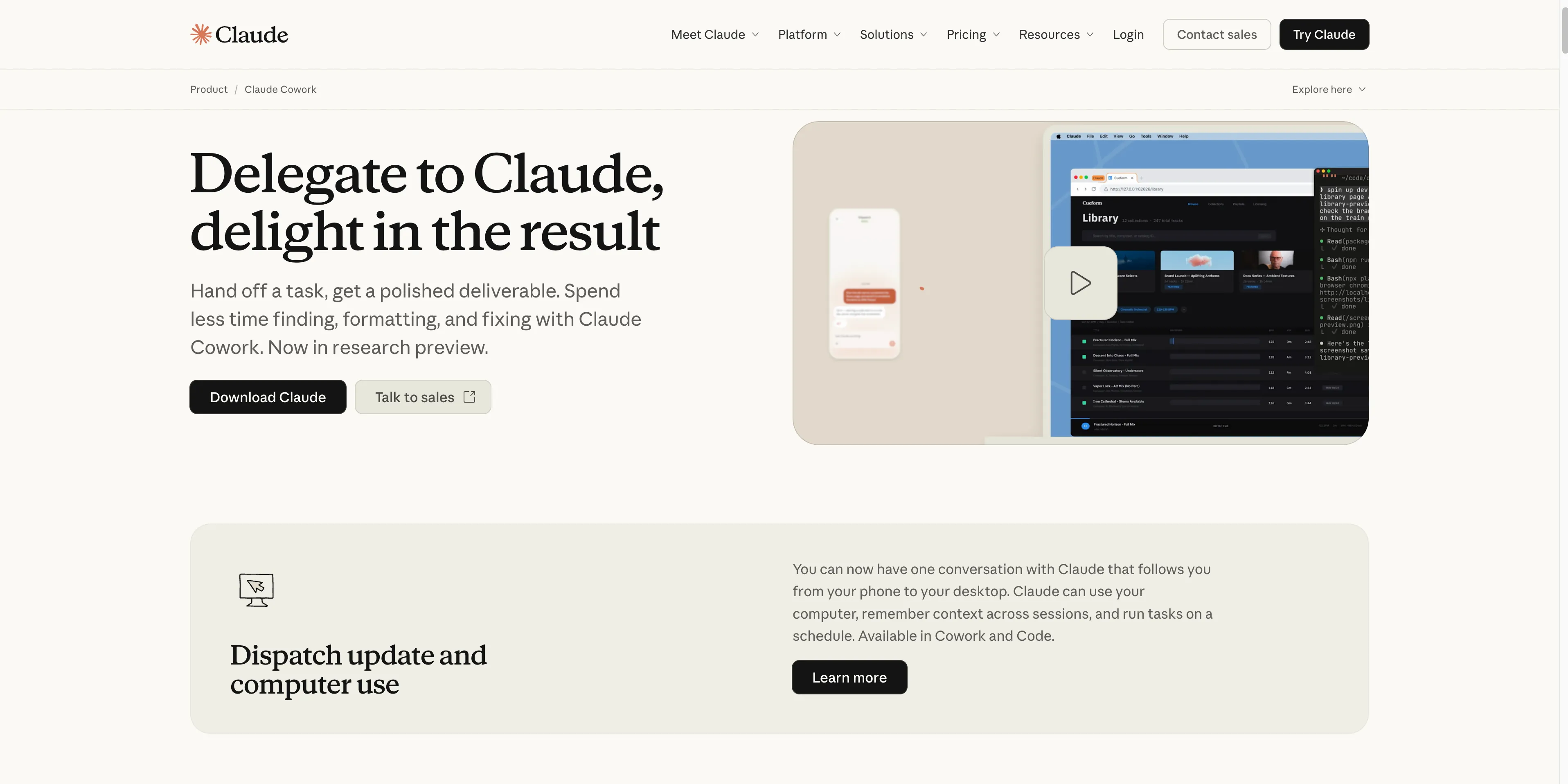
Claude Cowork is the undisputed champion of document-heavy lifting, especially for users who live inside the Microsoft Office suite. It's best known for its deep, native understanding of complex documents. It achieves this by running a local virtual machine on your computer, allowing it to open, edit, and create intricate Word documents, Excel spreadsheets, and PowerPoint presentations with a level of fidelity that other agents struggle to match.
Desktop Connectivity & Setup
Cowork is a feature within the main Claude Desktop app, which you download and install for macOS or Windows. After signing into a paid account, you simply switch from "Chat" mode to the "Cowork" tab. This mode gives Claude direct, permission-based access to a local folder you select. From there, it can read and write files without needing manual uploads. For its automation features to work, such as scheduled tasks, the Claude Desktop app must be running and your computer must be awake.
How Should I Use Claude Cowork?
•For batch-processing local documents: Point it to a folder on your desktop containing hundreds of messy, inconsistently formatted sales reports and ask it to create a single, clean master Excel workbook with a summary dashboard, charts, and working formulas. This is something only an agent with deep, native file understanding can do.
•To transform local documents: Give it a 50-page Word document from your desktop and ask it to create a 15-slide executive summary PowerPoint presentation, complete with speaker notes and properly formatted tables, saving the final PPTX file back into the same folder.
Real User Experience
Claude Cowork shines when it comes to hands-off delegation. Tech journalist  Amanda Caswell tested the feature by sending a task from her phone and watching as the agent took over her laptop screen, pulling data from files, searching emails, and generating reports completely autonomously. Another comprehensive test by
  Daria Cupareanu put Cowork head-to-head against other agents, where it proved highly capable at document-heavy tasks. Reviewers consistently highlight the massive time savings of being able to step away from the keyboard while the agent works. However, the experience isn't flawless yet. While the automation is impressive, they still feel the need to review the final output for accuracy, meaning it acts more like a highly capable intern than a completely independent worker.
Pros & Cons
Pros | Cons |
Best-in-class for working with Office documents | Less flexible for non-document tasks |
Strong local file processing capabilities | Requires the app to be constantly running for scheduled tasks |
Simple, intuitive interface | No free tier available |
Pricing
Claude Cowork is part of the Claude Pro subscription, which costs $20 per month.
Who It's For
Professionals, administrative assistants, and anyone who spends a significant amount of their day working with Microsoft Word, Excel, and PowerPoint files.
3. ChatGPT Agent
Leveraging its massive brand recognition, OpenAI has integrated agentic capabilities directly into the familiar ChatGPT interface. It is best known for being an incredibly accessible and versatile agent that you can access from the web, mobile, or its desktop app for macOS and Windows. When you activate "Agent Mode," it gives the agent control of a secure, cloud-based virtual browser and computer, allowing it to perform multi-step tasks that involve browsing websites, filling out forms, and analyzing data.
Desktop Connectivity & Setup
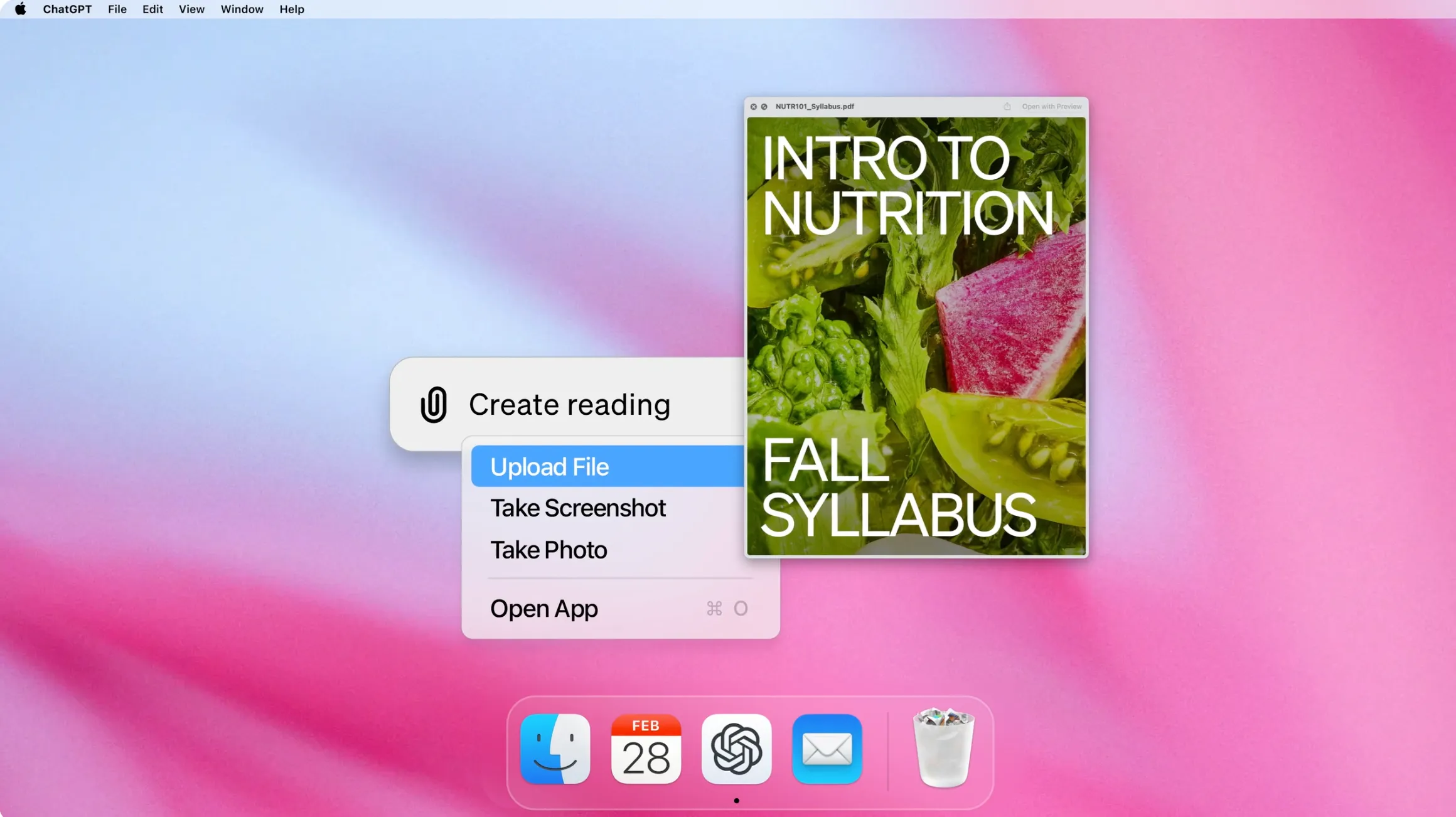
ChatGPT does have a desktop app for both macOS and Windows, and Agent mode is fully available within it. However, when you activate Agent mode, it still operates on its own virtual computer in the cloud rather than directly controlling your local desktop. So while you can launch it from the desktop app, the agent itself browses, codes, and completes tasks inside a sandboxed environment. For working with local files, you need to manually upload them into the chat. That said, the ChatGPT desktop app does have a separate "Work with Apps" feature that can read content from coding IDEs, note-taking apps like Apple Notes and Notion, and your terminal. The setup is the simplest of all: if you have a paid ChatGPT subscription, you already have access. Just select "Agent Mode" from the tools menu and you're good to go.
How Should I Use ChatGPT Agent?
•For web automation initiated from your desktop: While it can't access your files directly, you can use it from your desktop to automate complex web tasks. For example, ask it to plan a full vacation by researching destinations, finding flights, booking a hotel, and creating a day-by-day itinerary, all in one continuous session.
•For analysis of local files (with upload): Drag and drop a CSV file of sales data from your desktop into the chat and ask the agent to perform a detailed analysis, generate charts, and find correlations. It performs the work in its cloud environment, but the workflow starts and ends on your desktop.
Real User Experience
While ChatGPT Agent's cloud-based virtual computer doesn't directly touch your local files, users find plenty to like about the broader desktop experience. On the desktop app itself, a Reddit user noted it was "much more reliable and consistent with coding tasks" compared to the browser version. The separate "Work with Apps" feature, which lets ChatGPT read and edit code directly in VS Code and Xcode, has been praised by  Apple Insider as making the coding workflow "smoother and more seamless." As for Agent mode specifically, reviewers like
  AI Worth It praise its unmatched breadth of features, noting that GPT-5.4 represents a genuine leap forward in coding and computer use within its sandboxed environment. In comprehensive benchmark testing by
  Sarah Chen, it performs strongly on general web tasks and complex analysis. The main draw for users is the low barrier to entry, as it integrates seamlessly into the familiar ChatGPT interface they already use daily. On the downside, reviewers point out that the Agent mode still can't access local files directly, and they flag concerns about opaque usage limits on higher tiers.
Pros & Cons
Pros | Cons |
Familiar interface for existing ChatGPT users | No direct local file access; relies on uploads |
Powerful web browsing and interaction capabilities | Less focused on deep desktop integration |
Strong performance on a wide range of general tasks | Can feel less like a dedicated "agent" and more like a chatbot with tools |
Pricing
ChatGPT Agent is available to users on Plus, Pro, and Team plans, starting at $20 per month.
Who It's For
Existing heavy users of the ChatGPT ecosystem who want to extend its capabilities to web-based automation and multi-step tasks without leaving the familiar interface.
4. Genspark
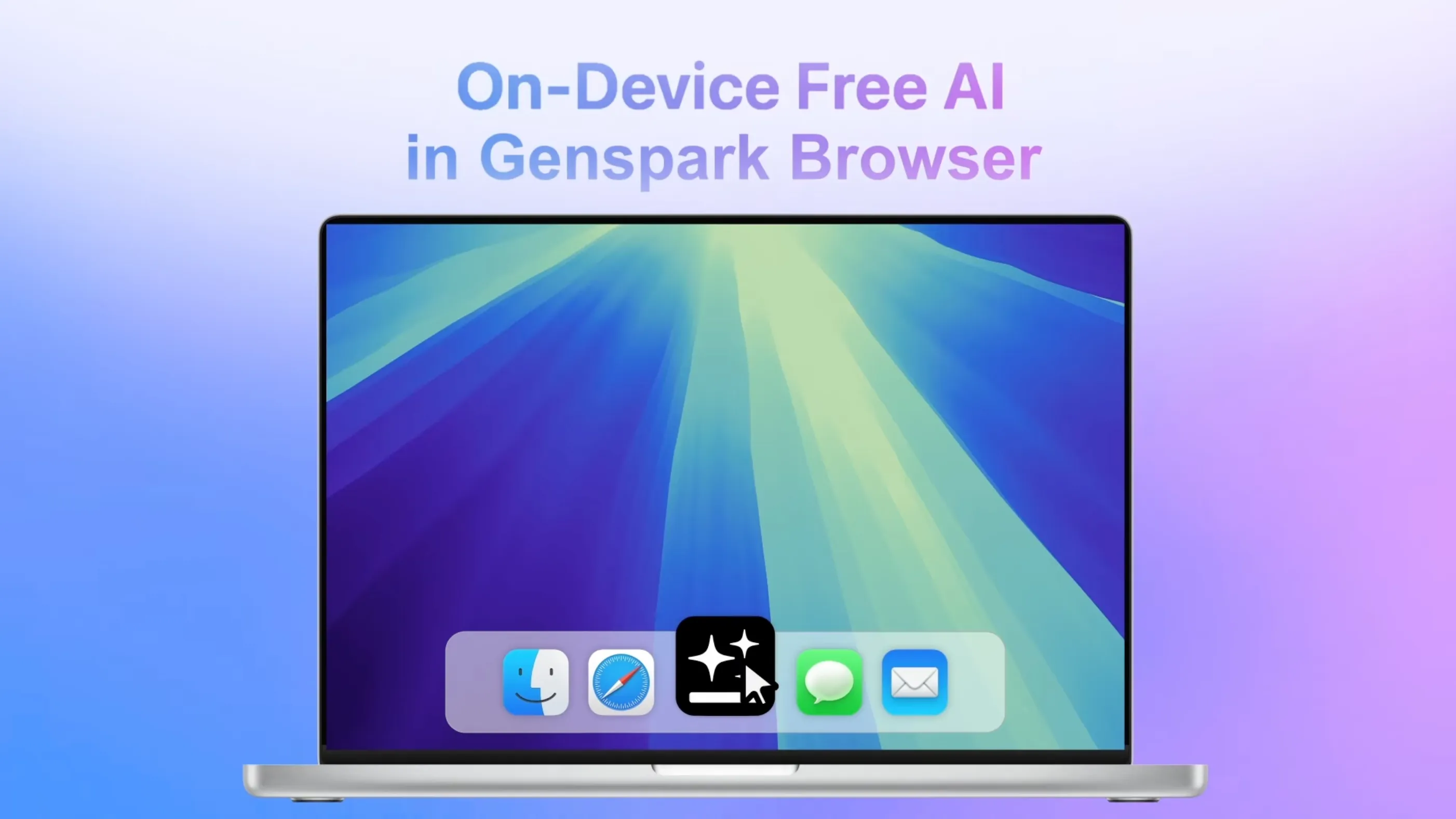
Genspark has made a name for itself as the ambitious "super agent" that aims to do everything. It is best known for its unique and headline-grabbing ability to make real phone calls on your behalf using an AI-generated voice. Under the hood, it uses a sophisticated mixture-of-agents architecture that combines multiple specialized LLMs and a vast library of professional tools, allowing it to tackle an extremely broad range of tasks from a single platform.
Desktop Connectivity & Setup
Similar to ChatGPT Agent, Genspark is primarily a cloud-based agent and does not have a dedicated desktop app for local file system integration. You interact with it through its web interface. To work with local files, you must upload them to its workspace. The setup is straightforward: you create an account on their website and can begin using the agent immediately. Its power comes from its vast array of cloud-based tools, not from direct control over your local machine.
How Should I Use Genspark?
•To automate real-world tasks from your desktop: Use it to handle tasks that bridge the digital and physical worlds. For example, ask it to call your local pizza place and order your favorite pizza using its AI-powered phone call feature, all while you continue working on your computer.
•As a cloud-powered content studio for your local files: Upload a script you wrote in a Word doc from your desktop, along with a folder of brand images, and ask Genspark to produce a full marketing video, complete with AI-generated voiceover, stock footage, and slides, delivering the final MP4 back to you.
Real User Experience
Genspark is frequently described by users as an ambitious "super agent" that tackles workflows other tools can't touch. In one hands-on test, a  YouTube reviewer used Genspark's OpenClaw-powered agent to ship an entire mini launch package, generating a slide deck, a landing page, and marketing content all in a single session. Another user,
  jhunter101, testing the agent was highly impressed by its autonomous capabilities, comparing it favorably against raw OpenClaw setups for its ease of use. The standout feature in user testing is consistently its ability to bridge the digital and physical worlds, particularly its unique phone call feature. While some users find the interface and credit system slightly overwhelming at first, the overall verdict is that it's a powerhouse for users who need to automate broad, multi-step business processes.
Pros & Cons
Pros | Cons |
Extremely broad range of capabilities | Can be overwhelming and complex |
Unique features like making phone calls | Pricing can get expensive with credit-based system |
Strong performance on autonomous task benchmarks | Newer player, long-term reliability is still being established |
Pricing
Genspark offers a Free plan with limited credits. Paid plans include the Plus plan at $24.99 per month and a Pro plan with more credits and features.
Who It's For
Power users and businesses who want a single, powerful platform to automate a wide variety of business processes, from research and content creation to customer interactions.
5. Perplexity Computer

Perplexity is best known as a powerful, accurate AI research engine, and Perplexity Computer is the agentic evolution of that identity. Instead of just finding information, it acts on it. Its core strength lies in its sophisticated multi-model orchestration, where it intelligently assigns sub-tasks to over 19 different specialized AI models, ensuring that the best model is used for every part of a complex job, from deep research to creative writing.
Desktop Connectivity & Setup
Perplexity Computer is one of the stronger contenders when it comes to local desktop integration. While the main agent runs in a secure cloud sandbox, Perplexity bridges the gap with its Personal Computer companion app for macOS. Once installed and linked to your Perplexity Pro account, this app gives the cloud agent direct, persistent access to your local files and applications. Perplexity actually recommends running it on a dedicated, always-on machine like a Mac mini, which effectively turns it into a 24/7 autonomous assistant that can read, write, and organize files on your desktop without you needing to be present. This makes it one of the few AI agents with a genuinely functional local desktop presence.
How Should I Use Perplexity Computer?
•To synthesize local and web research: Give it access to a folder of 20 academic papers on your desktop and ask it to cross-reference them with the latest public research online to produce a literature review, identify gaps in the current research, and save the final summary as a Word document back to the same folder.
•As an always-on financial analyst: Connect it to your local folder of financial statements and instruct it to continuously monitor the stock prices of the companies mentioned, sending a summary to your email and updating a local CSV file on your desktop whenever a stock moves more than 5% in a day.
Real User Experience
When tested on complex research tasks, Perplexity Computer consistently impresses with its speed and depth. In one test,  Adham Khaled tasked the agent with creating a spreadsheet of benchmark discrepancies across multiple sources. What would normally take hours of manual cross-referencing was completed in just seven minutes, resulting in a four-sheet document with 33 cited sources and a custom Python script to generate the file. Another reviewer, Matthew Miller, testing the $200 Max plan was blown away by its web automation skills, watching it autonomously navigate complex websites, bypass CAPTCHAs, and generate a highly detailed 20-page SEO audit without human intervention. While the Personal Computer companion app is still macOS-only and relatively new, reviewers agree that its multi-agent orchestration for research-heavy tasks is unmatched.
Pros & Cons
Pros | Cons |
Unmatched for deep, multi-source research | No native Windows app for local access |
Can generate a wide range of outputs | Less focused on direct desktop automation |
Powerful multi-agent workflows | Can be expensive if you don't need the full research suite |
Pricing
Perplexity Computer is included with the Perplexity Pro subscription, which costs $20 per month.
Who It's For
Researchers, analysts, and professionals who need to perform complex, multi-step research and analysis projects.
How to Choose the Right AI Agent
•For deep, complex research: Perplexity Computer is the undisputed leader.
•If you use the Microsoft Office ecosystem: Claude Cowork will feel like a superpower.
•If you're already a heavy ChatGPT user: ChatGPT Agent is a natural extension of your existing workflow.
•If you want an all-in-one powerhouse and are willing to pay for it: Genspark has the broadest (and most ambitious) feature set.
•For a secure, user-friendly, and powerful all-rounder: Manus' My Computer offers the best balance of capability, security, and ease of use for most people.
