10 เครื่องมือ Vibe Coding ที่ดีที่สุดในปี 2026
Vibe coding ได้เปลี่ยนแปลงการพัฒนาซอฟต์แวร์โดยให้ทุกคนสามารถสร้างแอปพลิเคชันได้ด้วยการใช้คำสั่งภาษาธรรมชาติแทนการเขียนโค้ดแบบดั้งเดิม คำนี้ถูกบัญญัติขึ้นโดย  Andrej Karpathy ในช่วงต้นปี 2025 แนวทางนี้ได้พัฒนาจากแนวคิดใหม่กลายเป็นแนวปฏิบัติกระแสหลัก ช่วยให้ทั้งนักพัฒนาและผู้ที่ไม่ใช่นักพัฒนาสามารถนำไอเดียมาทำให้เป็นจริงได้ด้วยความรวดเร็วอย่างที่ไม่เคยมีมาก่อน เมื่อมีเครื่องมือนับสิบกำลังแข่งขันกันเพื่อชิงความสนใจ การเลือกแพลตฟอร์มที่เหมาะสมอาจทำให้รู้สึกท่วมท้น คู่มือนี้สรุป 10 เครื่องมือ vibe coding ที่ดีที่สุดของปี 2026 พร้อมเปรียบเทียบฟีเจอร์ ราคา และกรณีการใช้งานที่เหมาะสม เพื่อช่วยให้คุณค้นพบเครื่องมือที่เหมาะสมที่สุดสำหรับโปรเจกต์ถัดไปของคุณ
ภาพรวมของ 10 เครื่องมือ Vibe Coding ที่ดีที่สุด
เครื่องมือ | เหมาะสำหรับ | ราคาเริ่มต้น |
Cursor | การแก้ไขโค้ดด้วย AI พร้อมความเข้าใจ codebase อย่างลึกซึ้ง | ฟรี / $20/เดือน |
Replit | การพัฒนาแบบครบวงจรพร้อมระบบโฮสติ้งและการ deploy ในตัว | ฟรี / $20/เดือน |
Lovable | การสร้าง UI เว็บแอปที่สวยงามด้วยการสร้างฟรอนต์เอนด์ที่โดดเด่น | ฟรี / $25/เดือน |
Bolt.new | การสร้างต้นแบบอย่างรวดเร็วพร้อมการปรับปรุงข้ามหลายเฟรมเวิร์ก | ฟรี / $25/เดือน |
v0 by Vercel | การสร้างคอมโพเนนต์ UI พร้อมการผสานรวมกับ Next.js อย่างไร้รอยต่อ | ฟรี / $20/เดือน |
Windsurf | โปรเจกต์ขนาดใหญ่พร้อมการจัดการโค้ดระดับองค์กร | ฟรี / $15/เดือน |
Claude Code | งานที่ต้องใช้การให้เหตุผลซับซ้อนพร้อมความสามารถในการแก้ปัญหาขั้นสูง | คิดตามการใช้งาน |
Manus | การทำงานอัตโนมัติของเวิร์กโฟลว์พร้อมการดำเนินงานแบบ end-to-end | $20/เดือน |
Base44 | การสร้างแอปแบบ no-code สำหรับผู้ก่อตั้งที่ไม่มีพื้นฐานทางเทคนิค | ฟรี / $20/เดือน |
Emergent | การพัฒนาแบบ agent สำหรับเว็บแอปและแอปมือถือแบบ full-stack | ฟรี / $20/เดือน |
#1: Cursor – ดีที่สุดสำหรับการแก้ไขโค้ดด้วย AI
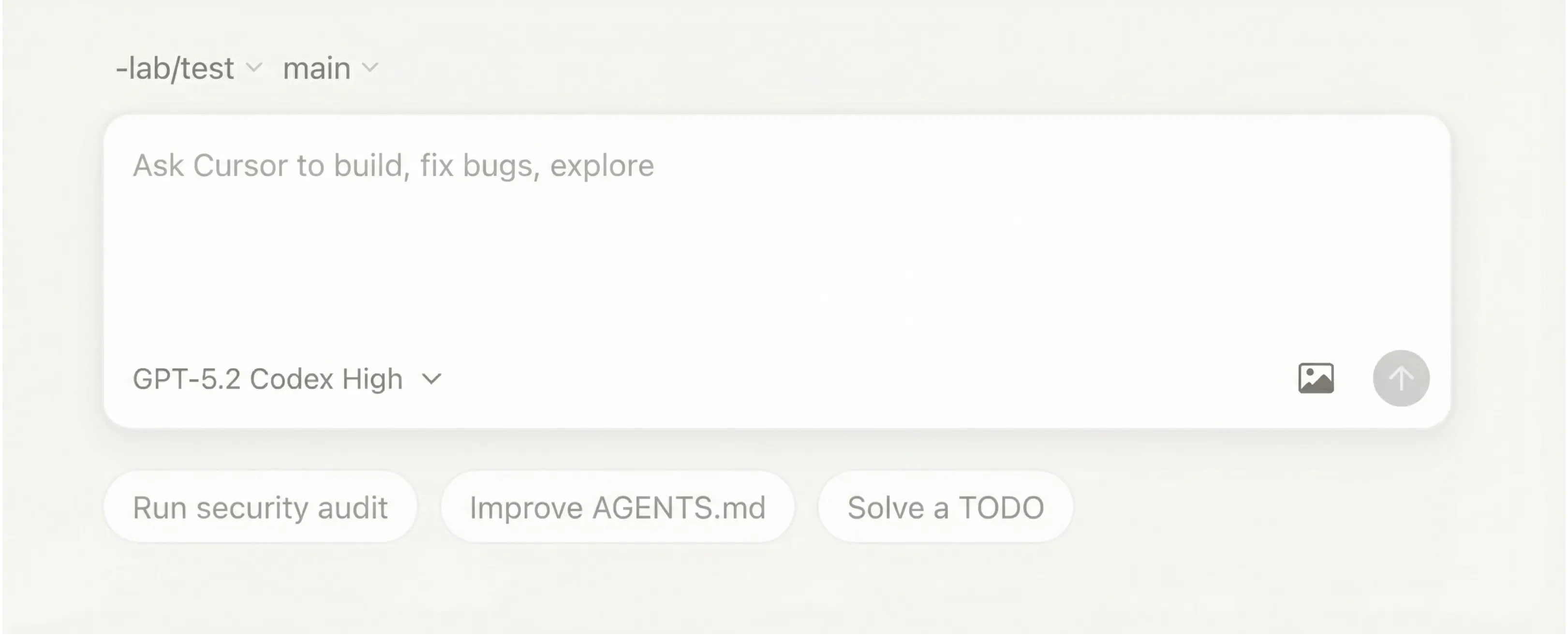
Cursor สร้างขึ้นบนพื้นฐานของ VS Code และได้สถาปนาตัวเองเป็นหนึ่งในโปรแกรมแก้ไขโค้ดที่ขับเคลื่อนด้วย AI ชั้นนำในตลาด มีการผสานรวมเชิงลึกกับ LLM ขนาดใหญ่ ช่วยให้นักพัฒนาสามารถเขียน แก้ไข และดีบักโค้ดได้โดยใช้คำสั่งภาษาธรรมชาติ อินเทอร์เฟซที่คุ้นเคยผสมผสานกับความสามารถ AI อันทรงพลังทำให้มันเป็นที่ชื่นชอบของนักพัฒนาที่ต้องการยกระดับเวิร์กโฟลว์ที่มีอยู่ เครื่องมือนี้โดดเด่นในการปรับโครงสร้างโค้ดที่มีอยู่และมีชุมชนที่แข็งแกร่ง แม้ผู้ใช้บางคนจะรายงานถึงคุณภาพ AI ที่ไม่สม่ำเสมอและปัญหาประสิทธิภาพกับโปรเจกต์ขนาดใหญ่ สำหรับนักพัฒนาที่คุ้นเคยกับ VS Code อยู่แล้ว เส้นโค้งการเรียนรู้นั้นต่ำมาก แต่การจะเชี่ยวชาญฟีเจอร์ขั้นสูงต้องใช้เวลา
ฟีเจอร์หลัก
•การเติมและสร้างโค้ดที่ขับเคลื่อนด้วย AI
•แชทแบบอินไลน์สำหรับถามคำถามเกี่ยวกับโค้ดเบสของคุณ
•ตรวจจับและแก้ไขบั๊กอัตโนมัติ
•รองรับภาษาโปรแกรมหลายภาษา
•Background Agent สำหรับการทำงานแบบอัตโนมัติ
ข้อดี & ข้อเสีย
ข้อดี | ข้อเสีย |
อินเทอร์เฟซ VS Code ที่คุ้นเคย | คุณภาพ AI ไม่สม่ำเสมอ |
ยอดเยี่ยมสำหรับการ refactor โค้ดที่มีอยู่ | มีปัญหาด้านประสิทธิภาพกับโปรเจกต์ขนาดใหญ่ |
ชุมชนและเอกสารที่แข็งแกร่ง | เส้นโค้งการเรียนรู้ที่ชันสำหรับฟีเจอร์ขั้นสูง |
ราคา
มีแพ็กเกจฟรีพร้อมคำขอ AI แบบจำกัดให้สำหรับผู้ที่ต้องการทดลองใช้งาน แพ็กเกจ Pro มีราคา $20 ต่อเดือน รวมถึงขีดจำกัดที่ขยายเพิ่มสำหรับ Agent และการเติมข้อความในแท็บแบบไม่จำกัด นอกจากนี้ยังมีแพ็กเกจสำหรับธุรกิจและองค์กรพร้อมฟีเจอร์เพิ่มเติมสำหรับทีม
เหมาะกับใครมากที่สุด?
นักพัฒนาที่ต้องการเสริมพลังให้กับเวิร์กโฟลว์ที่มีอยู่จะพบว่าเครื่องมือนี้เหมาะสมอย่างยิ่ง มันโดดเด่นในการช่วยให้นักเขียนโค้ดที่มีประสบการณ์เขียนโค้ดที่ดีขึ้นได้เร็วขึ้น แต่อาจไม่ใช่ตัวเลือกที่ดีที่สุดสำหรับมือใหม่โดยสมบูรณ์
#2: Replit – แพลตฟอร์มพัฒนาแบบครบวงจรที่ดีที่สุด
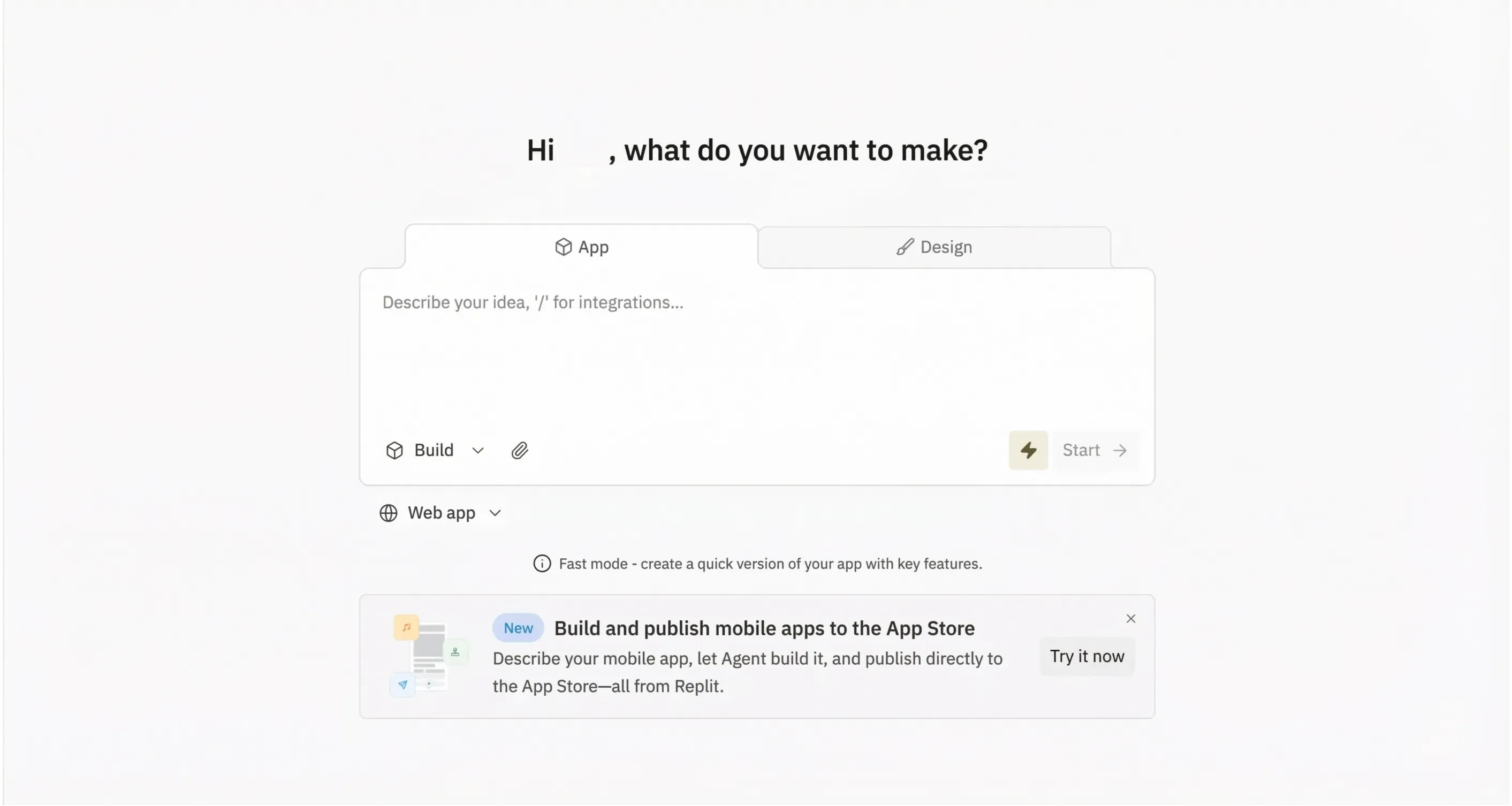
Replit ผสมผสานผู้ช่วยเขียนโค้ด AI เข้ากับสภาพแวดล้อมการพัฒนาที่สมบูรณ์ ทำให้โดดเด่นในฐานะหนึ่งในแพลตฟอร์ม vibe coding ที่ครอบคลุมที่สุดที่มีอยู่ ผู้ใช้สามารถไปจากแนวคิดสู่แอปพลิเคชันที่ถูก deploy ได้โดยไม่ต้องออกจากเบราว์เซอร์ ทำให้เป็นเครื่องมือที่ทรงพลังสำหรับการสร้างต้นแบบอย่างรวดเร็วและโปรเจกต์ที่ทำงานร่วมกัน AI Agent ของแพลตฟอร์มสามารถวางแผนและสร้างแอปพลิเคชันทั้งหมดได้แบบอัตโนมัติ ในขณะที่โฮสติ้งในตัวช่วยขจัดความจำเป็นในการใช้บริการ deploy ภายนอก ลักษณะแบบครบวงจรหมายความว่าไม่ต้องตั้งค่าในเครื่อง แต่ความสะดวกนี้แลกมากับการควบคุมโครงสร้างพื้นฐานที่น้อยลงและคอขวดด้านประสิทธิภาพที่อาจเกิดขึ้นสำหรับแอปพลิเคชันที่ใช้ทรัพยากรมาก
คุณสมบัติหลัก
•AI Agent ที่วางแผนและสร้างแอปพลิเคชันทั้งหมด
•ตัวแก้ไขโค้ด เทอร์มินัล และฐานข้อมูลในตัว
•ปรับใช้สู่โปรดักชันได้ด้วยคลิกเดียว
•ฟีเจอร์การทำงานร่วมกันสำหรับโปรเจกต์ทีม
•แอปมือถือสำหรับการเขียนโค้ดในระหว่างเดินทาง
ข้อดีและข้อเสีย
ข้อดี | ข้อเสีย |
สภาพแวดล้อมการพัฒนาที่ครบครัน | อาจมีค่าใช้จ่ายสูงเมื่อใช้งานหนัก |
ไม่ต้องตั้งค่าในเครื่องท้องถิ่น | ควบคุมโครงสร้างพื้นฐานได้น้อยลง |
เหมาะสำหรับการเรียนรู้และการสร้างต้นแบบ | ผู้ใช้บางรายรายงานว่าประสิทธิภาพช้า |
ราคา
ระดับฟรีสำหรับโปรเจกต์พื้นฐานทำให้เริ่มต้นใช้งานได้ง่าย แผน Replit Core เริ่มต้นที่ 20 ดอลลาร์ต่อเดือน (เรียกเก็บรายปี) และรวม 25 ดอลลาร์ของเครดิตรายเดือนสำหรับทรัพยากร AI และการประมวลผล
เหมาะกับใครมากที่สุด?
ผู้ที่ต้องการโซลูชันแบบครบวงจรโดยไม่ต้องจัดการโครงสร้างพื้นฐานของตนเองจะหลงรักแพลตฟอร์มนี้ นอกจากนี้ยังเหมาะอย่างยิ่งสำหรับนักการศึกษาและนักเรียนที่กำลังมองหาประสบการณ์การพัฒนาที่กระชับ
#3: Lovable – ดีที่สุดสำหรับการสร้างเว็บแอปพลิเคชันที่สวยงาม
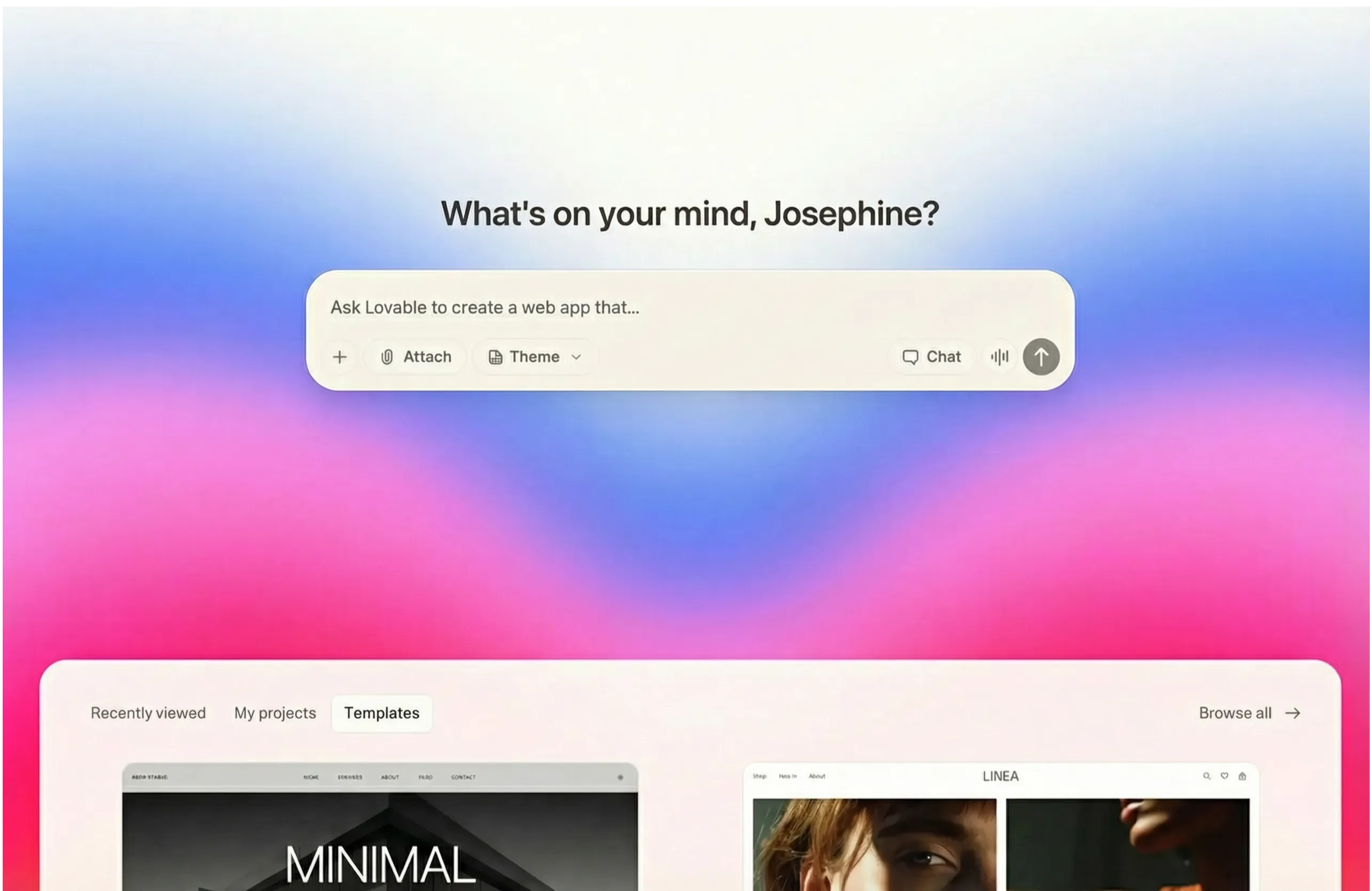
เมื่อพูดถึงการสร้างเว็บแอปพลิเคชันที่สวยงามตระการตา มีเครื่องมือเพียงไม่กี่ตัวที่เทียบเคียงกับสิ่งที่ Lovable มอบให้ การมุ่งเน้นที่คุณภาพการออกแบบทำให้แตกต่างจากเครื่องมือที่เน้นนักพัฒนามากกว่า ทำให้เป็นตัวเลือกที่ยอดเยี่ยมสำหรับผู้ที่ให้ความสำคัญกับสุนทรียศาสตร์ แพลตฟอร์มนี้สร้าง UI ที่ทันสมัยและประณีตตั้งแต่เริ่มต้น พร้อมอินเทอร์เฟซที่ใช้งานง่ายซึ่งช่วยให้ปรับเปลี่ยนการออกแบบได้อย่างรวดเร็ว การผสานรวมกับ Supabase ให้ฟังก์ชันการทำงานของแบ็กเอนด์ แม้ว่าความสามารถด้านแบ็กเอนด์ที่จำกัดของแพลตฟอร์มและความยากลำบากในการจัดการกับตรรกะทางธุรกิจที่ซับซ้อนหมายความว่าเหมาะที่สุดสำหรับโปรเจกต์ที่เน้นด้านหน้าและต้นแบบ มากกว่าแอปพลิเคชันระดับองค์กรที่ซับซ้อน
ฟีเจอร์หลัก
•UI ที่สร้างโดย AI พร้อมสุนทรียศาสตร์การออกแบบที่ทันสมัย
•การผสานรวมกับ Supabase สำหรับฟังก์ชันแบ็กเอนด์
•การแสดงตัวอย่างแอปพลิเคชันที่สร้างขึ้นแบบเรียลไทม์
•ส่งออกไปยังเฟรมเวิร์กยอดนิยมได้ง่าย
•ฟีเจอร์การแก้ไขร่วมกัน
ข้อดีและข้อเสีย
ข้อดี | ข้อเสีย |
สร้างดีไซน์สมัยใหม่ที่สวยงาม | ความสามารถด้านแบ็กเอนด์มีจำกัด |
อินเทอร์เฟซใช้งานง่าย | อาจมีปัญหากับตรรกะที่ซับซ้อน |
ปรับเปลี่ยน UI ได้อย่างรวดเร็ว | ราคาอาจสูงขึ้นอย่างรวดเร็ว |
ราคา
เริ่มต้นใช้งานได้ง่ายด้วยแพ็กเกจฟรีที่มีจำนวนการสร้างจำกัด แพ็กเกจแบบเสียเงินเริ่มต้นที่ $25 ต่อเดือนสำหรับ 100 เครดิตและฟีเจอร์เพิ่มเติม โดยมีตัวเลือกสำหรับธุรกิจและองค์กรให้เลือกใช้
เหมาะกับใครมากที่สุด?
นักออกแบบ ผู้จัดการผลิตภัณฑ์ และผู้ประกอบการที่ให้ความสำคัญกับความสวยงามจะพบว่าเครื่องมือนี้มีคุณค่าอย่างยิ่งในการสร้างต้นแบบที่ดูเนียนและสมบูรณ์ได้อย่างรวดเร็ว
#4: Bolt.new – เหมาะที่สุดสำหรับการสร้างต้นแบบอย่างรวดเร็ว
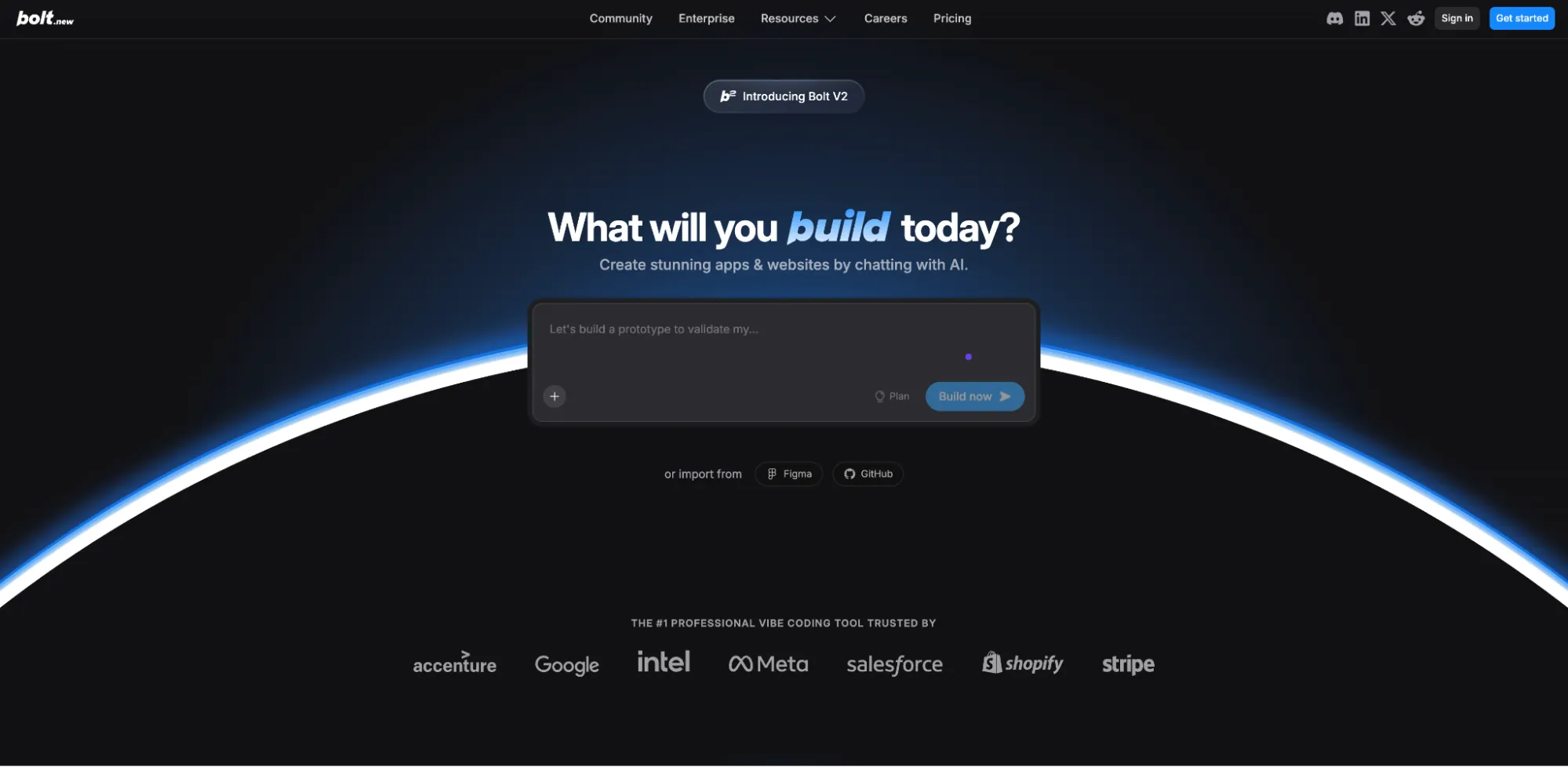
สำหรับนักพัฒนาที่ต้องการสร้างต้นแบบไอเดียอย่างรวดเร็ว Bolt.new ได้กลายเป็นตัวเลือกอันดับต้น ๆ ความเร็วและความยืดหยุ่นของมันทำให้เหมาะอย่างยิ่งสำหรับการทดสอบแนวคิดก่อนที่จะลงทุนสร้างเต็มรูปแบบ ช่วยให้สามารถทำซ้ำและทดลองได้อย่างรวดเร็วในหลายเฟรมเวิร์ก แพลตฟอร์มรองรับ React, Vue, Svelte และอื่น ๆ ทำให้นักพัฒนามีความยืดหยุ่นในการเลือก tech stack แม้จะดีเยี่ยมสำหรับการทดลองอย่างรวดเร็วและต้นแบบที่ใช้แล้วทิ้ง แต่โค้ดที่สร้างขึ้นอาจยุ่งเหยิงและไม่สม่ำเสมอ ทำให้ไม่เหมาะกับแอปพลิเคชันที่ใช้งานจริงโดยไม่มีการทำความสะอาดและปรับโครงสร้างใหม่อย่างมาก
ฟีเจอร์หลัก
•การสร้างโค้ดที่รวดเร็วอย่างยิ่ง
•รองรับเฟรมเวิร์กหลายตัว (React, Vue, Svelte)
•สภาพแวดล้อมการพัฒนาในเบราว์เซอร์
•แชร์ต้นแบบได้ง่าย
•ผสานรวมกับเครื่องมือออกแบบยอดนิยม
ข้อดีและข้อเสีย
ข้อดี | ข้อเสีย |
รอบการพัฒนาที่รวดเร็วมาก | โค้ดที่สร้างขึ้นอาจไม่เป็นระเบียบ |
รองรับเฟรมเวิร์กหลายตัว | คุณภาพอาจไม่สม่ำเสมอ |
เหมาะสำหรับการทดลองอย่างรวดเร็ว | ความสามารถในการดีบักจำกัด |
ราคา
มีแพ็กเกจฟรีพร้อมขีดจำกัด tokens รายวันสำหรับผู้ใช้ทั่วไป แพ็กเกจ Pro เริ่มต้นที่ 25 ดอลลาร์ต่อเดือนสำหรับ tokens เพิ่มเติมและฟีเจอร์ต่าง ๆ เช่น โดเมนที่กำหนดเองและไม่มีการแสดงแบรนด์
เหมาะสำหรับใคร?
นักพัฒนาและนักออกแบบที่ต้องการทดสอบไอเดียอย่างรวดเร็วและสร้างต้นแบบแบบใช้แล้วทิ้งจะได้รับประโยชน์สูงสุดจากเครื่องมือนี้ ไม่เหมาะกับแอปพลิเคชันที่ใช้งานจริงในระดับ production
#5: v0 โดย Vercel – ดีที่สุดสำหรับการสร้างคอมโพเนนต์ UI
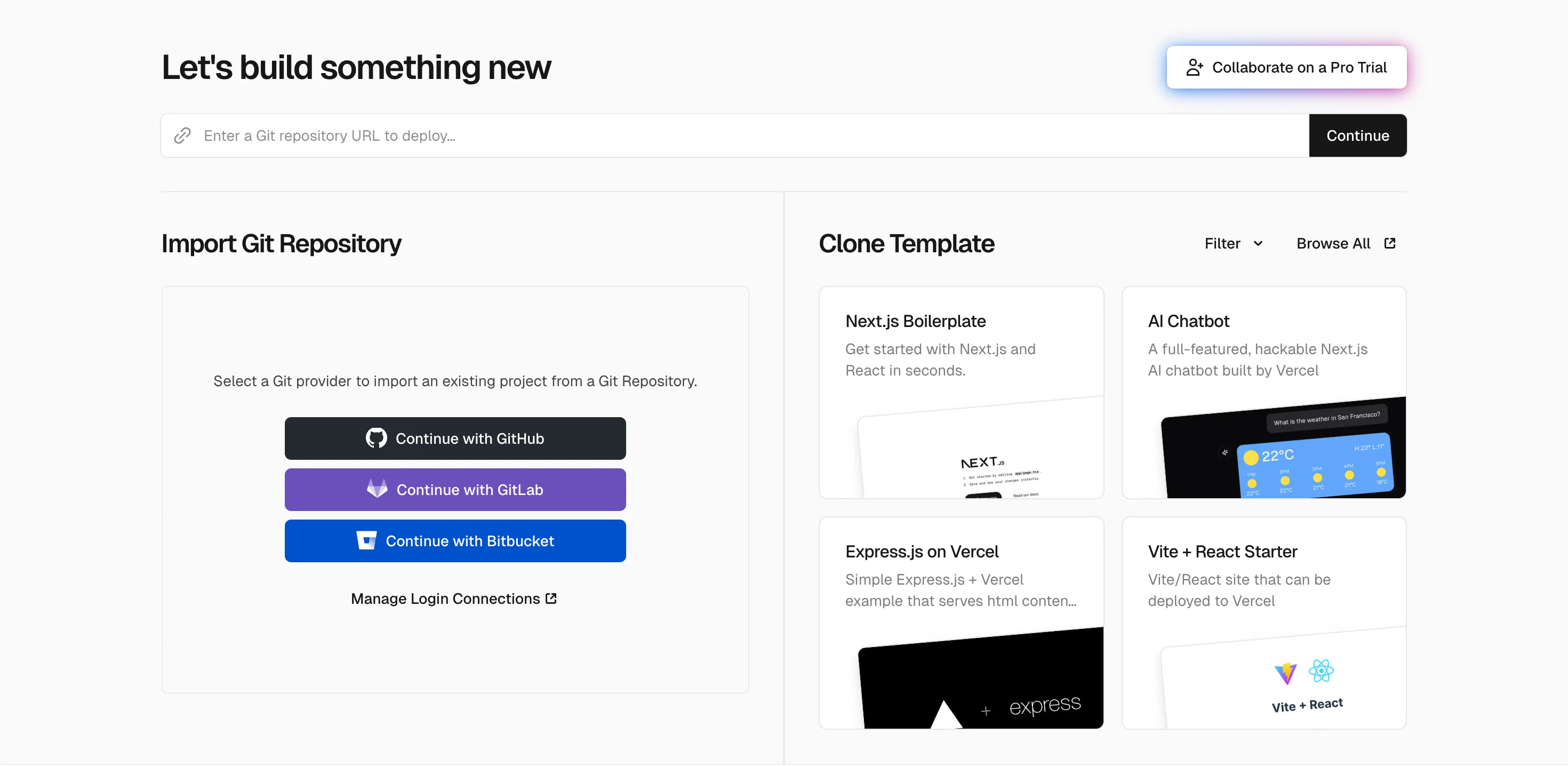
สร้างโดยทีมงานเบื้องหลัง Next.js โดย v0 มีความเชี่ยวชาญในการสร้างคอมโพเนนต์ UI คุณภาพสูงที่ผสานรวมเข้ากับเฟรมเวิร์กที่ใช้ React ได้อย่างไร้รอยต่อ เป็นเครื่องมือที่ทรงพลังสำหรับนักพัฒนาฟรอนต์เอนด์ที่ต้องการเร่งเวิร์กโฟลว์โดยไม่ลดทอนคุณภาพของโค้ด แพลตฟอร์มนี้ใช้ shadcn/ui เพื่อให้สไตล์มีความสอดคล้องกัน สร้างโค้ดที่สะอาดและบำรุงรักษาได้ง่ายซึ่งนักพัฒนาสามารถปรับแต่งได้สะดวก คุณภาพของคอมโพเนนต์ที่ยอดเยี่ยมและการผสานรวมกับ Vercel ที่ราบรื่นเป็นจุดเด่นที่สำคัญ แต่การมุ่งเน้นแคบ ๆ ที่คอมโพเนนต์ UI และการพึ่งพาระบบนิเวศของ React/Next.js ทำให้เป็นเครื่องมือเฉพาะทางมากกว่าจะเป็นโซลูชันสำหรับใช้งานทั่วไป
ฟีเจอร์หลัก
•สร้างคอมโพเนนต์ React ที่พร้อมใช้งานจริง
•ใช้ shadcn/ui เพื่อรูปแบบการจัดสไตล์ที่สอดคล้องกัน
•ผสานรวมกับโปรเจกต์ที่มีอยู่ได้อย่างง่ายดาย
•ปรับแต่งซ้ำผ่านการสนทนา
•ปรับใช้โดยตรงไปยัง Vercel
ข้อดีและข้อเสีย
ข้อดี | ข้อเสีย |
คุณภาพคอมโพเนนต์ยอดเยี่ยม | เน้นที่ UI เป็นหลัก ไม่ใช่แอปแบบเต็ม |
การผสานรวมกับ Vercel ที่ราบรื่น | ต้องมีความรู้เกี่ยวกับ React/Next.js |
โค้ดที่สะอาดและบำรุงรักษาง่าย | แผนฟรีมีข้อจำกัด |
ราคา
แผนฟรีมาพร้อมเครดิตรายเดือนมูลค่า $5 เพื่อเริ่มต้นใช้งาน แผนพรีเมียมเริ่มต้นที่ $20 ต่อเดือนและรวมเครดิตรายเดือนมูลค่า $20 พร้อมเครดิตจากการเข้าสู่ระบบรายวัน
เหมาะกับใครมากที่สุด?
นักพัฒนา front-end ที่ทำงานกับ React และ Next.js ซึ่งต้องการเร่งเวิร์กโฟลว์การพัฒนา UI จะพบว่าเครื่องมือนี้เหมาะอย่างยิ่งกับความต้องการของพวกเขา
#6: Windsurf – ดีที่สุดสำหรับโปรเจกต์ขนาดใหญ่
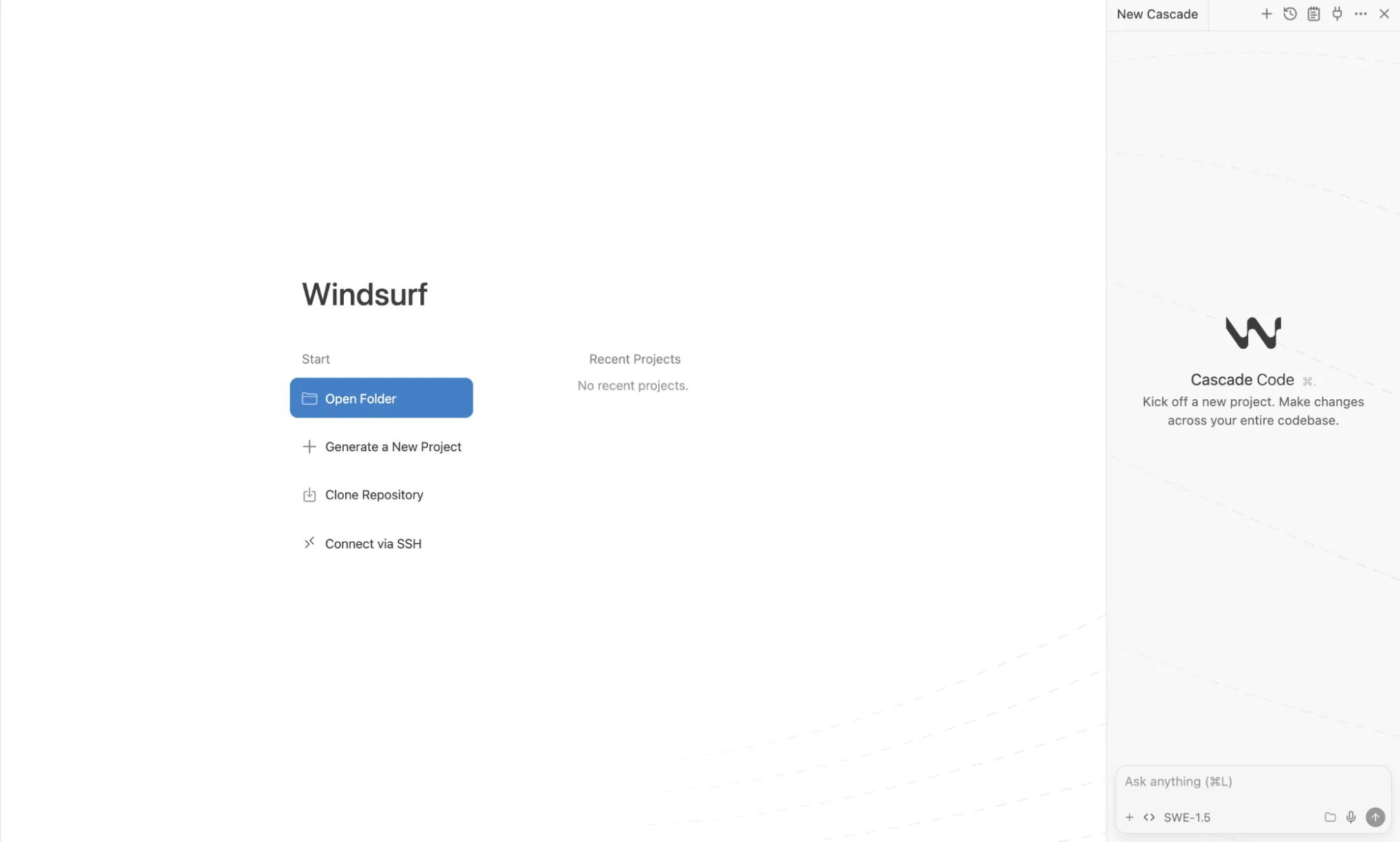
เมื่อพูดถึง vibe coding ระดับองค์กร Windsurf วางตำแหน่งตัวเองเป็นโซลูชันสำหรับทีมที่ทำงานกับแอปพลิเคชันที่ซับซ้อนและมีขนาดใหญ่ ความเข้าใจโค้ดเบสอย่างลึกซึ้งและคุณสมบัติการทำงานร่วมกันทำให้เป็นตัวเลือกที่ทรงพลังสำหรับทีมพัฒนามืออาชีพที่จัดการโปรเจกต์หลายไฟล์ แพลตฟอร์มนี้นำเสนอความสามารถในการตรวจสอบโค้ดขั้นสูงและคุณสมบัติด้านความปลอดภัยระดับองค์กรที่เครื่องมือขนาดเล็กไม่มี แม้ว่าจะโดดเด่นในโปรเจกต์ที่ซับซ้อนและมีหลายไฟล์ และมีคุณสมบัติระดับองค์กรที่แข็งแกร่ง แต่เส้นโค้งการเรียนรู้ที่ชันกว่าและความเป็นไปได้ที่จะมีค่าใช้จ่ายสูงเมื่อใช้งานหนักทำให้เกินความจำเป็นสำหรับโปรเจกต์ขนาดเล็กหรือนักพัฒนารายบุคคล
คุณสมบัติหลัก
•ความเข้าใจโค้ดเบสอย่างลึกซึ้งในโปรเจกต์ขนาดใหญ่
•ฟีเจอร์การทำงานร่วมกันเป็นทีม
•ความสามารถในการตรวจสอบโค้ดขั้นสูง
•ความปลอดภัยและการปฏิบัติตามข้อกำหนดระดับองค์กร
•ตัวเลือกการปรับแต่งโมเดลแบบกำหนดเอง
ข้อดีและข้อเสีย
ข้อดี | ข้อเสีย |
ยอดเยี่ยมสำหรับโปรเจกต์ที่ซับซ้อนและมีหลายไฟล์ | เส้นโค้งการเรียนรู้ที่ชันกว่า |
ฟีเจอร์ระดับองค์กรที่แข็งแกร่ง | อาจมีค่าใช้จ่ายสูงสำหรับการใช้งานหนัก |
เหมาะสำหรับเวิร์กโฟลว์ของทีม | อาจมากเกินไปสำหรับโปรเจกต์ง่ายๆ |
ราคา
แผนฟรีที่มี 25 เครดิตต่อเดือนช่วยให้ทีมประเมินแพลตฟอร์มได้ แผนแบบชำระเงินเริ่มต้นที่ $15 ต่อเดือนสำหรับ 500 เครดิตและการเข้าถึงโมเดลระดับพรีเมียม พร้อมราคาระดับองค์กรแบบกำหนดเองที่พร้อมให้บริการ
เหมาะที่สุดสำหรับใคร?
ทีมพัฒนาในบริษัทที่ต้องการเครื่องมือที่แข็งแกร่งสำหรับโค้ดเบสขนาดใหญ่และซับซ้อนจะได้รับประโยชน์สูงสุดจากแพลตฟอร์มนี้
#7: Claude Code – ดีที่สุดสำหรับการใช้เหตุผลที่ซับซ้อนและการแก้ปัญหา
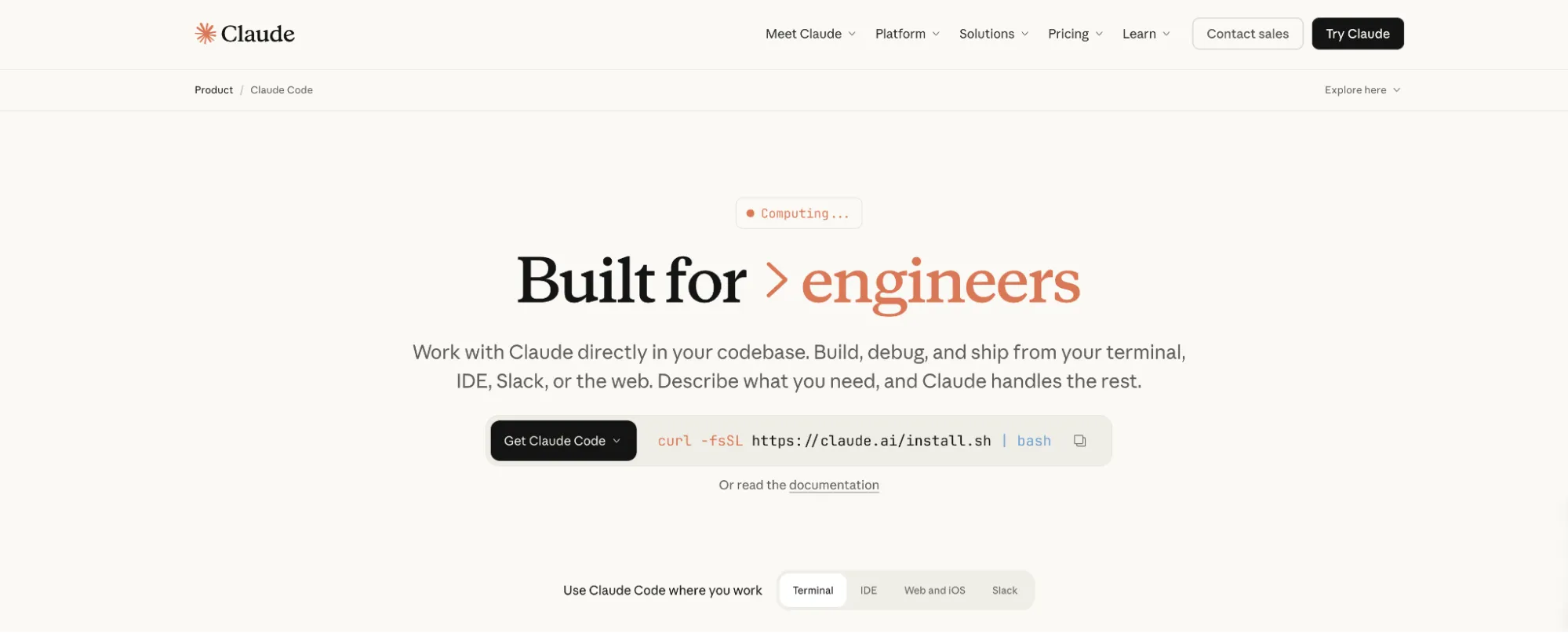
เครื่องมือนี้จาก Anthropic นำความสามารถในการใช้เหตุผลของ Claude มาสู่การพัฒนาซอฟต์แวร์ โดยโดดเด่นในงานที่ต้องการความเข้าใจเชิงลึกและการแก้ปัญหาที่ซับซ้อน อินเทอร์เฟซแบบเทอร์มินัลและหน้าต่างบริบทขนาดใหญ่ทำให้เป็นเครื่องมือที่ทรงพลังสำหรับนักพัฒนาที่มีประสบการณ์ซึ่งชื่นชอบเวิร์กโฟลว์แบบคอมมานด์ไลน์ เครื่องมือนี้ใช้ประโยชน์จากโมเดลล่าสุดของ Anthropic ในการจัดการกับการดีบัก การรีแฟกเตอร์ และการตัดสินใจเชิงสถาปัตยกรรมด้วยความแม่นยำที่น่าประทับใจ การใช้เหตุผลที่ทรงพลังและการควบคุมที่เน้นนักพัฒนานั้นสมดุลกับความจำเป็นในการใช้ CLI อย่างคล่องตัวและศักยภาพในการมีค่าใช้จ่าย API ที่สูง ทำให้เป็นเครื่องมือสำหรับโค้ดเดอร์มืออาชีพมากกว่าผู้เริ่มต้น
คุณสมบัติเด่น
•การใช้เหตุผลขั้นสูงสำหรับงานเขียนโค้ดที่ซับซ้อน
•หน้าต่างบริบทขนาดใหญ่สำหรับทำความเข้าใจ codebase ขนาดใหญ่
•อินเทอร์เฟซแบบ terminal สำหรับผู้ใช้ระดับสูง
•ประสิทธิภาพที่ยอดเยี่ยมในการดีบักและรีแฟกเตอร์
•การผสานรวมกับ IDE ยอดนิยม
ข้อดีและข้อเสีย
ข้อดี | ข้อเสีย |
ความสามารถในการให้เหตุผลที่ทรงพลัง | ต้องคุ้นเคยกับ CLI |
ใช้ terminal เพื่อให้นักพัฒนาควบคุมได้ | ค่าใช้จ่าย API อาจสะสมมากขึ้น |
เข้าถึงโมเดลล่าสุดของ Anthropic | ไม่มีอินเทอร์เฟซแบบภาพ |
ราคา
สามารถเข้าถึงได้ผ่านการสมัครสมาชิก Claude Pro ซึ่งมีค่าใช้จ่าย $20 ต่อเดือน ($17/เดือน เมื่อชำระแบบรายปี) นอกจากนี้ยังสามารถเข้าถึงได้ผ่าน Anthropic API ด้วยราคาตามการใช้งาน
เหมาะที่สุดสำหรับใคร?
นักพัฒนาที่มีประสบการณ์ซึ่งต้องรับมือกับปัญหาที่ซับซ้อนและต้องใช้การให้เหตุผลและการวิเคราะห์เชิงลึกจะพบว่าเครื่องมือนี้ขาดไม่ได้
#8: Manus – ดีที่สุดสำหรับระบบอัตโนมัติของเวิร์กโฟลว์แบบอิสระ

คุณสมบัติหลัก
•การดำเนินงานอิสระจากพรอมต์เดียว
• 广泛研究 เพื่อรวบรวมข้อมูลแบบขนาน
•สามารถสร้างและปรับใช้ แอปพลิเคชันเว็บและมือถือที่สมบูรณ์
•การสร้างงานนำเสนออัตโนมัติ และการสร้างรายงาน
•การทำงานอัตโนมัติของเบราว์เซอร์ สำหรับเวิร์กโฟลว์บนเว็บ
ข้อดี & ข้อเสีย
ข้อดี | ข้อเสีย |
Agent อัตโนมัติแบบครบวงจร | 积分อาจถูกใช้ไปอย่างรวดเร็ว |
มีการค้นคว้าวิจัยและการท่องเว็บในตัว | งานที่ซับซ้อนอาจต้องการคำแนะนำ |
สามารถปรับใช้เว็บไซต์และแอป | ยังคงพัฒนาในฐานะแพลตฟอร์ม |
ราคา
เหมาะที่สุดสำหรับใคร?
ผู้เชี่ยวชาญและทีมที่ต้องการทำให้เวิร์กโฟลว์ที่ซับซ้อนเป็นแบบอัตโนมัติ ดำเนินการวิจัยขนาดใหญ่ หรือสร้างโครงการที่สมบูรณ์โดยมีการแทรกแซงด้วยตนเองน้อยที่สุด จะพบว่านี่คือโซลูชันแบบครบวงจรสำหรับการเปลี่ยนจากแนวคิดไปสู่ผลิตภัณฑ์ที่เสร็จสมบูรณ์
#9: Base44 – ดีที่สุดสำหรับการสร้างแอปแบบไม่ต้องเขียนโค้ด
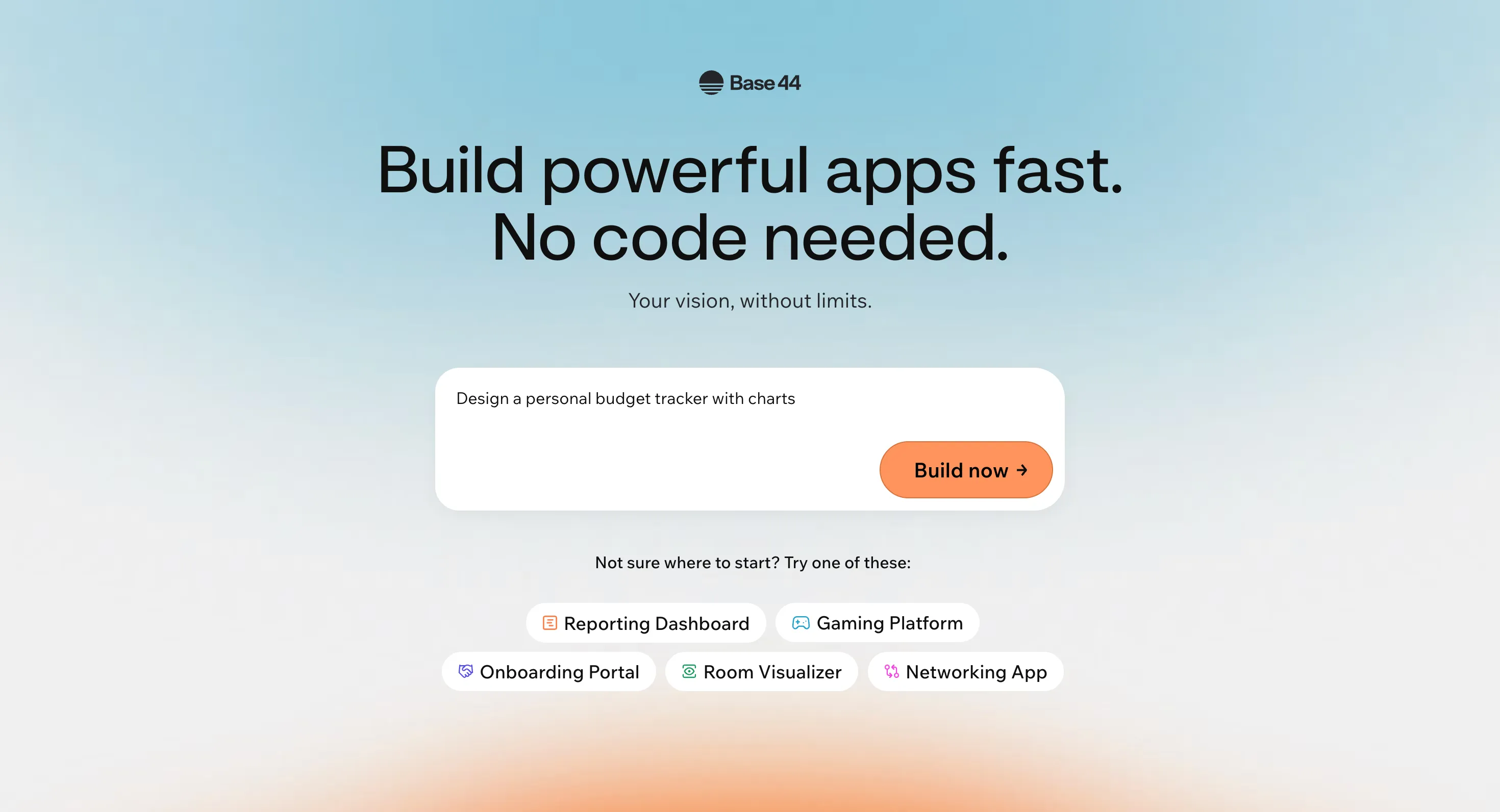
สำหรับผู้ก่อตั้งที่ไม่มีพื้นฐานทางเทคนิคและผู้เริ่มต้นที่ต้องการสร้างแอปพลิเคชันที่ใช้งานได้เต็มรูปแบบ Base44 นำเสนอโซลูชันแบบไม่ต้องเขียนโค้ดที่ขับเคลื่อนด้วย AI ซึ่งใช้เพียงภาษาธรรมชาติ แพลตฟอร์มจัดการกระบวนการ backend และการปรับใช้ทั้งหมดโดยอัตโนมัติ ทำให้ง่ายอย่างเหลือเชื่อในการเปลี่ยนจากแนวคิดไปสู่แอปที่ใช้งานจริงในไม่กี่นาที ผู้ใช้อธิบายแนวคิดแอปของตนเป็นภาษาอังกฤษธรรมดา และแพลตฟอร์มจะสร้างทุกอย่างตั้งแต่ส่วนติดต่อผู้ใช้ไปจนถึงโครงสร้างฐานข้อมูลและระบบการยืนยันตัวตน แม้ว่าจะยอดเยี่ยมสำหรับแอปที่มีความซับซ้อนระดับง่ายถึงปานกลางและ MVP แบบรวดเร็ว แต่ก็ไม่ทรงพลังเท่าแพลตฟอร์มไม่ต้องเขียนโค้ดที่มีชื่อเสียงอย่าง Bubble สำหรับแอปพลิเคชันที่ซับซ้อนสูงพร้อมตรรกะทางธุรกิจที่ซับซ้อน
คุณสมบัติหลัก
•การสร้างแอปที่ขับเคลื่อนด้วย AI จากภาษาธรรมชาติ
•สร้างแบ็กเอนด์และฐานข้อมูลอัตโนมัติ
•โฮสติ้งในตัวและการดีพลอยด้วยคลิกเดียว
•โปรแกรมแก้ไขภาพแบบ Responsive และแดชบอร์ดวิเคราะห์
•การแก้ไขและทำงานร่วมกันแบบหลายผู้ใช้
ข้อดีและข้อเสีย
ข้อดี | ข้อเสีย |
ใช้งานง่ายมากสำหรับผู้เริ่มต้น | ไม่ทรงพลังเท่า Bubble สำหรับแอปที่ซับซ้อน |
สร้างแอปได้รวดเร็วมาก | ระบบเครดิตอาจมีข้อจำกัด |
ไม่ต้องเขียนโค้ด | ควบคุมโค้ดที่สร้างขึ้นได้น้อย |
ราคา
แผนฟรีพร้อมเครดิตข้อความ 25 เครดิตต่อเดือนช่วยให้ผู้ใช้ได้ทดลองก่อนตัดสินใจ แผนแบบชำระเงินเริ่มต้นที่ $20 ต่อเดือน ($16/เดือนเมื่อชำระรายปี) สำหรับเครดิตเพิ่มเติมและฟีเจอร์ต่างๆ เช่น โดเมนแบบกำหนดเองและการแก้ไขโค้ดในแอป
เหมาะกับใครมากที่สุด?
ผู้ก่อตั้งที่ไม่มีพื้นฐานทางเทคนิค ผู้ประกอบการ และผู้ที่เพิ่งเริ่มต้นใช้ vibe coding ที่ต้องการสร้างแอปที่มีความซับซ้อนระดับเริ่มต้นถึงปานกลางโดยไม่ต้องเขียนโค้ดใดๆ จะพบว่าแพลตฟอร์มนี้สมบูรณ์แบบ
#10: Emergent – ดีที่สุดสำหรับการพัฒนาแบบ Agent-Based
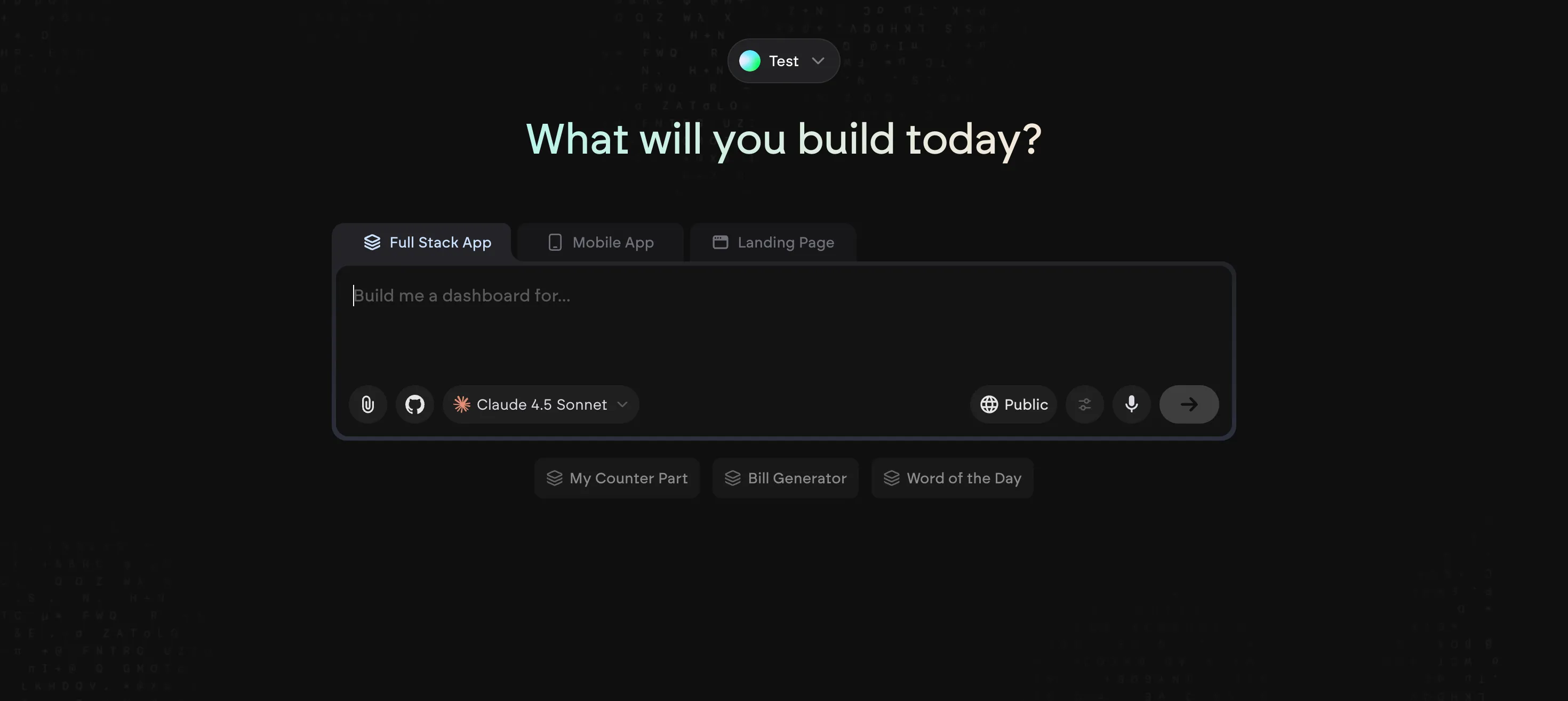
ได้รับการสนับสนุนจาก Y Combinator และเพิ่งได้รับการประเมินมูลค่าที่ $300M หลังจากระดมทุน Series B จำนวน $70M Emergent เป็นแพลตฟอร์ม vibe coding ที่ใช้ทีม AI Agent เฉพาะทางที่ทำงานประสานกันเพื่อออกแบบ เขียนโค้ด และดีพลอยแอปพลิเคชันเว็บและมือถือแบบ full-stack แนวทาง agent-based นี้ช่วยให้สามารถทำงานอัตโนมัติได้ในระดับสูงและผลลัพธ์พร้อมใช้งานจริงที่เทียบเคียงได้กับการพัฒนาแบบดั้งเดิม แพลตฟอร์มนี้โดดเด่นในการสร้างทั้งแอปพลิเคชันเว็บและมือถือผ่านการสนทนาตามธรรมชาติ โดยแต่ละ Agent จะจัดการแง่มุมเฉพาะของกระบวนการพัฒนา แม้ว่าจะมอบประสบการณ์ผู้ใช้ที่ยอดเยี่ยมสำหรับแอปเว็บและความน่าเชื่อถือจากการสนับสนุนของ YC แต่การรองรับแอปมือถือยังคงพัฒนาอยู่และแผน Pro มีราคาสูงกว่าคู่แข่ง
ฟีเจอร์หลัก
•ระบบประสานงานของ AI Agent เฉพาะทาง
•สร้างแอปเว็บและมือถือแบบ full-stack ผ่านการสนทนา
•การพัฒนาแอปที่พร้อมใช้งานจริง
•การผสานรวมกับ GitHub และโฮสติ้งโปรเจกต์ส่วนตัว
•Agent AI ที่ปรับแต่งได้และ context window ขนาด 1M บนแผน Pro
ข้อดีและข้อเสีย
ข้อดี | ข้อเสีย |
แนวทางที่ใช้ Agent เพื่อระบบอัตโนมัติระดับสูง | การรองรับแอปมือถือยังอยู่ในช่วงพัฒนา |
ได้รับการสนับสนุนจาก Y Combinator (น่าเชื่อถือ) | ราคาสูงสำหรับระดับ Pro |
ผลลัพธ์ที่พร้อมใช้งานจริง | แพลตฟอร์มใหม่ ยังไม่เป็นที่ยอมรับมากนัก |
ราคา
มีแผนฟรีพร้อม 10 เครดิตต่อเดือนสำหรับผู้ที่ต้องการสำรวจ แผน Standard เริ่มต้นที่ $20 ต่อเดือน (เรียกเก็บรายปี) สำหรับ 100 เครดิต ในขณะที่แผน Pro มีราคา $200 ต่อเดือน (เรียกเก็บรายปี) สำหรับ 750 เครดิตและฟีเจอร์ขั้นสูง
เหมาะที่สุดสำหรับใคร?
Emergent เหมาะสำหรับครีเอเตอร์และแบรนด์ที่จริงจังซึ่งต้องการใช้ประโยชน์จากแนวทางที่ใช้ Agent ในการสร้างแอปพลิเคชันเว็บและมือถือแบบ full-stack ที่พร้อมใช้งานจริง
วิธีเลือกเครื่องมือ Vibe Coding ที่เหมาะสม
พิจารณาพื้นฐานทางเทคนิคของคุณ
หากคุณมีประสบการณ์ด้านการเขียนโค้ด เครื่องมืออย่าง Cursor และ Claude Code จะให้ความรู้สึกที่เป็นธรรมชาติและให้การควบคุมมากขึ้น หากคุณมีพื้นฐานเทคนิคน้อย Base44, Lovable และ Replit ให้ประสบการณ์แบบ no-code ที่มีคำแนะนำมากกว่า ซึ่งไม่จำเป็นต้องมีความรู้ด้านการเขียนโปรแกรม
กำหนดขอบเขตโปรเจกต์ของคุณ
สำหรับการสร้างต้นแบบอย่างรวดเร็วและการทดลอง UI Bolt.new และ v0 ทำงานได้ยอดเยี่ยมในการทำซ้ำอย่างรวดเร็ว สำหรับแอปพลิเคชันเต็มรูปแบบที่มีความต้องการด้าน backend Replit และ Windsurf ให้โซลูชันที่ครอบคลุมมากกว่า สำหรับการอัตโนมัติโปรเจกต์แบบ end-to-end ที่จัดการทุกอย่างตั้งแต่การวิจัยไปจนถึงการ deploy Manus เป็นตัวเลือกที่มีความสามารถมากที่สุด สำหรับการพัฒนาที่ขับเคลื่อนด้วย agent ของแอป full-stack ที่พร้อมใช้งานจริง Emergent เป็นคู่แข่งที่แข็งแกร่ง
ประเมินงบประมาณของคุณ
แพ็กเกจฟรีเหมาะสำหรับการสำรวจ แต่การใช้งานหนักบนแพลตฟอร์มอย่าง Replit และ Lovable อาจนำไปสู่ค่าใช้จ่ายที่ไม่คาดคิด Manus และ Base44 มีจุดเริ่มต้นที่คาดการณ์ได้ที่ $20/เดือน ในขณะที่เครื่องมือระดับองค์กรอย่าง Windsurf และแผน Emergent Pro ต้องใช้การลงทุนที่มากขึ้นสำหรับฟีเจอร์ขั้นสูง
คำถามที่พบบ่อย (FAQ)
Vibe coding คืออะไร?
Vibe coding คือแนวทางการพัฒนาซอฟต์แวร์ที่คุณใช้คำสั่งภาษาธรรมชาติเพื่ออธิบายผลลัพธ์ที่ต้องการ และเครื่องมือ AI จะสร้างโค้ดและแอปพลิเคชันให้คุณ โดยมุ่งเน้นที่ "vibe" หรือเป้าหมายโดยรวม มากกว่ารายละเอียดการใช้งานเฉพาะ
Vibe coding เป็นอนาคตของการพัฒนาซอฟต์แวร์หรือไม่?
แม้ว่าจะไม่ได้แทนที่การเขียนโค้ดแบบดั้งเดิมโดยสิ้นเชิง แต่ vibe coding กำลังกลายเป็นส่วนสำคัญของเวิร์กโฟลว์การพัฒนาสมัยใหม่ มันโดดเด่นในการเร่งการสร้างต้นแบบ การทำงานซ้ำๆ โดยอัตโนมัติ และทำให้การพัฒนาเข้าถึงได้สำหรับผู้คนในวงกว้างมากขึ้น
ฉันสามารถสร้างแอปพลิเคชันที่พร้อมใช้งานจริงด้วยเครื่องมือเหล่านี้ได้หรือไม่?
ได้ แต่เครื่องมือที่ดีที่สุดขึ้นอยู่กับความต้องการของคุณ Replit, Windsurf, Emergent และ Manus ล้วนสามารถสร้างแอปพลิเคชันที่พร้อมใช้งานจริงได้ ในขณะที่เครื่องมืออย่าง v0 และ Bolt.new เหมาะกับส่วนเฉพาะของกระบวนการพัฒนามากกว่า
เครื่องมือใดดีที่สุดสำหรับผู้เริ่มต้น?
สำหรับผู้เริ่มต้น Base44, Manus และ Lovable มอบประสบการณ์ที่ใช้งานง่ายที่สุด ด้วยอินเทอร์เฟซที่มีคำแนะนำและไม่จำเป็นต้องมีความรู้ทางเทคนิคเชิงลึก Manus ยังมีเส้นโค้งการเรียนรู้ที่ราบรื่นโดยจัดการความซับซ้อนทางเทคนิคให้คุณ
