10 Best Vibe Coding Tools in 2026
Vibe coding has transformed software development by allowing anyone to build applications using natural language prompts instead of traditional code. Coined by  Andrej Karpathy in early 2025, this approach has moved from a novel concept to a mainstream practice, empowering developers and non-developers alike to bring their ideas to life with unprecedented speed. With dozens of tools now competing for attention, choosing the right platform can be overwhelming. This guide breaks down the 10 best vibe coding tools of 2026, comparing their features, pricing, and ideal use cases to help you find the perfect fit for your next project.
Overview of the 10 Best Vibe Coding Tools
Tool | Best For | Starting Price |
Cursor | AI-powered code editing with deep codebase understanding | Free / $20/mo |
Replit | All-in-one development with built-in hosting and deployment | Free / $20/mo |
Lovable | Creating beautiful web app UIs with stunning front-end generation | Free / $25/mo |
Bolt.new | Rapid prototyping with fast iteration across multiple frameworks | Free / $25/mo |
v0 by Vercel | UI component generation with seamless Next.js integration | Free / $20/mo |
Windsurf | Large-scale projects with enterprise-grade code management | Free / $15/mo |
Claude Code | Complex reasoning tasks with advanced problem-solving capabilities | Usage-based |
Manus | Autonomous workflow automation with end-to-end task execution | $20/mo |
Base44 | No-code app building for non-technical founders | Free / $20/mo |
Emergent | Agent-based development for full-stack web and mobile apps | Free / $20/mo |
#1: Cursor – Best for AI-Powered Code Editing

Built on top of VS Code, Cursor has established itself as one of the leading AI-powered code editors in the market. It offers deep integration with large language models, allowing developers to write, edit, and debug code using natural language commands. Its familiar interface combined with powerful AI capabilities makes it a favorite for developers looking to enhance their existing workflows. The tool excels at refactoring existing code and boasts a strong community, though some users report inconsistent AI quality and performance issues with larger projects. For developers already comfortable with VS Code, the learning curve is minimal, but mastering its advanced features takes time.
Key Features
•AI-powered code completion and generation
•In-line chat for asking questions about your codebase
•Automatic bug detection and fixing
•Support for multiple programming languages
•Background Agents for autonomous work
Pros & Cons
Pros | Cons |
Familiar VS Code interface | Inconsistent AI quality |
Excellent for refactoring existing code | Performance issues with large projects |
Strong community and documentation | Steeper learning curve for advanced features |
Pricing
A free tier with limited AI requests is available for those wanting to try it out. The Pro plan costs $20 per month and includes extended limits on its Agent and unlimited tab completions. Business and enterprise plans are also available with additional features for teams.
Who is it Best For?
Developers who want to supercharge their existing workflow will find this tool ideal. It excels at helping experienced coders write better code faster, but may not be the best choice for complete beginners.
#2: Replit – Best All-in-One Development Platform
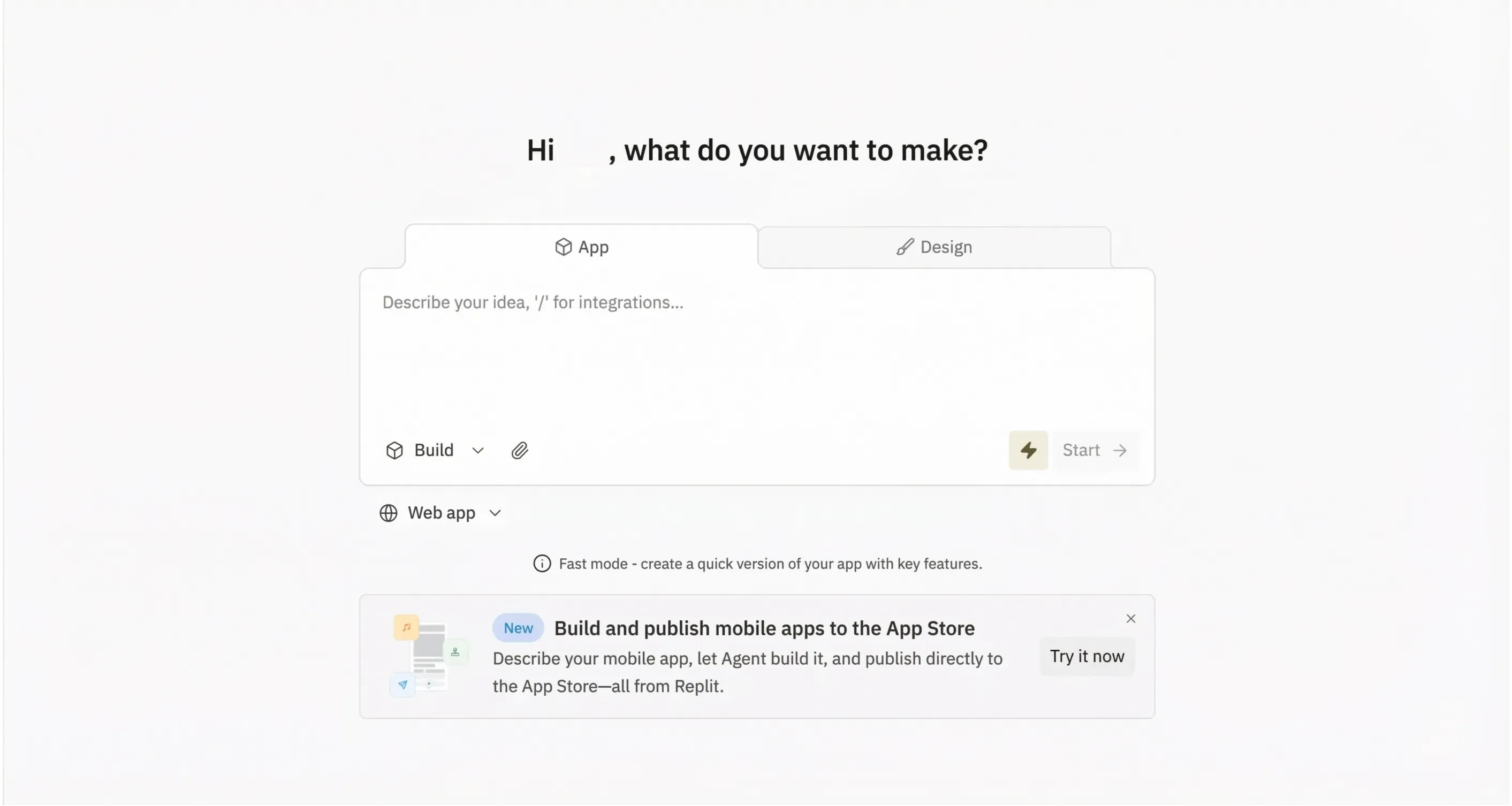
Combining an AI coding assistant with a full development environment, Replit stands out as one of the most comprehensive vibe coding platforms available. Users can go from idea to deployed application without leaving the browser, making it a powerful tool for rapid prototyping and collaborative projects. The platform's AI Agent can plan and build entire applications autonomously, while built-in hosting eliminates the need for external deployment services. Its all-in-one nature means no local setup is required, but this convenience comes at the cost of less control over infrastructure and potential performance bottlenecks for resource-intensive applications.
Key Features
•AI Agent that plans and builds entire applications
•Built-in code editor, terminal, and database
•One-click deployment to production
•Collaboration features for team projects
•Mobile app for coding on the go
Pros & Cons
Pros | Cons |
Complete development environment | Can get expensive with heavy usage |
No local setup required | Less control over infrastructure |
Great for learning and prototyping | Some users report slow performance |
Pricing
A free tier for basic projects makes it easy to get started. The Replit Core plan starts at $20 per month (billed annually) and includes $25 of monthly credits for AI and compute resources.
Who is it Best For?
Those who want an all-in-one solution without managing their own infrastructure will love this platform. It's also excellent for educators and students looking for a streamlined development experience.
#3: Lovable – Best for Creating Beautiful Web Applications
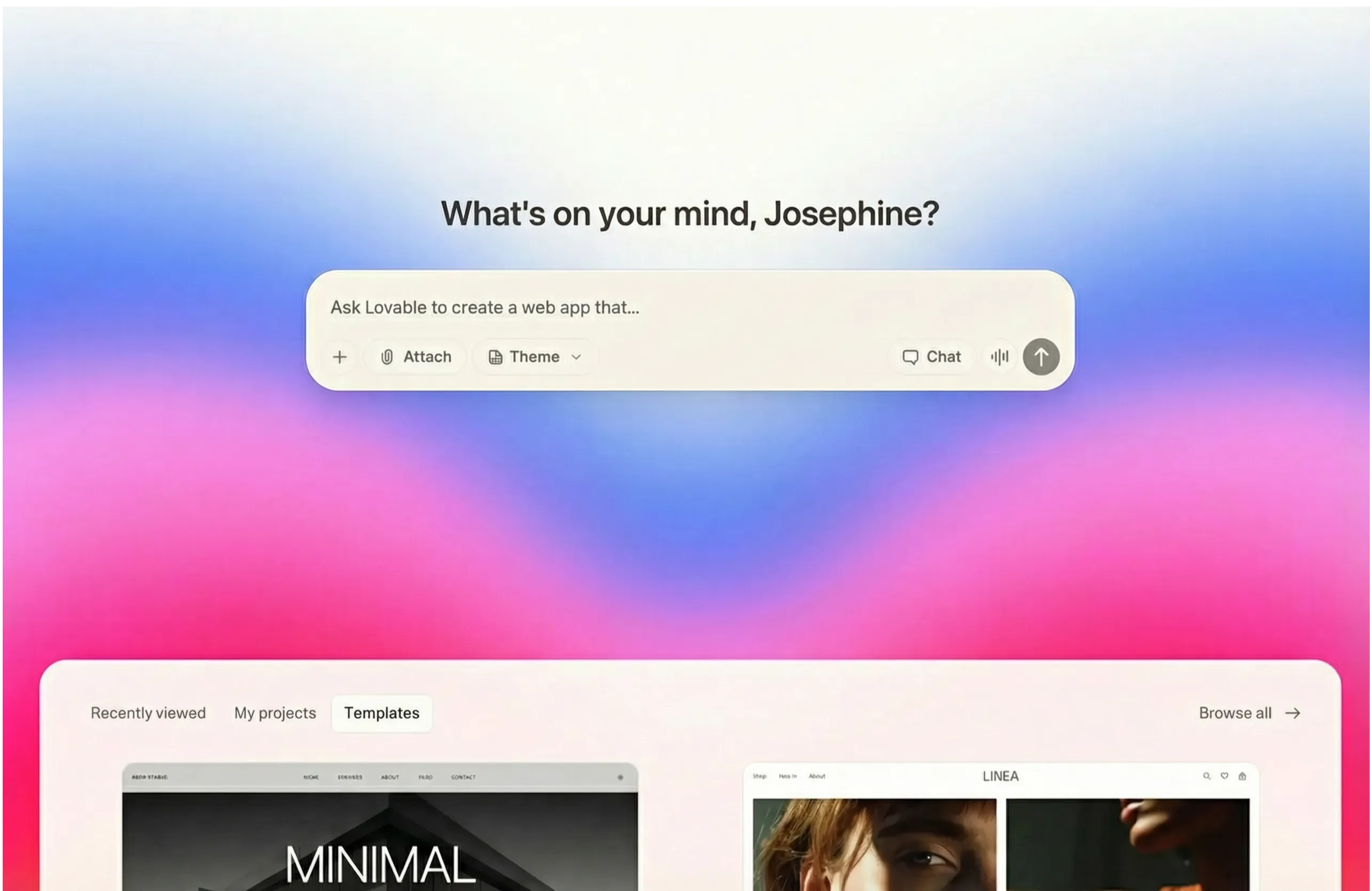
When it comes to generating visually stunning web applications, few tools match what Lovable delivers. Its focus on design quality sets it apart from more developer-centric tools, making it a great choice for those who prioritize aesthetics. The platform produces modern, polished UIs out of the box, with an intuitive interface that allows for fast iteration on design changes. Integration with Supabase provides backend functionality, though the platform's limited backend capabilities and struggles with complex business logic mean it's best suited for front-end focused projects and prototypes rather than complex enterprise applications.
Key Features
•AI-generated UIs with modern design aesthetics
•Integration with Supabase for backend functionality
•Real-time preview of generated applications
•Easy export to popular frameworks
•Collaborative editing features
Pros & Cons
Pros | Cons |
Produces beautiful modern designs | Limited backend capabilities |
Intuitive interface | Can struggle with complex logic |
Fast iteration on UI changes | Pricing can add up quickly |
Pricing
Getting started is easy with a free tier that includes limited generations. Paid plans start at $25 per month for 100 credits and additional features, with business and enterprise options available.
Who is it Best For?
Designers, product managers, and entrepreneurs who prioritize aesthetics will find this tool invaluable for creating polished prototypes quickly.
#4: Bolt.new – Best for Rapid Prototyping
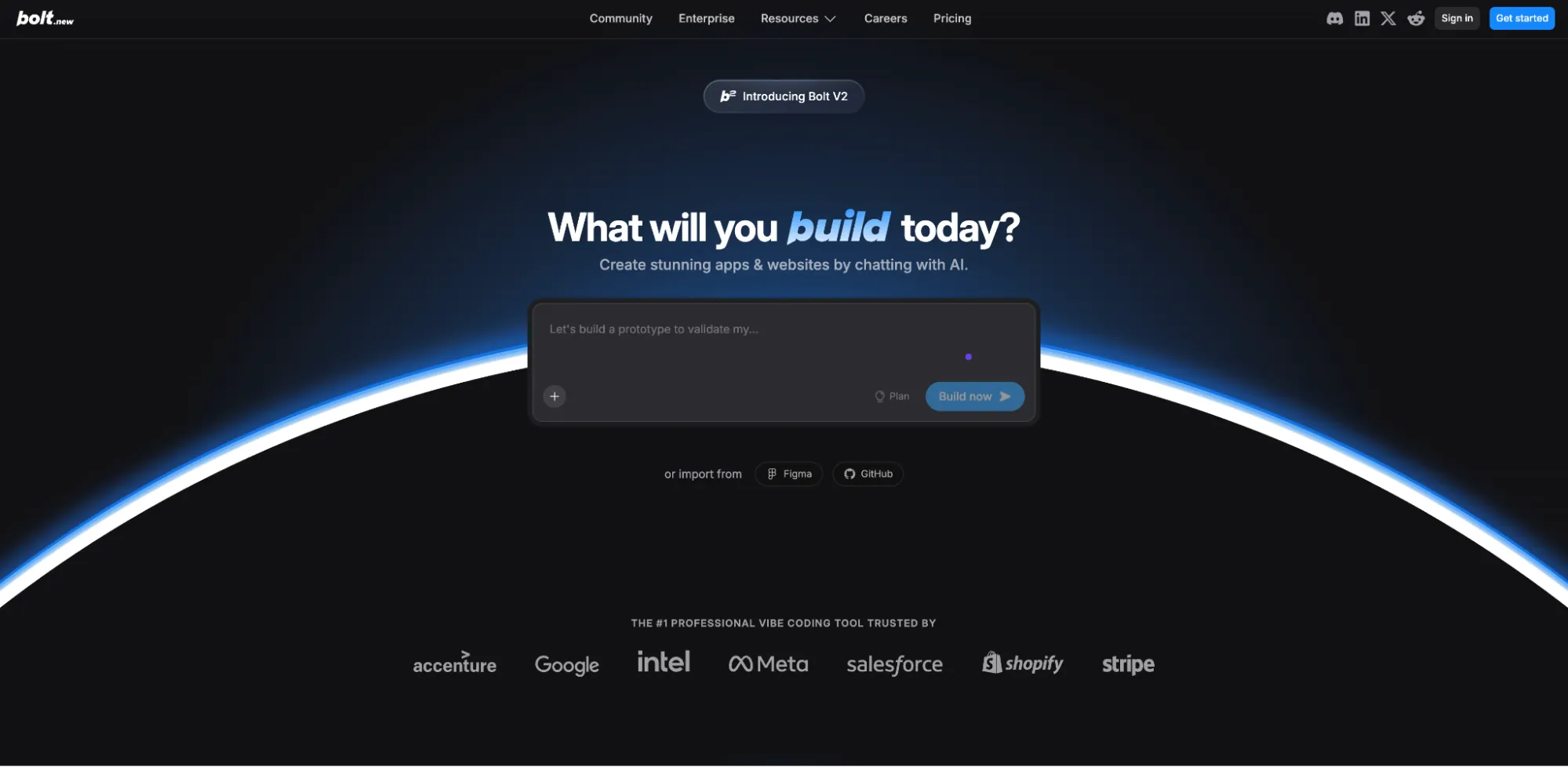
For developers who need to quickly prototype ideas, Bolt.new has become a go-to choice. Its speed and flexibility make it excellent for testing concepts before committing to a full build, allowing for rapid iteration and experimentation across multiple frameworks. The platform supports React, Vue, Svelte, and more, giving developers flexibility in their tech stack choices. While it's great for quick experiments and throwaway prototypes, the generated code can be messy and inconsistent, making it less suitable for production applications without significant cleanup and refactoring.
Key Features
•Extremely fast code generation
•Support for multiple frameworks (React, Vue, Svelte)
•In-browser development environment
•Easy sharing of prototypes
•Integration with popular design tools
Pros & Cons
Pros | Cons |
Very fast iteration cycles | Generated code can be messy |
Supports multiple frameworks | Quality can be inconsistent |
Great for quick experiments | Limited debugging capabilities |
Pricing
There's a free tier with a daily token limit for casual users. Pro plans start at $25 per month for more tokens and features like custom domains and no branding.
Who is it Best For?
Developers and designers who need to quickly test ideas and create throwaway prototypes will get the most value here. It's less suited for production applications.
#5: v0 by Vercel – Best for UI Component Generation
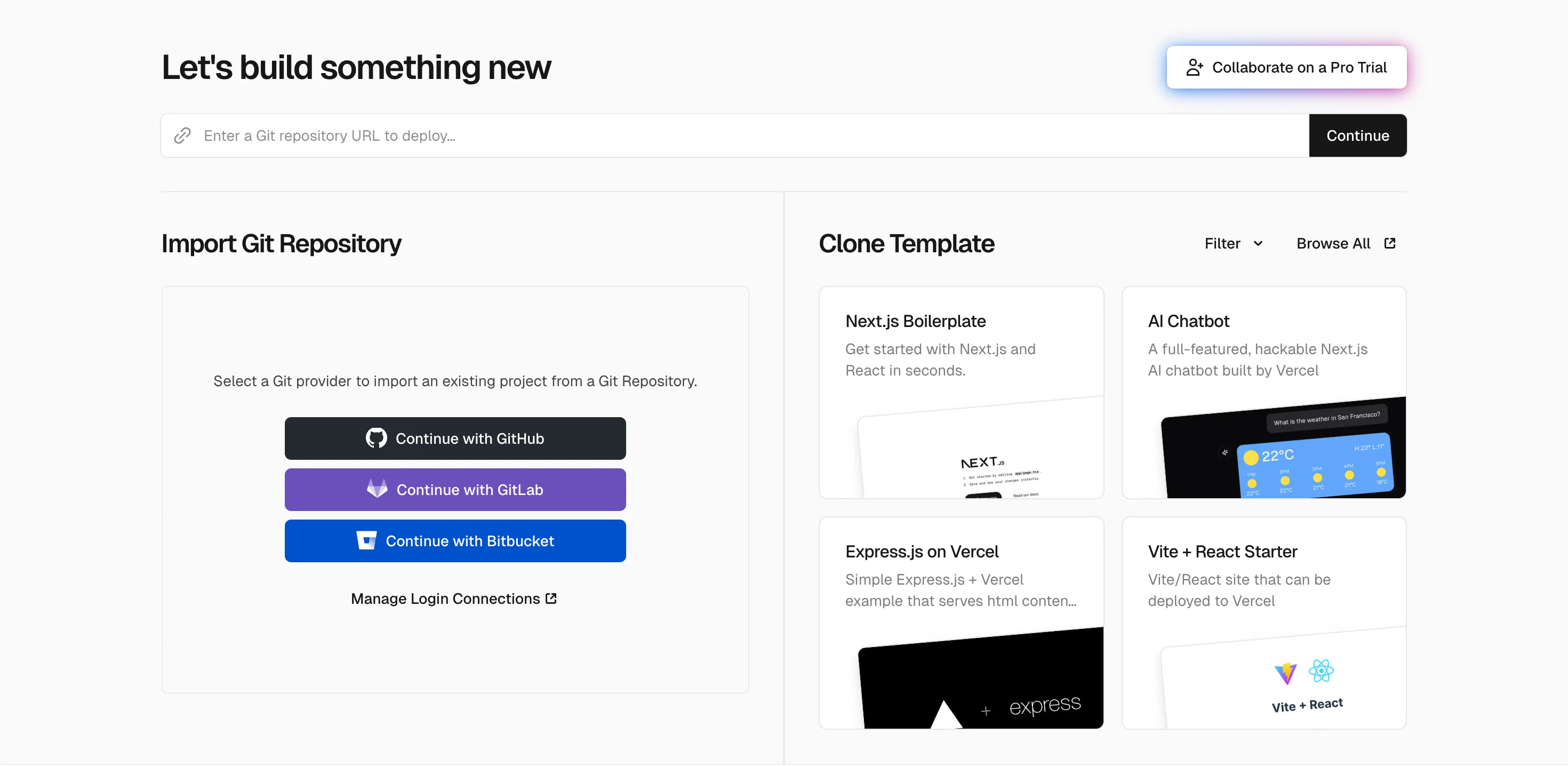
Created by the team behind Next.js, v0 specializes in generating high-quality UI components that integrate seamlessly with React-based frameworks. It's a powerful tool for front-end developers looking to accelerate their workflow without sacrificing code quality. The platform uses shadcn/ui for consistent styling, producing clean and maintainable code that developers can easily customize. The excellent component quality and seamless Vercel integration are major draws, but its narrow focus on UI components and reliance on the React/Next.js ecosystem make it a specialized tool rather than a general-purpose solution.
Key Features
•Generates production-ready React components
•Uses shadcn/ui for consistent styling
•Easy integration with existing projects
•Iterative refinement through conversation
•Direct deployment to Vercel
Pros & Cons
Pros | Cons |
Excellent component quality | Focused mainly on UI, not full apps |
Seamless Vercel integration | Requires React/Next.js knowledge |
Clean, maintainable code output | Limited free tier |
Pricing
The free plan includes $5 of monthly credits to get started. Premium plans start at $20 per month and include $20 of monthly credits, plus daily login credits.
Who is it Best For?
Front-end developers working with React and Next.js who want to accelerate their UI development workflow will find this tool perfect for their needs.
#6: Windsurf – Best for Large-Scale Projects
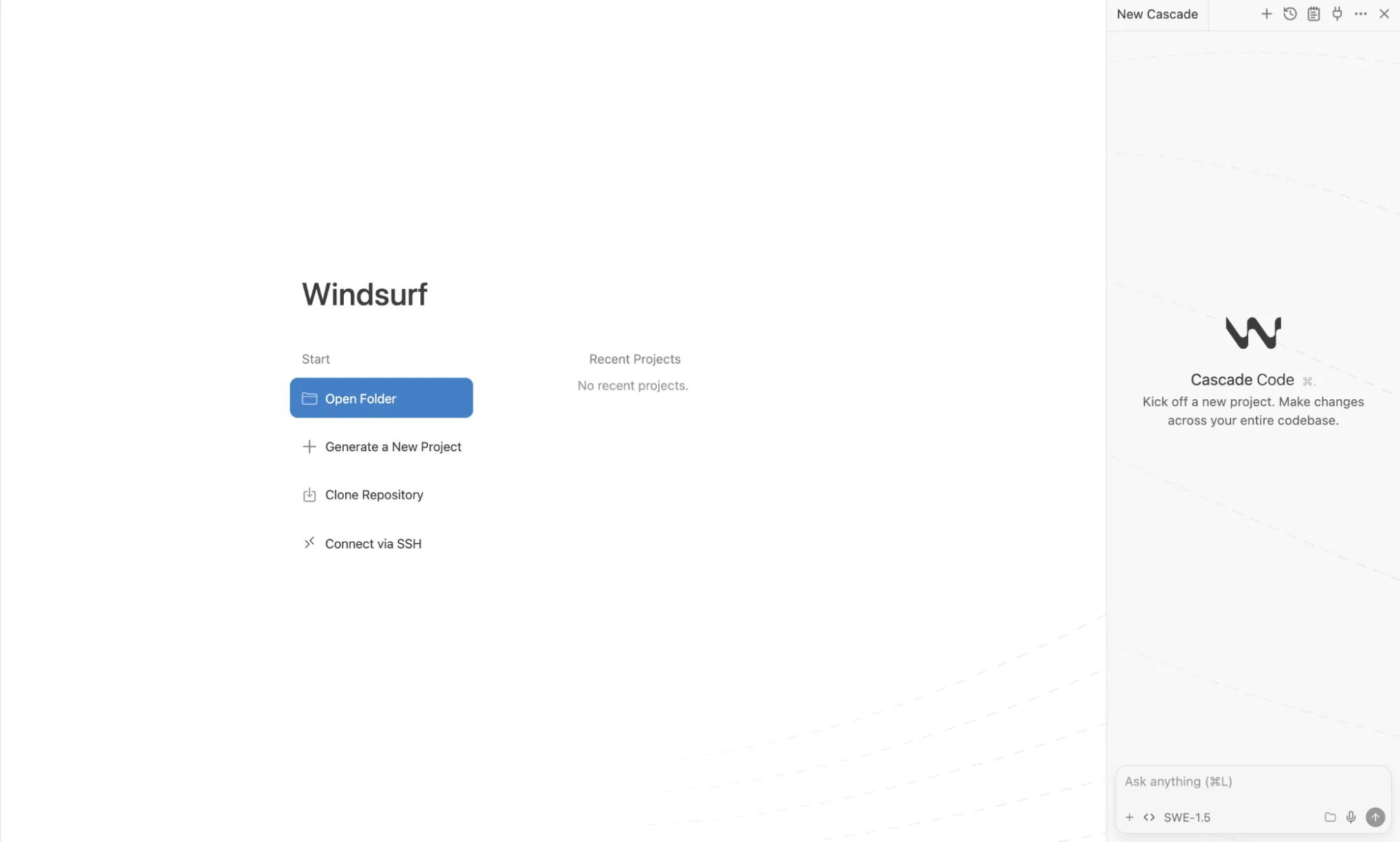
When it comes to enterprise-grade vibe coding, Windsurf positions itself as the solution for teams working on complex, large-scale applications. Its deep codebase understanding and collaboration features make it a powerful choice for professional development teams tackling multi-file projects. The platform offers advanced code review capabilities and enterprise security features that smaller tools lack. While it excels at complex, multi-file projects and offers strong enterprise features, the steeper learning curve and potential for high costs with heavy usage make it overkill for smaller projects or individual developers.
Key Features
•Deep codebase understanding across large projects
•Team collaboration features
•Advanced code review capabilities
•Enterprise security and compliance
•Custom model fine-tuning options
Pros & Cons
Pros | Cons |
Excellent for complex, multi-file projects | Steeper learning curve |
Strong enterprise features | Can be expensive for heavy usage |
Good for team workflows | May be overkill for simple projects |
Pricing
A free plan with 25 monthly credits allows teams to evaluate the platform. Paid plans start at $15 per month for 500 credits and access to premium models, with custom enterprise pricing available.
Who is it Best For?
Development teams at companies who need robust tooling for large, complex codebases will benefit most from this platform.
#7: Claude Code – Best for Complex Reasoning and Problem-Solving
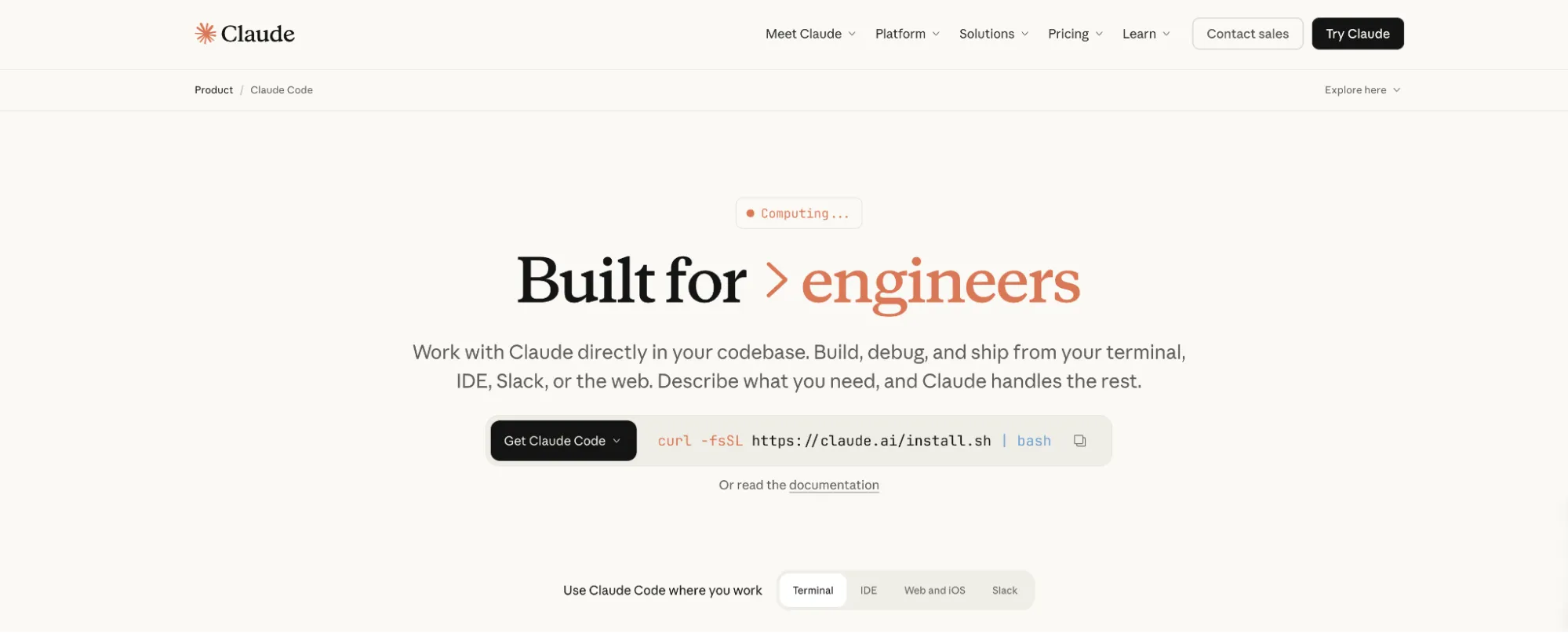
Bringing the reasoning capabilities of Claude to software development, this tool from Anthropic excels at tasks that require deep understanding and complex problem-solving. Its terminal-based interface and large context window make it a powerful tool for experienced developers who prefer command-line workflows. The tool leverages Anthropic's latest models to tackle debugging, refactoring, and architectural decisions with impressive accuracy. The powerful reasoning and developer-centric control are balanced by the need for CLI comfort and the potential for high API costs, making it a tool for serious coders rather than beginners.
Key Features
•Advanced reasoning for complex coding tasks
•Large context window for understanding big codebases
•Terminal-based interface for power users
•Strong performance on debugging and refactoring
•Integration with popular IDEs
Pros & Cons
Pros | Cons |
Powerful reasoning capabilities | Requires CLI comfort |
Terminal-based for developer control | API costs can add up |
Access to Anthropic's latest models | No visual interface |
Pricing
Access is available through the Claude Pro subscription, which costs $20 per month ($17/mo billed annually). It can also be accessed via the Anthropic API with usage-based pricing.
Who is it Best For?
Experienced developers tackling complex problems that require deep reasoning and analysis will find this tool indispensable.
#8: Manus – Best for Autonomous Workflow Automation

Key Features
•Autonomous task execution from a single prompt
• Wide Research for parallel information gathering
•Can build and deploy complete web and mobile applications
•Automated presentation and report creation
•Browser automation for web-based workflows
Pros & Cons
Pros | Cons |
All-in-one autonomous agent | Credits can be consumed quickly |
Research and web browsing built-in | Complex tasks may need guidance |
Can deploy websites and apps | Still evolving as a platform |
Pricing
Who is it Best For?
Professionals and teams who need to automate complex workflows, conduct large-scale research, or create complete projects with minimal manual intervention will find this the all-under-one-roof solution for going from idea to finished product.
#9: Base44 – Best for No-Code App Building
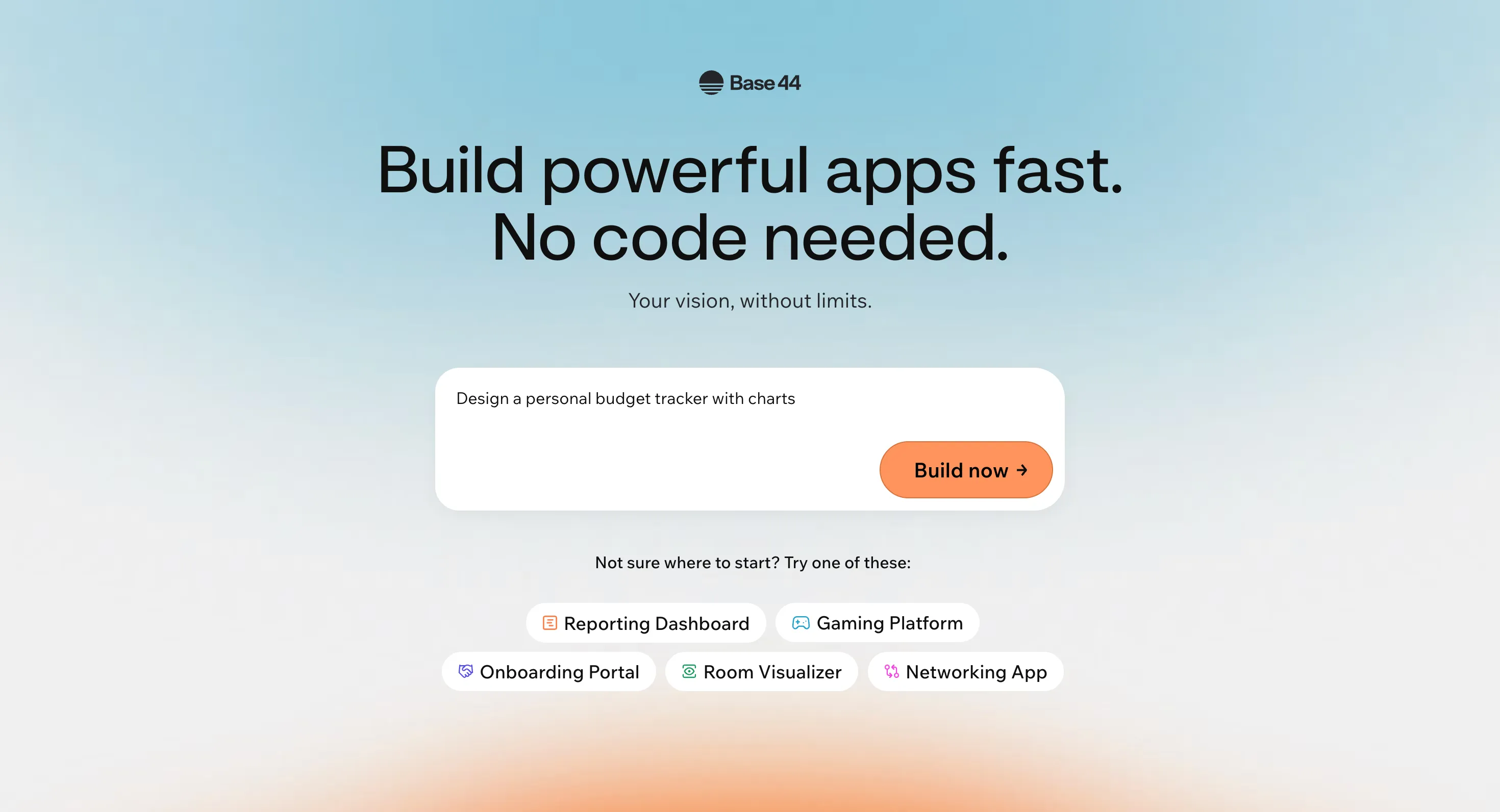
For non-technical founders and beginners looking to create fully-functional applications, Base44 offers an AI-powered no-code solution that uses only natural language. The platform handles the entire backend and deployment process automatically, making it incredibly easy to go from idea to live app in minutes. Users describe their app concept in plain English, and the platform generates everything from the user interface to the database schema and authentication system. While it's excellent for simple to medium complexity apps and quick MVPs, it's not as powerful as more established no-code platforms like Bubble for highly complex applications with intricate business logic.
Key Features
•AI-powered app building from natural language
•Automatic backend and database creation
•Built-in hosting and one-click deployment
•Responsive visual editor and analytics dashboard
•Multi-user editing and collaboration
Pros & Cons
Pros | Cons |
Extremely easy for beginners | Not as powerful as Bubble for complex apps |
Very fast app creation | Credit system can be limiting |
No coding required | Less control over generated code |
Pricing
A free plan with 25 message credits per month lets users try before committing. Paid plans start at $20 per month ($16/mo billed annually) for more credits and features like custom domains and in-app code editing.
Who is it Best For?
Non-technical founders, entrepreneurs, and anyone new to vibe coding who wants to build simple to medium complexity apps without writing any code will find this platform perfect.
#10: Emergent – Best for Agent-Based Development
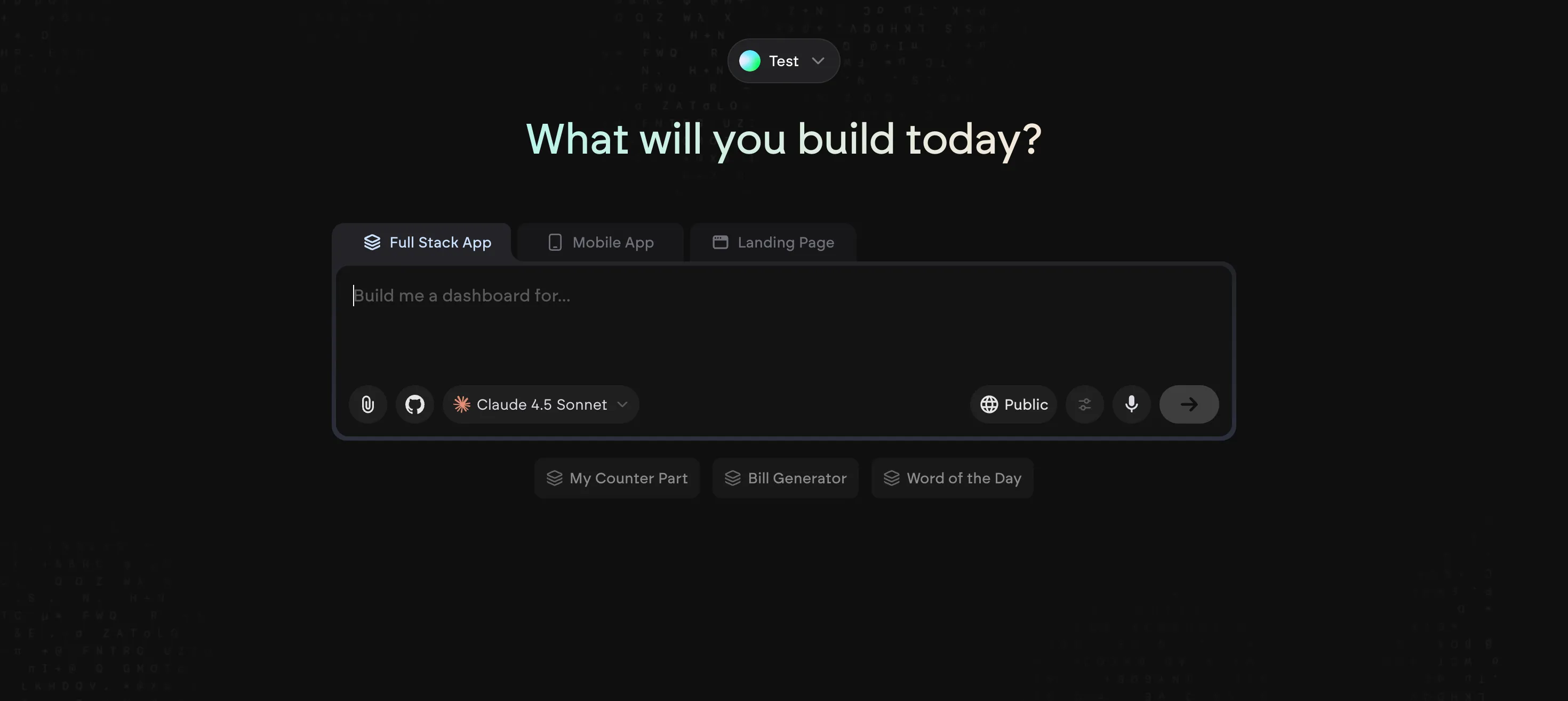
Backed by Y Combinator and recently valued at $300M after a $70M Series B round, Emergent is a vibe coding platform that uses a coordinated team of specialized AI agents to design, code, and deploy full-stack web and mobile apps. This agent-based approach allows for a high degree of automation and production-ready output that rivals traditional development. The platform excels at building both web and mobile applications through natural conversation, with each agent handling specific aspects of the development process. While it offers a great user experience for web apps and the credibility of YC backing, the mobile app support is still maturing and the Pro plan comes at a higher price point than competitors.
Key Features
•Coordinated system of specialized AI agents
•Build full-stack web and mobile apps through conversation
•Production-ready app development
•GitHub integration and private project hosting
•Custom AI agents and 1M context window on Pro plan
Pros & Cons
Pros | Cons |
Agent-based approach for high automation | Mobile app support is still maturing |
Y Combinator backed (credibility) | Higher price point for Pro tier |
Production-ready output | Newer platform, less established |
Pricing
A free plan with 10 monthly credits is available for those wanting to explore. The Standard plan starts at $20 per month (billed annually) for 100 credits, while the Pro plan is $200 per month (billed annually) for 750 credits and advanced features.
Who is it Best For?
Emergent is ideal for serious creators and brands who want to leverage an agent-based approach for building production-ready full-stack web and mobile applications.
How to Choose the Right Vibe Coding Tool
Consider Your Technical Background
If you have coding experience, tools like Cursor and Claude Code will feel natural and give you more control. If you're less technical, Base44, Lovable, and Replit offer more guided, no-code experiences that don't require programming knowledge.
Define Your Project Scope
For quick prototypes and UI experiments, Bolt.new and v0 excel at rapid iteration. For full applications with backend requirements, Replit and Windsurf provide more comprehensive solutions. For end-to-end project automation that handles everything from research to deployment, Manus is the most capable choice. For agent-driven development of production-ready full-stack apps, Emergent is a strong contender.
Evaluate Your Budget
Free tiers are great for exploration, but heavy usage on platforms like Replit and Lovable can lead to unexpected costs. Manus and Base44 offer predictable entry points at $20/month, while enterprise tools like Windsurf and the Emergent Pro plan require a larger investment for advanced features.
Frequently Asked Questions (FAQ)
What is vibe coding?
Vibe coding is a software development approach where you use natural language prompts to describe the desired outcome, and an AI tool generates the code and application for you. It focuses on the "vibe" or overall goal, rather than the specific implementation details.
Is vibe coding the future of software development?
While it won't completely replace traditional coding, vibe coding is becoming an essential part of the modern development workflow. It excels at accelerating prototyping, automating repetitive tasks, and making development more accessible to a broader audience.
Can I build a production-ready application with these tools?
Yes, but the best tool depends on your needs. Replit, Windsurf, Emergent, and Manus are all capable of producing production-ready applications, while tools like v0 and Bolt.new are more suited for specific parts of the development process.
Which tool is best for beginners?
For beginners, Base44, Manus, and Lovable offer the most user-friendly experiences, with guided interfaces and less need for deep technical knowledge. Manus also provides a gentle learning curve by handling the technical complexities for you.
