Best 10 AI Tools for Coding: A Developer’s Ultimate Toolkit for 2026

The landscape of AI for software development is undergoing a profound transformation. The emergence of sophisticated AI coding assistants has revolutionized how developers approach everything from writing and debugging to deploying complex applications. These AI developer tools have evolved far beyond simple AI code completion; they now function as true AI pair programmers, capable of understanding intricate problems, generating entire codebases with an AI code generator, and even performing automated code review.
With a staggering 84% of developers already integrating or planning to use AI coding tools, and 51% of professionals using them daily, the critical question has shifted from if you should adopt an AI programming assistant to which one is the best AI for coding to elevate your workflow.
This article offers a definitive guide to the top 10 AI coding software solutions in 2026. We will conduct a thorough AI coding tools comparison, examining their features and ideal use cases to help you assemble the ultimate developer toolkit. Whether you are a novice developer searching for a free AI coding assistant or an enterprise team in need of a secure, scalable AI for software development productivity, this guide will help you navigate the dynamic and competitive world of AI programming tools.
Overview of the 10 Best AI for Coding Tools (Comparison Table)
To give you a quick overview, here is a comparison of the top 10 AI developer tools we will be covering in this article. This table highlights the key strengths and features of each AI coding software to help you find the best fit.
Tool | Best For | Key Feature |
End-to-end autonomous tasks | General AI agent, research + code | |
GitHub Copilot | General-purpose AI assistance | Code completion & agent mode |
Cursor | AI-native development | AI-first IDE with codebase context |
Windsurf | Codebase navigation & flow state | Cascade agent, Fast Context |
Claude Code | Complex reasoning & CLI workflows | Terminal-first, large context window |
Tabnine | Code privacy & enterprise | Self-hosting, zero code retention |
Replit | Rapid prototyping & web apps | Browser-based IDE, instant deploy |
Cline | Open-source flexibility | Model-agnostic, BYOK |
CodeGPT | Budget-conscious developers | BYOK, affordable agentic coding |
Bolt.new | Web app prototyping | Browser-based, instant deployment |
In-Depth Review of the Top 10 AI Coding Tools
Now, let's dive deeper into each of these powerful AI programming tools.
1. Manus: The All-in-One Autonomous Agent

Transcending the role of a typical AI coding assistant, Manus functions as a general-purpose autonomous AI agent engineered to manage complex, end-to-end software development projects. For developers, this means Manus can take a project from a simple idea to a  fully deployed application, seamlessly integrating research, design, and development. It operates within a secure, sandboxed environment, giving it the ability to install dependencies, write and execute code, and interact with web services, making it an exceptionally powerful AI for developers who require more than just intelligent code completion.
Key Features:
•End-to-End Development: Manus can build and deploy complete web and mobile applications from a natural language description, making it a true AI that writes code from description.
•Autonomous Operation: It can work independently for hours, performing research, writing code, debugging, and reporting back with results, acting as a dedicated AI software engineer.
•Integrated Toolset: Includes a browser operator for web automation, a design tool for image generation, and a slides generator for creating project presentations.
•Wide Research: Can conduct in-depth research across multiple sources to inform development decisions and ensure the use of best practices.
Ideal Use Cases:
Best suited for developers and teams who need to automate the entire development lifecycle, Manus excels at taking projects from initial concept to final deployment. It shines when building new applications from scratch, handling complex tasks that require both research and coding, and serving as an all-around AI for software development productivity.
Pros & Cons:
Pros | Cons |
Truly autonomous, end-to-end agent | Not a direct IDE integration |
Handles tasks beyond coding (research, design) | Learning curve for complex workflows |
Can build and deploy full applications | Higher cost than specialized tools |
2. Replit: The AI-Powered Browser IDE
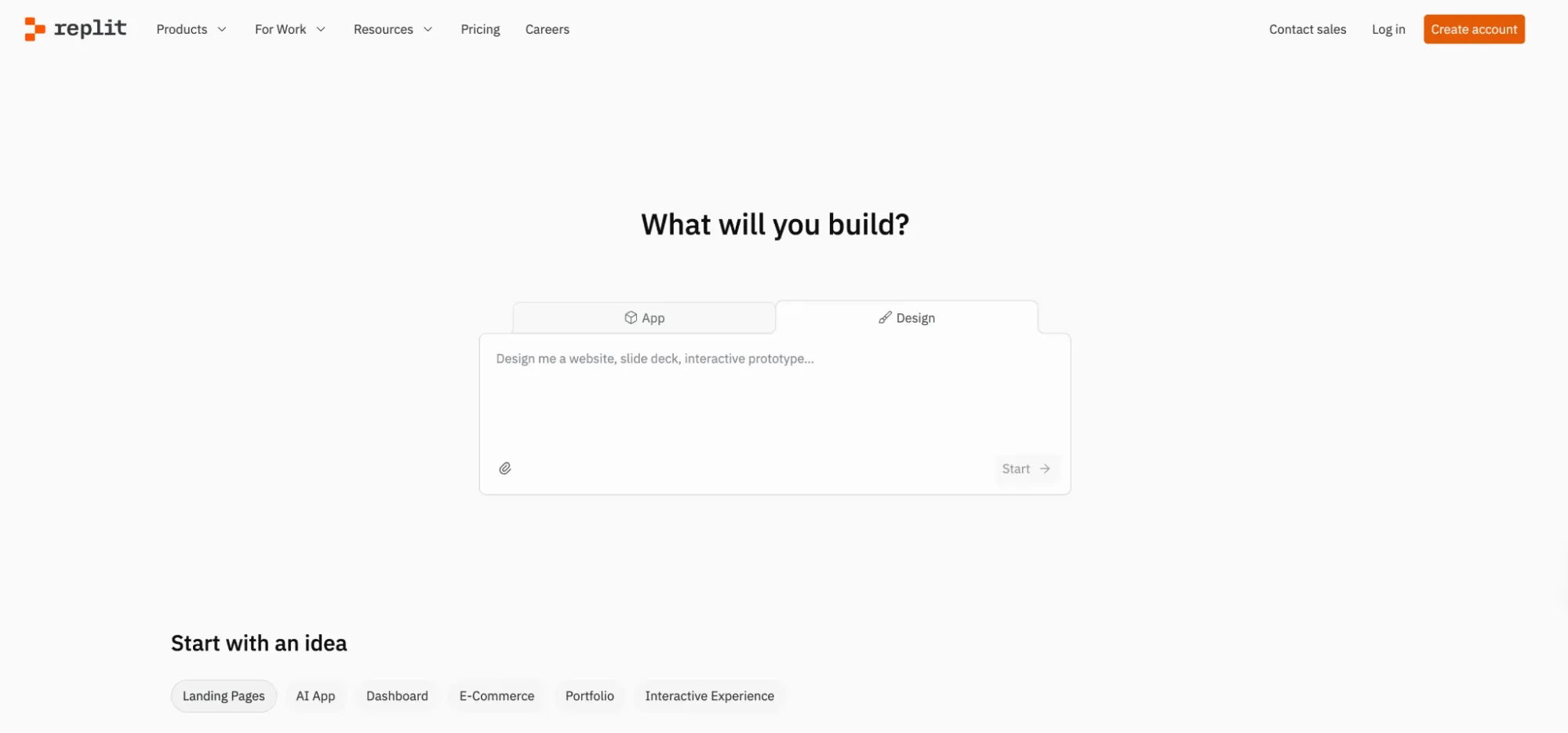
What started as a simple online code editor has evolved into a full-fledged, AI-powered development platform that runs entirely in your browser. Replit is an excellent AI for developers who want to quickly prototype ideas, collaborate in real-time, and deploy applications without the hassle of setting up a local environment. Its flagship feature, the Replit Agent, can build and fix code from natural language prompts, making it a powerful AI code generator for web and mobile apps.
Key Features:
•Browser-Based IDE: No installation required; code, run, and debug in a powerful cloud-based environment.
•Replit Agent: An AI assistant that can build applications, debug code, and provide intelligent suggestions.
•Instant Deployment: Deploy web apps and APIs with a single click, hosted directly on Replit.
•Real-Time Collaboration: Work with teammates in the same workspace, similar to Google Docs for code.
Ideal Use Cases:
For rapid prototyping, collaborative coding projects, and educational purposes, Replit is an ideal choice. It's perfect for developers who need to spin up a development environment quickly without any local setup, making it a go-to platform for hackathons, workshops, and building proof-of-concept applications.
Pros & Cons:
Pros | Cons |
Zero-setup, browser-based environment | Limited compute resources (CPU, RAM) for complex builds |
Excellent for rapid prototyping and collaboration | Cannot use custom local tools or IDE extensions |
Instant deployment and hosting | Projects are tied to Replit's hosting infrastructure |
3. GitHub Copilot: The Ubiquitous AI Pair Programmer
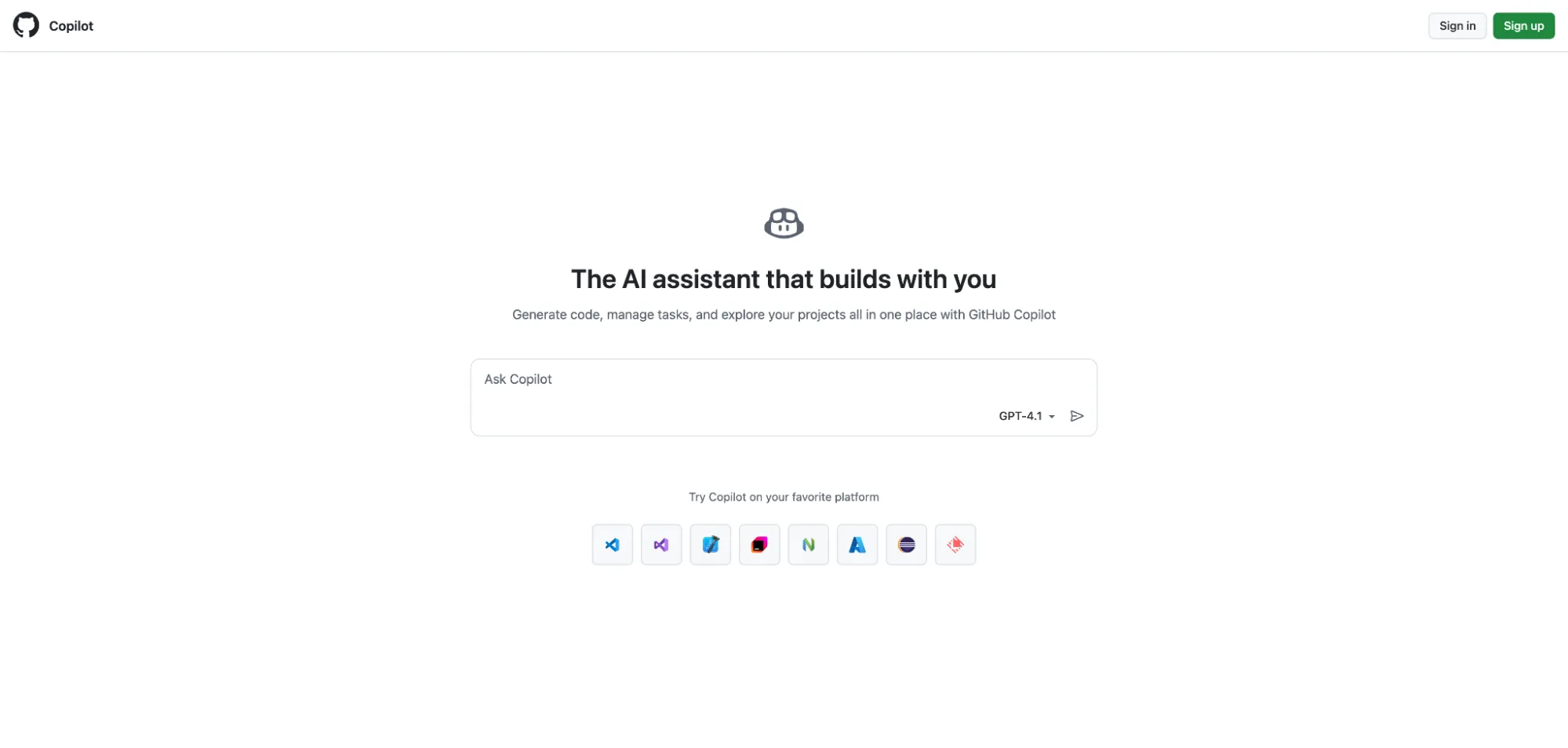
As the original AI pair programmer, GitHub Copilot has become an indispensable tool for millions of developers. Integrated directly into popular IDEs like VS Code and JetBrains, Copilot excels at providing intelligent, context-aware AI code completion. However, it has evolved far beyond simple suggestions. With the introduction of agent mode, Copilot can now take on more complex tasks, such as creating pull requests from issues and providing in-depth AI-powered code review, solidifying its place as a leading AI coding assistant.
Key Features:
•Advanced Code Completion: Offers intelligent, multi-line code suggestions as you type, significantly boosting developer productivity.
•Copilot Chat: An AI chat interface within the IDE for asking coding questions, explaining code, and generating snippets.
•Agent Mode: Can autonomously work on issues, create pull requests, and perform automated code review.
•Broad IDE Support: Integrates seamlessly with a wide range of code editors and IDEs.
Ideal Use Cases:
GitHub Copilot is perfect for individual developers and teams of all sizes who want to accelerate their daily coding tasks. It is particularly effective for developers who spend a lot of time in their IDE and want an AI code helper that provides real-time assistance without disrupting their workflow. Its strong integration with the GitHub ecosystem makes it a natural choice for teams that use GitHub for version control.
Pros & Cons:
Pros | Cons |
Deeply integrated into the developer workflow | Suggestions can be repetitive or overly verbose |
Excellent code completion capabilities | Limited context window compared to AI-native IDEs |
Strong community and extensive support | Tightly coupled to GitHub ecosystem |
4. Cursor: The AI-First Code Editor

Taking a different approach by building an AI coding assistant from the ground up, Cursor is an AI-native IDE, forked from VS Code, designed to be faster and more intelligent than a simple plugin. Its main strength is the ability to understand the entire codebase, allowing it to provide highly accurate, context-aware assistance. This makes Cursor AI an exceptional choice for developers who work on large, complex projects and need an assistant that can see the bigger picture, making it a strong contender in any AI coding tools comparison.
Key Features:
•AI-Native IDE: A code editor built around AI, providing a deeply integrated and seamless experience for vibe coding.
•Codebase-Wide Context: Understands your entire project, enabling more accurate AI code generation and code refactoring.
•Agent Mode: Can perform multi-step tasks, such as implementing features or fixing complex bugs across multiple files.
•"Chat with your code": Allows you to ask questions about your codebase and get instant, context-aware answers.
Ideal Use Cases:
Designed for developers who want a deeply integrated AI experience, Cursor is particularly well-suited for those working on large, complex codebases. It excels at tasks that require a high degree of context, such as large-scale refactoring, adding new features to an existing project, and onboarding new developers to a team.
Pros & Cons:
Pros | Cons |
Excellent codebase understanding | Requires migrating away from your current IDE |
Powerful agent for complex tasks | High memory usage on large codebases |
Seamless, AI-native experience | VS Code extensions may have compatibility issues |
5. Windsurf: The AI for Maintaining Flow State
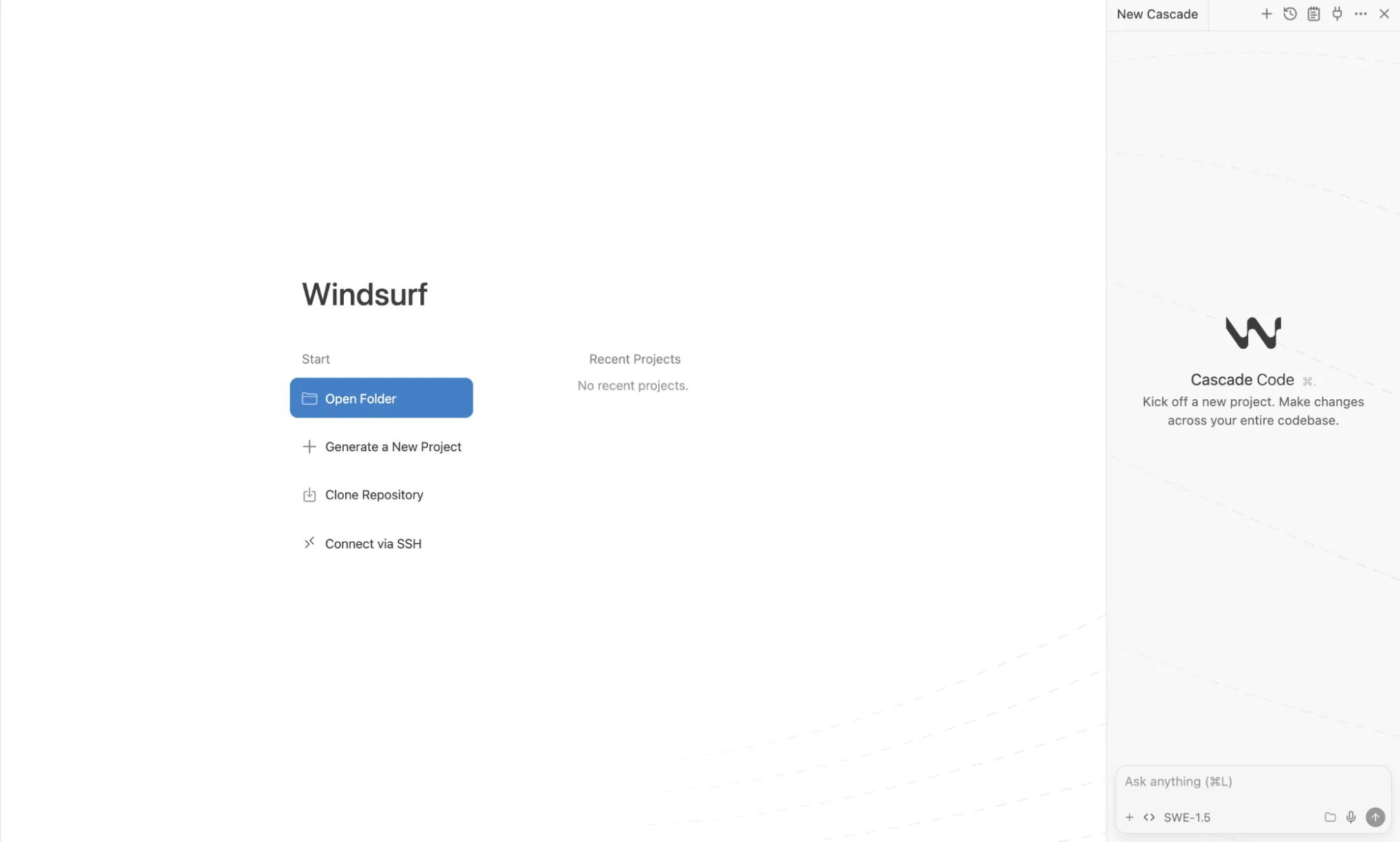
Formerly known as Codeium, Windsurf is another AI-native IDE built to keep developers in a state of flow. It focuses on providing a fast, intuitive, and deeply integrated AI experience. Its standout feature, Cascade, is an agentic AI assistant that not only codes but also anticipates your next move, making it a proactive AI pair programmer. With its deep codebase understanding and focus on speed, Windsurf AI is a strong contender for the best AI for coding for developers who value efficiency and uninterrupted focus.
Key Features:
•Cascade Agent: An AI assistant that codes, fixes, and thinks ahead, providing proactive suggestions and reducing context switching.
•Fast Context: Quickly understands your entire codebase to provide relevant and accurate assistance for any AI code generation task.
•SWE-1.5 Model: A proprietary, fast agent model designed for high-performance coding tasks and intelligent code completion.
•Windsurf Reviews: An AI code review tool to help improve code quality and consistency.
Ideal Use Cases:
Developers who want to minimize interruptions and maintain a high level of productivity will find Windsurf to be an excellent fit. Its proactive agent and fast context-switching make it ideal for fast-paced projects, refactoring large sections of code, or anyone who wants an AI coding assistant that feels like a natural extension of their own thought process.
Pros & Cons:
Pros | Cons |
Proactive AI agent (Cascade) | Smaller ecosystem and community than Cursor |
Fast and efficient with proprietary model | Credit-based system requires monitoring usage |
Competitive pricing | JetBrains support is limited to plugin only |
6. Cline: The Open-Source and Uncompromised AI Agent
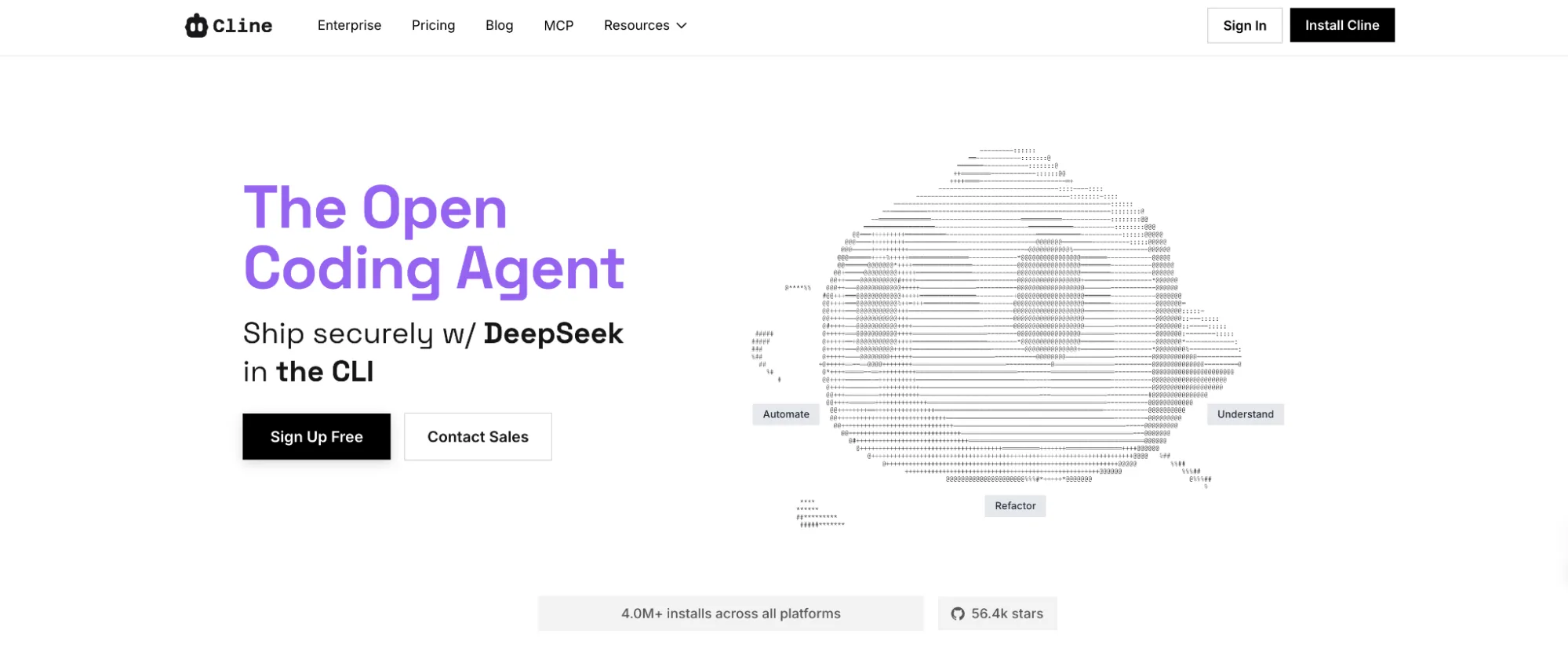
For developers who value transparency, flexibility, and control, Cline emerges as a powerful, fully open-source AI coding assistant. It operates as a VS Code extension and is designed to be model-agnostic, meaning you are never locked into a specific AI provider. Cline's philosophy is simple: provide a powerful, free AI coding tool for individual developers and allow them to pay only for the AI inference they use, either by bringing their own API keys (BYOK) or using Cline's provider at cost. This makes it a top choice for developers looking for free AI coding tools.
Key Features:
•Open-Source and Free: The core extension is completely free for individual developers, promoting transparency and community collaboration.
•Model-Agnostic: Supports a wide range of AI models from providers like OpenAI, Anthropic, Google, and many others, ensuring no vendor lock-in.
•Bring Your Own Key (BYOK): Gives you complete control over your costs and data by allowing you to use your own API keys.
•Terminal-First and CLI Support: Integrates smoothly into terminal-based workflows, appealing to developers who love the command line.
Ideal Use Cases:
Open-source contributors, hobbyists, and developers who want maximum control over their tools and data will find Cline to be a perfect match. Its model-agnostic and BYOK architecture makes it a great choice for those who like to experiment with different AI models or have strict privacy requirements. It is also an excellent AI coding assistant for beginners who want to learn without a financial commitment.
Pros & Cons:
Pros | Cons |
Completely open-source and free for individuals | Requires configuring and managing your own API keys |
No vendor lock-in, supports many models | No built-in model; relies entirely on external providers |
Pay-as-you-go pricing is cost-effective | Steeper learning curve for non-technical users |
7. Claude Code: The Terminal-First Agent for Complex Reasoning
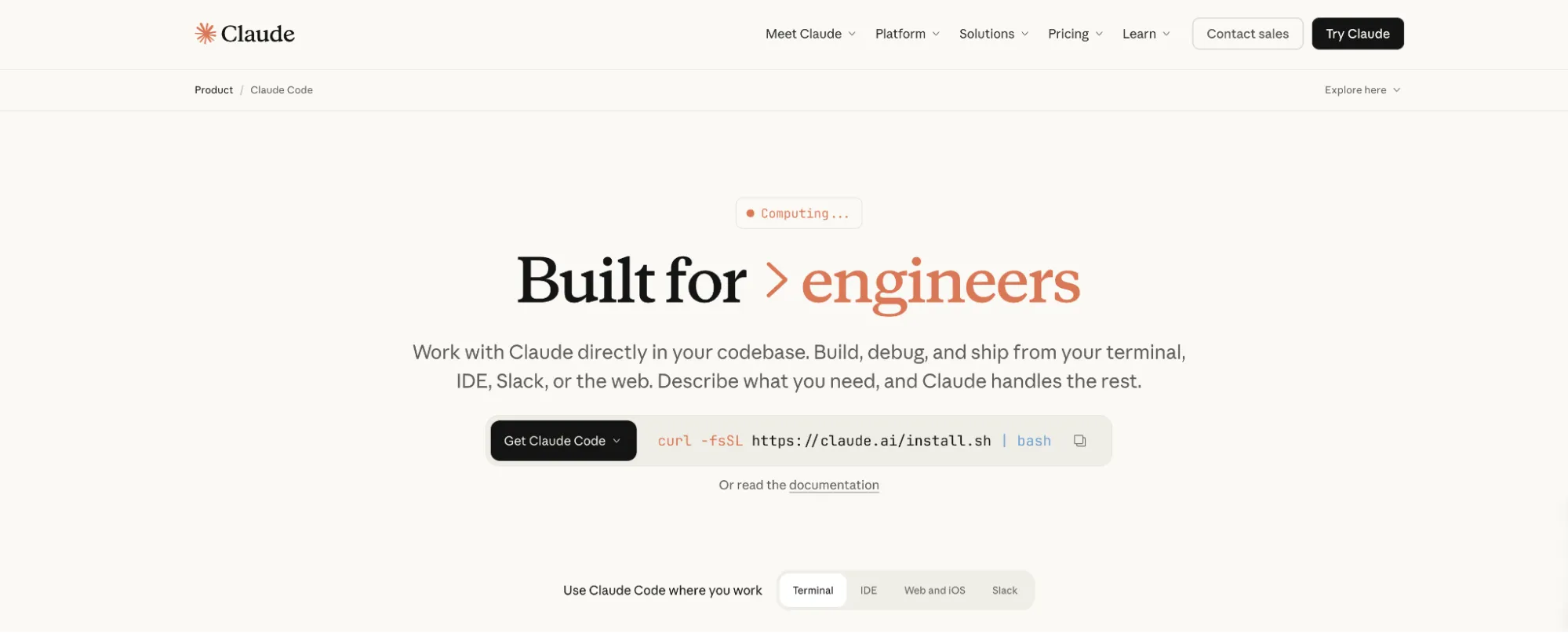
From Anthropic, the creators of the powerful Claude AI family of models, comes Claude Code, an agentic AI coding assistant that lives in your terminal. It is designed for developers who prefer a command-line interface and need an AI with strong reasoning capabilities. Claude Code excels at understanding complex codebases and performing multi-step tasks, from building features based on plain English descriptions to AI code debugging. Its terminal-first design makes it a highly scriptable and composable AI developer tool.
Key Features:
•Terminal-First Design: Operates directly in your terminal, integrating seamlessly with CLI-based workflows.
•Advanced Reasoning: Leverages the power of Claude models to understand complex problems and generate high-quality code.
•Agentic Capabilities: Can autonomously edit files, run commands, and even create git commits.
•Large Context Window: Can ingest and understand large codebases, providing accurate, context-aware assistance.
Ideal Use Cases:
Claude Code is best for developers who are comfortable working in the terminal and need an AI that can handle complex, multi-step reasoning. It is an excellent tool for backend developers, data scientists, and anyone who works with complex algorithms or large codebases. Its scriptable nature also makes it a great choice for automating repetitive coding tasks.
Pros & Cons:
Pros | Cons |
Excellent reasoning and problem-solving skills | No visual IDE interface; purely terminal-based |
Highly scriptable and fits into CLI workflows | Requires Claude Pro subscription ($20/month) or higher |
Strong codebase understanding | Limited to Claude models only; no multi-model support |
8. Tabnine: The Enterprise-Grade AI for Code Privacy and Security
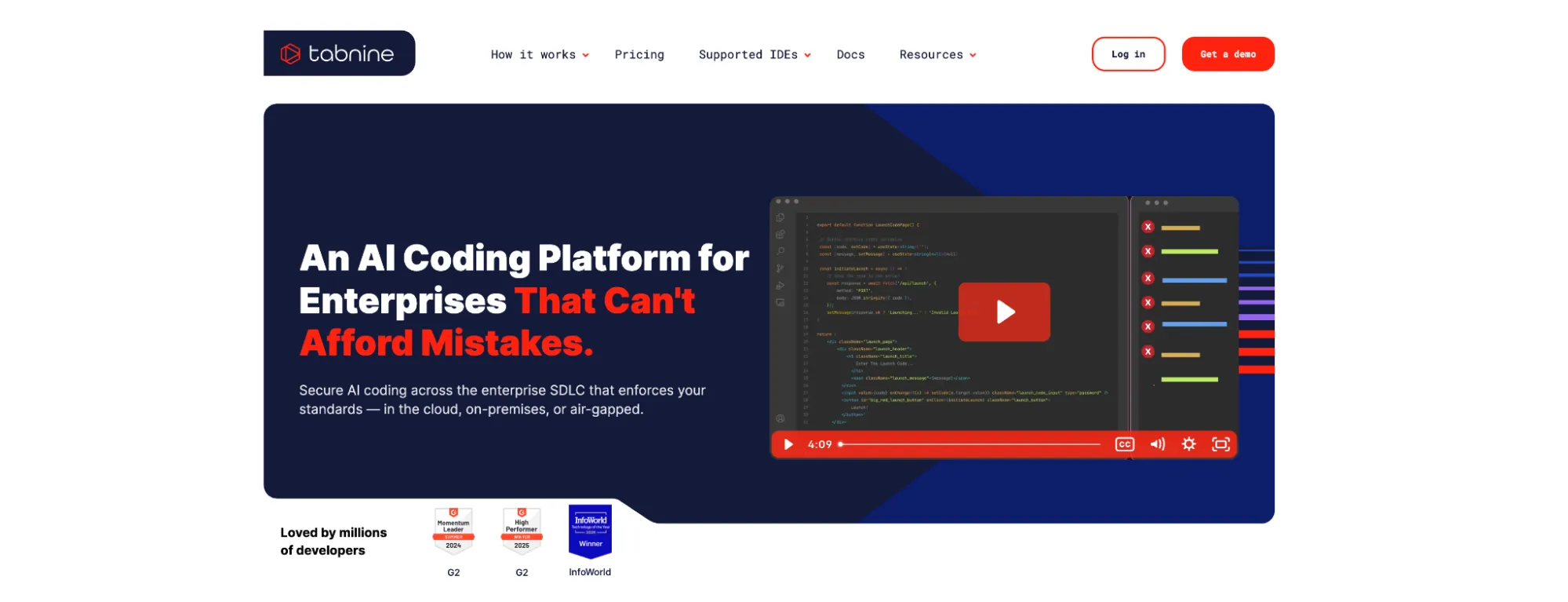
When it comes to enterprises that prioritize privacy, security, and compliance, Tabnine has carved out a niche as the leading AI coding assistant. Its key differentiator is the ability to be self-hosted, either in a virtual private cloud (VPC) or completely on-premises, ensuring that your code never leaves your secure environment. Tabnine's AI can be trained on your organization's private repositories, allowing it to provide highly relevant and context-aware suggestions while adhering to your internal coding standards, making it a powerful AI for software development in a corporate setting.
Key Features:
•Code Privacy and Security: Offers flexible deployment options, including self-hosting and air-gapped environments, with a zero-retention policy for your code.
•Personalized AI Models: Can be trained on your specific codebase to provide personalized and context-aware AI code completions.
•Org-Native Agents: Provides workflow AI agents for tasks like test case generation and Jira ticket implementation.
•Broad IDE and Model Support: Works with popular IDEs including VS Code, JetBrains, and Visual Studio, and supports a wide range of AI models, preventing vendor lock-in.
Ideal Use Cases:
Large enterprises, financial institutions, and government agencies with strict security and compliance requirements will find Tabnine to be the go-to choice. It is also ideal for any organization that wants to create a highly personalized AI coding assistant trained on its own proprietary codebase to enforce coding standards and accelerate development.
Pros & Cons:
Pros | Cons |
Unmatched privacy and security with self-hosting | Enterprise-focused pricing not suited for individuals |
AI models personalized to your codebase | Self-hosting requires dedicated IT resources |
Strong governance and compliance features | Training on private repos requires significant setup |
9. CodeGPT: The Budget-Friendly and Flexible AI Agent
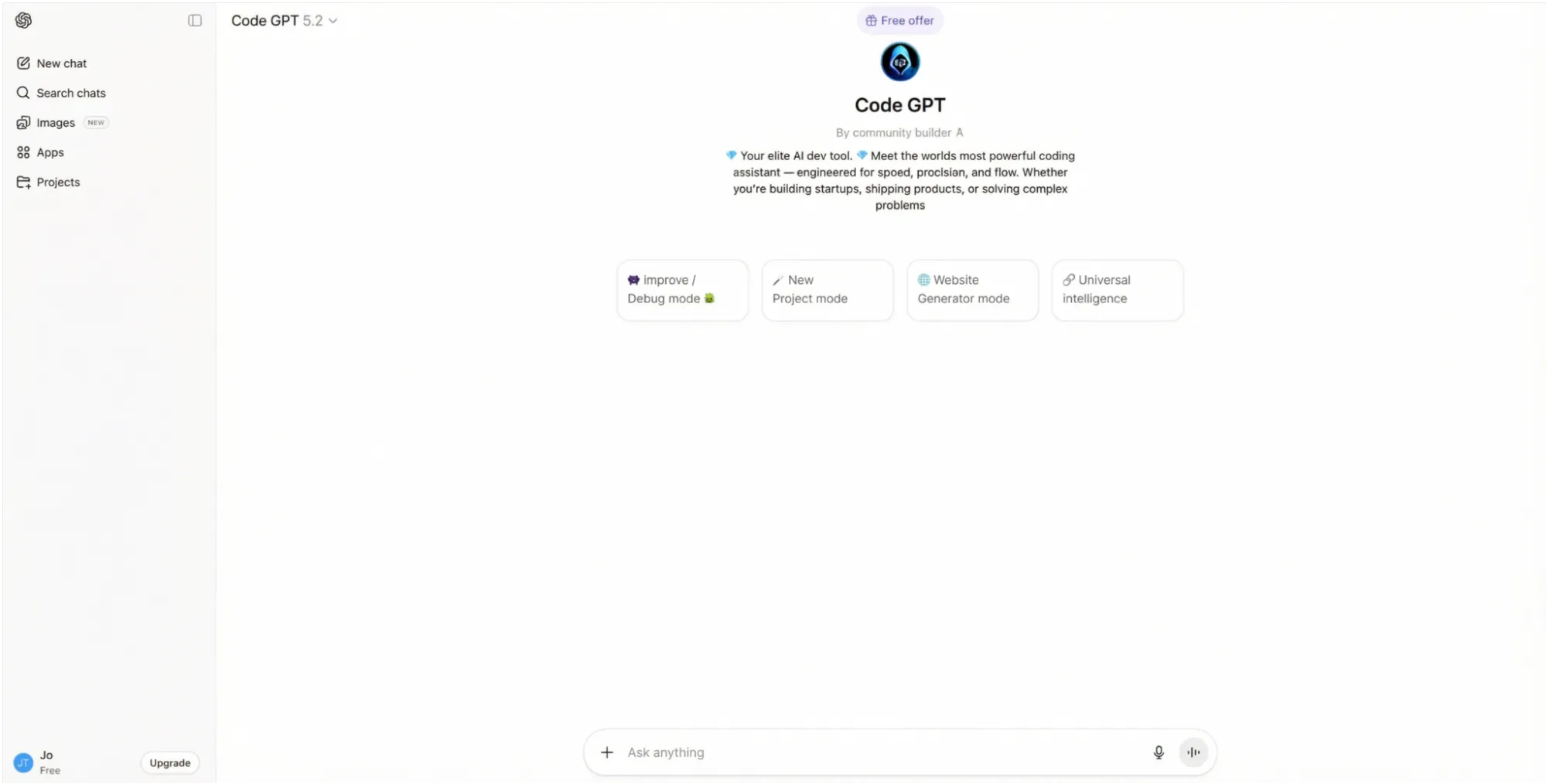
Offering a compelling blend of affordability, flexibility, and power, CodeGPT is an AI coding assistant that integrates directly into VS Code and JetBrains IDEs. It is built around a "Bring Your Own Key" (BYOK) model, allowing developers to use their preferred AI models from providers like OpenAI, Anthropic, and Google, giving them full control over their data and costs. With its agentic mode and planning capabilities, CodeGPT is an excellent choice for budget-conscious developers who still want access to advanced AI code helper features.
Key Features:
•Bring Your Own Key (BYOK): Use your own API keys for full control over data and costs.
•Agentic Mode with Planning: Can handle complex, multi-step coding tasks with autonomous planning.
•Full Repository Understanding: Creates AI Agents that connect to and understand your entire codebase for more accurate and context-aware assistance.
•Affordable Pricing: The BYOK plan offers unlimited interactions for a very low monthly fee.
Ideal Use Cases:
For freelance developers, students, and small teams looking for a powerful yet affordable AI coding assistant, CodeGPT is a great option. Its BYOK model makes it a cost-effective solution for those who already have API access to their preferred AI models. It is also a good choice for developers who want to experiment with agentic AI capabilities without a significant financial investment.
Pros & Cons:
Pros | Cons |
Very affordable with BYOK model | API costs can be unpredictable without usage caps |
Flexible and supports many AI models | Smaller user base means fewer community resources |
Agentic capabilities at a low price point | Feature set is narrower than full IDE solutions |
10. Bolt.new: The AI-Powered Web App Prototyper
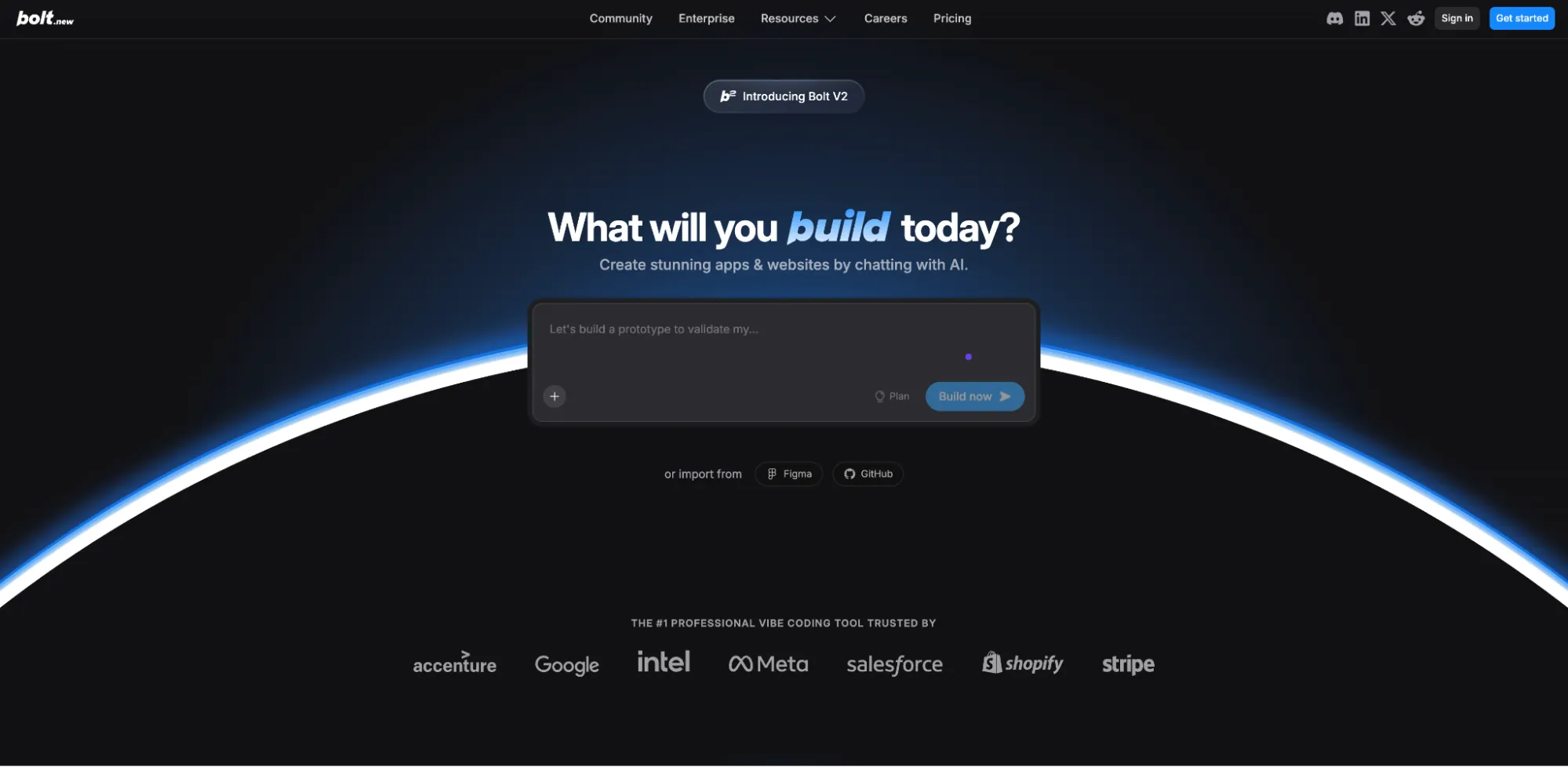
From the creators of StackBlitz comes Bolt.new, an AI-powered app builder that allows you to create full-stack web applications from natural language prompts, all within your browser. It is designed for rapid prototyping and instant deployment, making it an ideal AI code generator for developers who need to build and test ideas quickly. By leveraging StackBlitz's WebContainers technology, Bolt.new provides a complete development environment in the browser, eliminating the need for any local setup.
Key Features:
•Browser-Based App Builder: Go from a text prompt to a live, full-stack application in minutes, all within your browser.
•Instant Deployment: Deploy your applications to the web with a single click.
•No Local Setup: Runs entirely in the browser, with no need to install or configure a local development environment.
•Figma Import: Can generate applications directly from Figma designs, bridging the gap between design and development.
Ideal Use Cases:
Frontend developers, UI/UX designers, and entrepreneurs who want to quickly turn their ideas into functional web applications will find Bolt.new to be the perfect tool. It is excellent for creating minimum viable products (MVPs), interactive prototypes, and simple web apps without writing a single line of code.
Pros & Cons:
Pros | Cons |
Incredibly fast for prototyping web apps | Limited to web technologies; no native mobile or backend-only support |
Zero-setup, browser-based environment | Cannot integrate with existing local repositories |
Instant deployment and hosting | Generated code may require significant refactoring for production |
How to Choose the Best AI for Coding for Your Needs
With so many powerful AI coding tools to choose from, selecting the right one can be a daunting task. The best AI for coding for you will depend on your specific needs, workflow, and project complexity. Here are a few key factors to consider when making your decision:
•Integration vs. Standalone: Do you prefer an AI coding assistant that integrates into your existing IDE, like GitHub Copilot or Tabnine, or are you open to a new, AI-native IDE like Cursor or Windsurf? Or perhaps a completely browser-based solution like Replit or Bolt.new fits your workflow better. For tasks that go beyond the IDE, a standalone agent like Manus can orchestrate the entire development process.
•Scope of Work: Are you looking for a tool that excels at intelligent code completion and real-time suggestions, or do you need an AI coding agent that can handle complex, end-to-end tasks? For the latter, tools like Manus, Claude Code, or Cline with their agentic capabilities are a better fit, as they can manage everything from research to deployment.
•Project Complexity: For straightforward code generation or code refactoring, an IDE-based assistant is often sufficient. However, for building entire applications from a high-level description, a more powerful, autonomous agent is required. This is where a tool like Manus shines, as it can independently handle the entire software development lifecycle.
•Privacy and Security: If you work in an enterprise environment where code privacy is paramount, a self-hostable solution like Tabnine is likely the best choice. For individual developers, the privacy policies of cloud-based tools should be carefully reviewed. Tools with a BYOK model like Cline and CodeGPT also offer greater control.
•Flexibility and Control: If you want to avoid vendor lock-in and have the flexibility to use different AI models, an open-source, model-agnostic tool like Cline or a BYOK tool like CodeGPT would be ideal. For ultimate control over the entire workflow, an autonomous agent like Manus provides the most comprehensive solution.
Ultimately, the best way to find the right tool is to take advantage of the free trials and tiers offered by these services. Experiment with a few different options to see which one best complements your coding style and workflow.
Conclusion: The Dawn of the AI Software Engineer
The landscape of AI for developers is evolving at an incredible pace. From intelligent code completion to fully autonomous agents, these tools are fundamentally changing the nature of software development. The ten tools we have explored in this article represent the cutting edge of this revolution, each offering a unique set of features and capabilities to enhance developer productivity.
While specialized tools for code completion and in-IDE assistance offer value for specific tasks, the future of AI-powered development is moving towards holistic, autonomous solutions. The paradigm is shifting from an AI code helper to a true AI software engineer that can conduct research, write code, and manage the entire development lifecycle. An autonomous agent like Manus represents this shift, empowering developers to focus on high-level problem-solving while AI handles implementation.
Frequently Asked Questions (FAQs)
Q: What is the best free AI for coding?
A: For individual developers looking for a completely free AI coding tool, Cline is an excellent choice as you only pay for the model inference you use. For those who prefer a more integrated experience, the free tiers of GitHub Copilot, Replit, and Bolt.new offer a great starting point, though with some limitations.
Q: Can AI write an entire program?
A: Yes, some of the more advanced AI coding agents are capable of writing entire programs. Tools like Manus, Replit Agent, and Claude Code can take a natural language description and generate a complete, functional application. For developers looking to automate the entire process from idea to deployment, Manus is particularly powerful, as it can handle research, coding, and deployment in a single, autonomous workflow.
Q: Is using an AI coding assistant considered cheating?
A: No, using an AI coding assistant is not considered cheating. It is widely viewed as a productivity tool, similar to using a linter, debugger, or any other development tool. These assistants help developers write better code faster, but they do not replace the fundamental problem-solving skills required for software development. They are best thought of as an AI pair programmer that enhances your own abilities.
Q: How do AI coding tools handle code privacy?
A: This varies significantly between tools. Enterprise-focused solutions like Tabnine offer self-hosting options to ensure maximum privacy. Most cloud-based tools have strict privacy policies, but it is always important to review them carefully. Tools with a BYOK (Bring Your Own Key) model, like Cline and CodeGPT, also offer greater control over your data. For maximum security, a sandboxed environment like the one Manus operates in provides an isolated space for development.
