Mail Manus

Mail Manus。自动化处理您的收件箱中的业务工作流程。将客户请求、内部审批和供应商沟通转化为结构化的、可追踪的操作——自动进行。

将任何电子邮件转化为行动。让您从收件箱到完成工作的最快捷径。

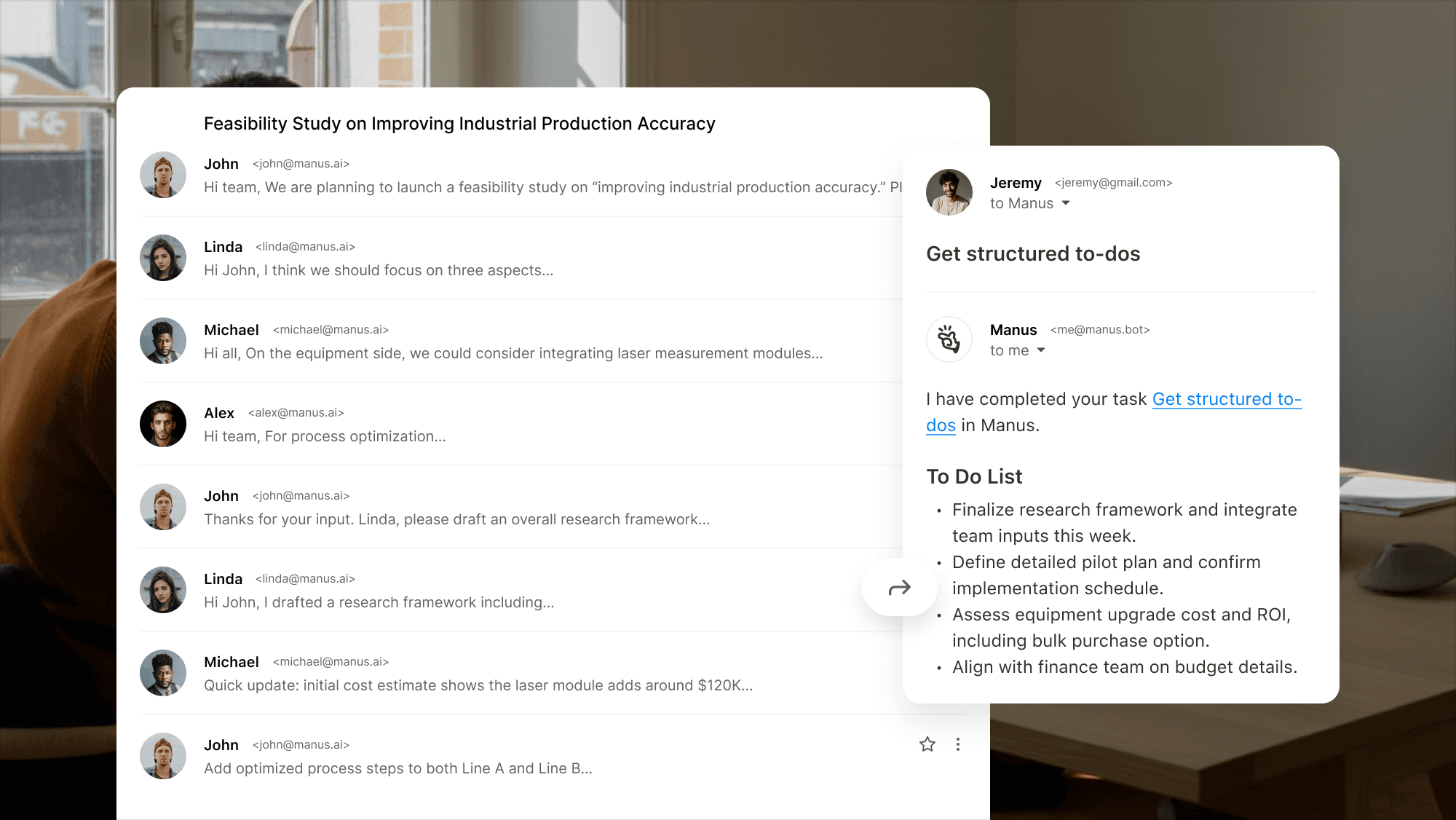
将客户简报和 RFP 转换为结构化的项目计划

Example interface showing how Manus turns a long email thread into a clear to‑do list.

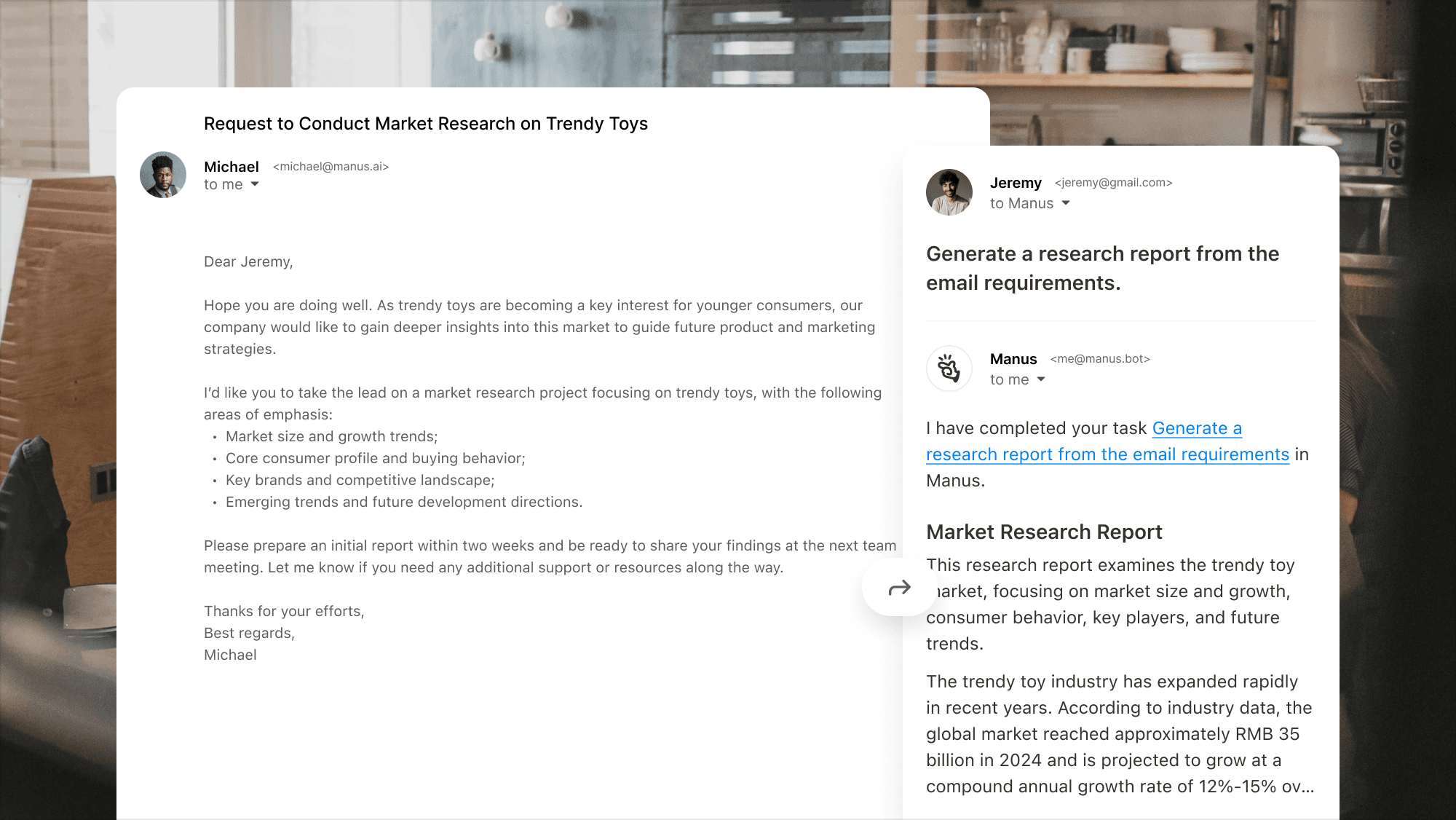
自动化供应商的后续跟进和审批工作流程

Interface showing Manus handling a complex market research request and producing a concise research report.

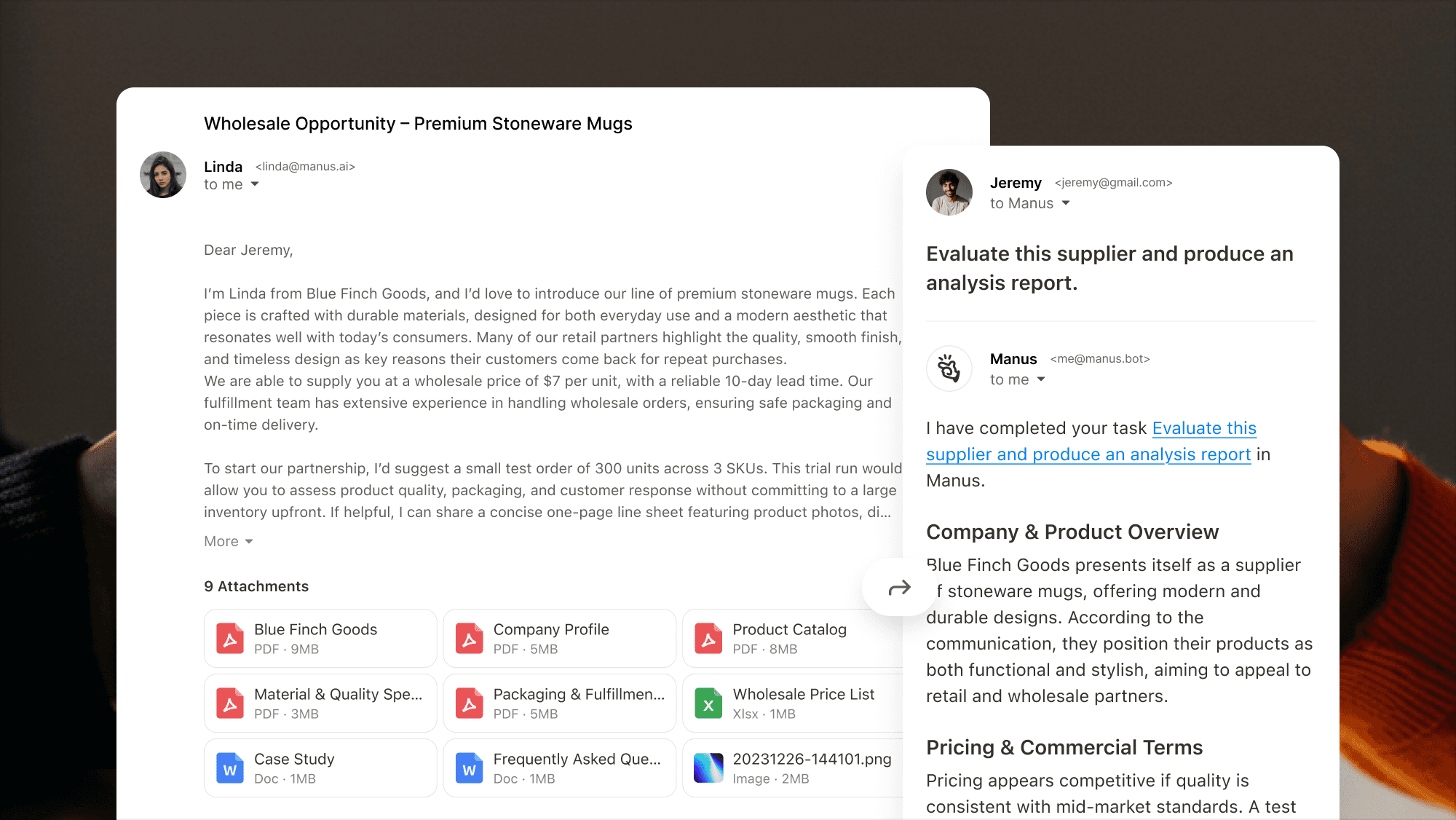
为您的企业处理大量电子邮件通信

Interface showing Manus extracting key points from a supplier‑evaluation email with multiple attachments and producing an analysis report.

为什么选择Mail Manus

View showing Manus extracting key points from a supplier‑evaluation email with multiple attachments.

从邮件到完成

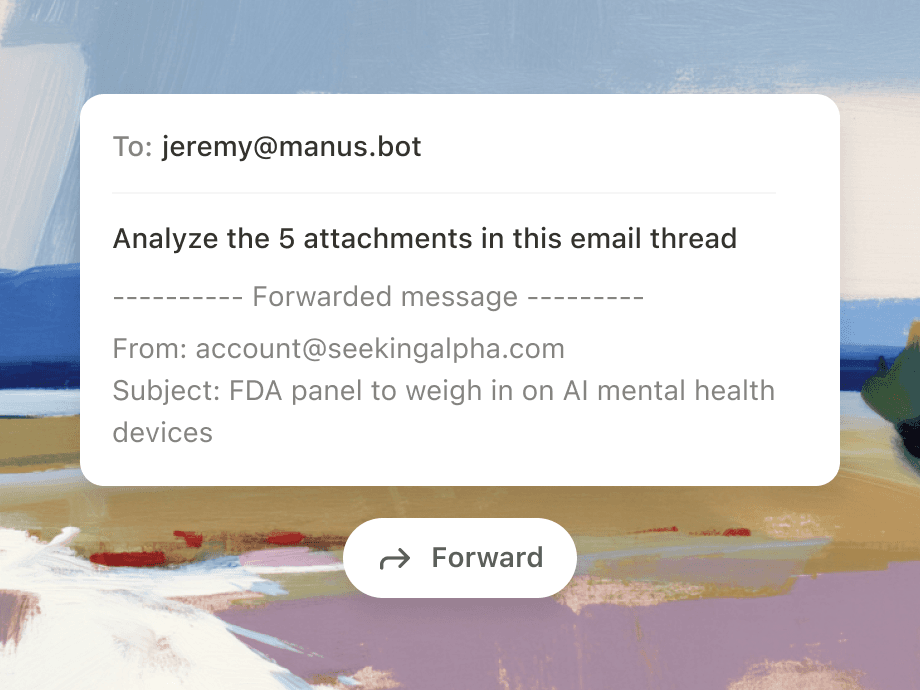
转发、发送或抄送邮件至Manus以立即将电子邮件转化为行动。

将Manus带到您的收件箱

Mail Manus 在您的收件箱中直接进行发送、计划和输出。无需切换标签页,也不会丢失上下文。
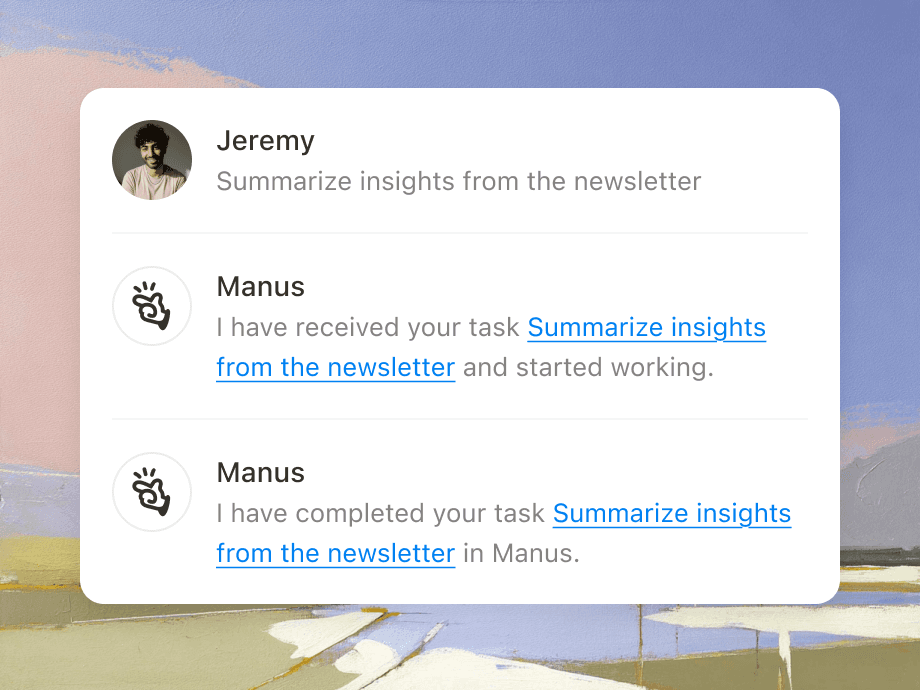
Illustration of forwarding an email with attachments to Manus.
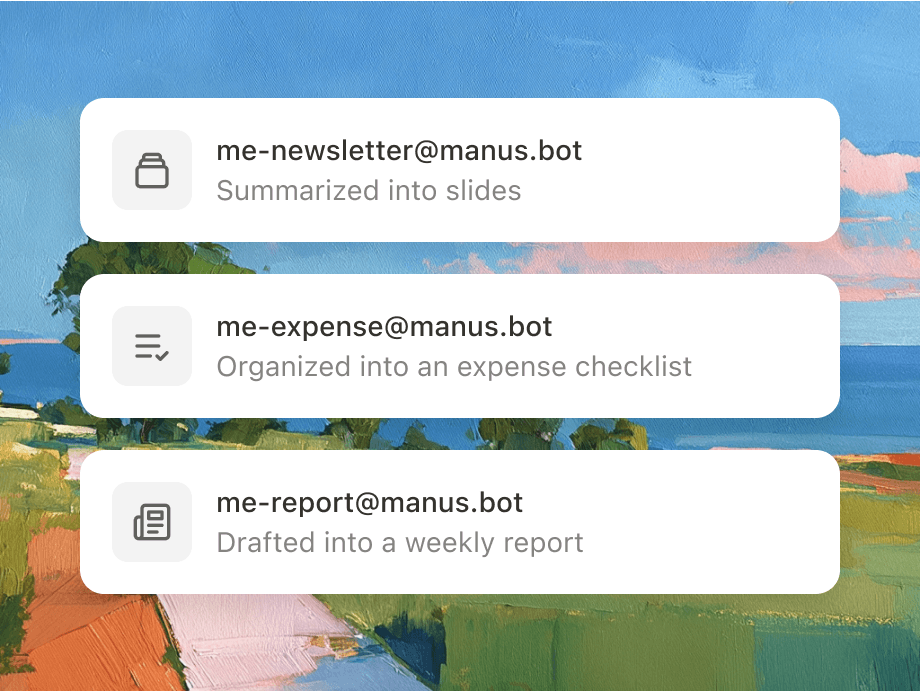
Graphic showing how different forwarding addresses.

通过转发电子邮件实现自动化

设置电子邮件自动化规则,Manus将重复任务转化为自主工作流程。

在您的收件箱中直接进行协作

将 Mail Manus 和您的队友加入循环,以创建共享任务并在彼此的进展基础上进一步发展。

Illustration with colleague avatars.

工作原理

步骤 1

创建您的接收邮件

选择您唯一的电子邮件前缀,使用@manus.bot。

Illustration showing how to set up your unique Manus receiving address and workflow email.

步骤 2

链接您的发送电子邮件

请告知我们您将从哪里发送电子邮件。

Interface illustrating how to link and authorize multiple sender email accounts in Manus.

步骤 3

将电子邮件转换为任务

如果你手头刚好有一个任务,只要让 manus 处理就好。

Illustration showing Manus converting an incoming email into an actionable task.

上一个

下一步

步骤 1

创建您的接收邮件

选择您唯一的电子邮件前缀,使用@manus.bot。

Illustration showing how to set up your unique Manus receiving address and workflow email.

步骤 2

链接您的发送电子邮件

请告知我们您将从哪里发送电子邮件。

Interface illustrating how to link and authorize multiple sender email accounts in Manus.

步骤 3

将电子邮件转换为任务

如果你手头刚好有一个任务,只要让 manus 处理就好。

Illustration showing Manus converting an incoming email into an actionable task.

常见问题

如何启用 Mail Manus?

如何通过电子邮件创建任务?

什么是工作流电子邮件,它能做什么?

协作功能如何运作?

夺回你的时间。
只需将其转发给Manus。

夺回你的时间。只需将其转发给Manus。