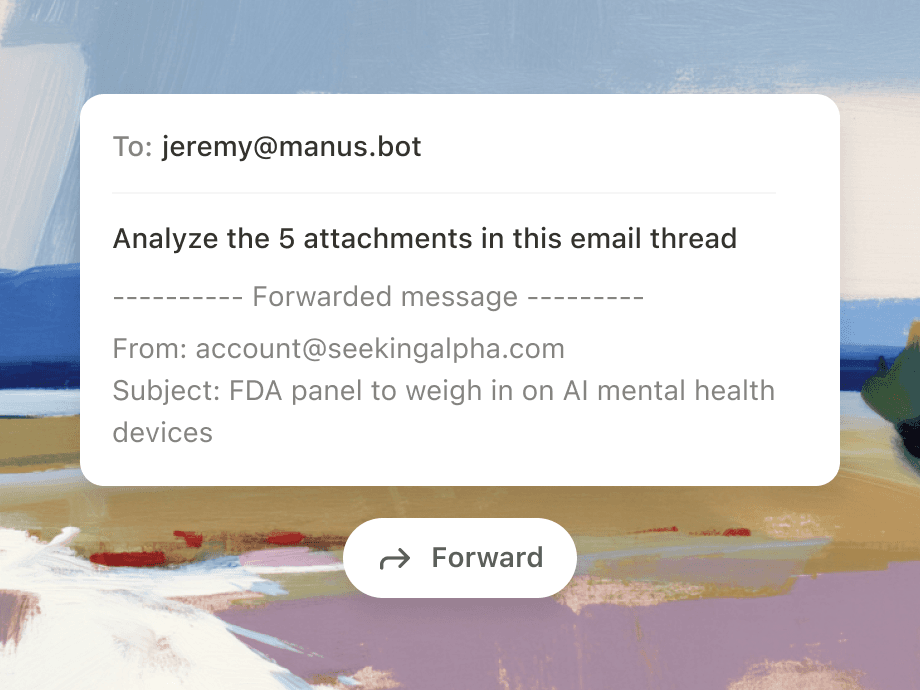
Mail Manus

Mail Manus. अपने इनबॉक्स से व्यापार कार्यप्रवाहों को स्वचालित करें। ग्राहक अनुरोधों, आंतरिक अनुमोदनों, और विक्रेता संचार को संरचित, ट्रैक करने योग्य कार्यों में बदलें — स्वचालित रूप से।

किसी भी ईमेल को कार्रवाई में बदल दें। इनबॉक्स से काम पूरा करने का आपका सबसे तेज़ रास्ता।

ग्राहक ब्रीफ और आरएफपी को संरचित परियोजना योजनाओं में बदलें
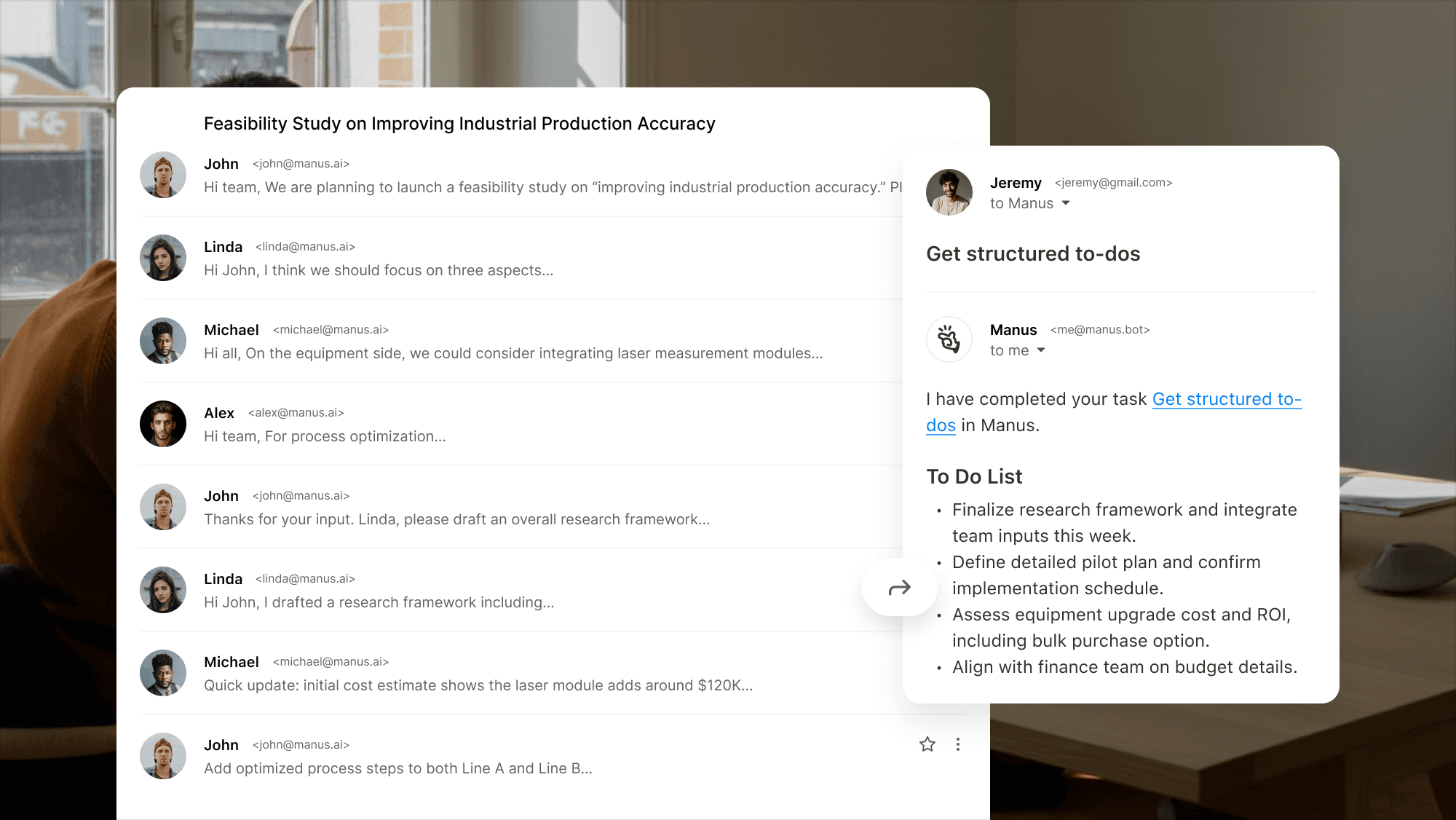
Example interface showing how Manus turns a long email thread into a clear to‑do list.

विक्रेता फॉलो-अप और स्वीकृति कार्यप्रवाह को स्वचालित करें
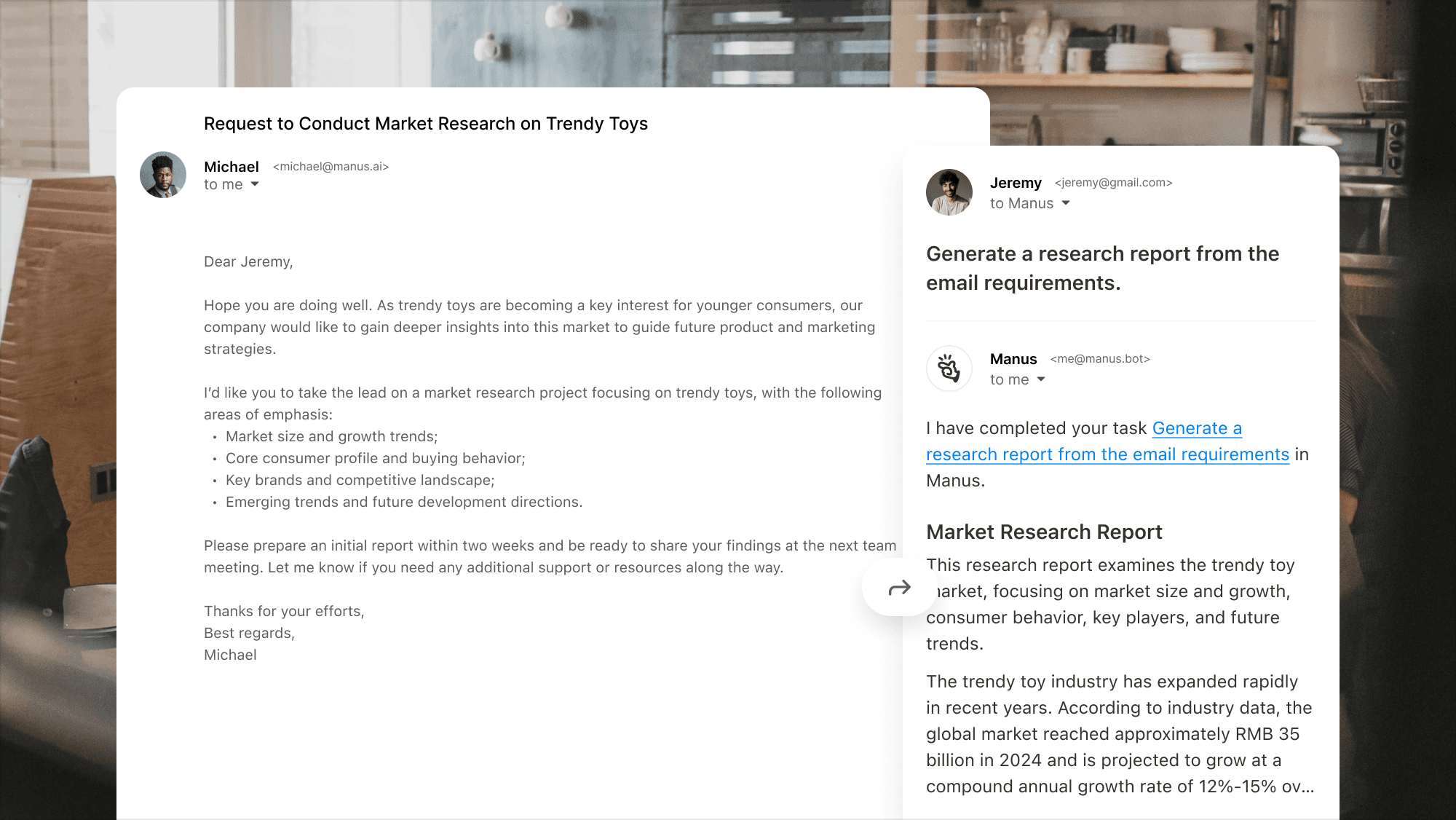
Interface showing Manus handling a complex market research request and producing a concise research report.

अपने व्यवसाय के लिए उच्च मात्रा वाले ईमेल संचार को संसाधित करें
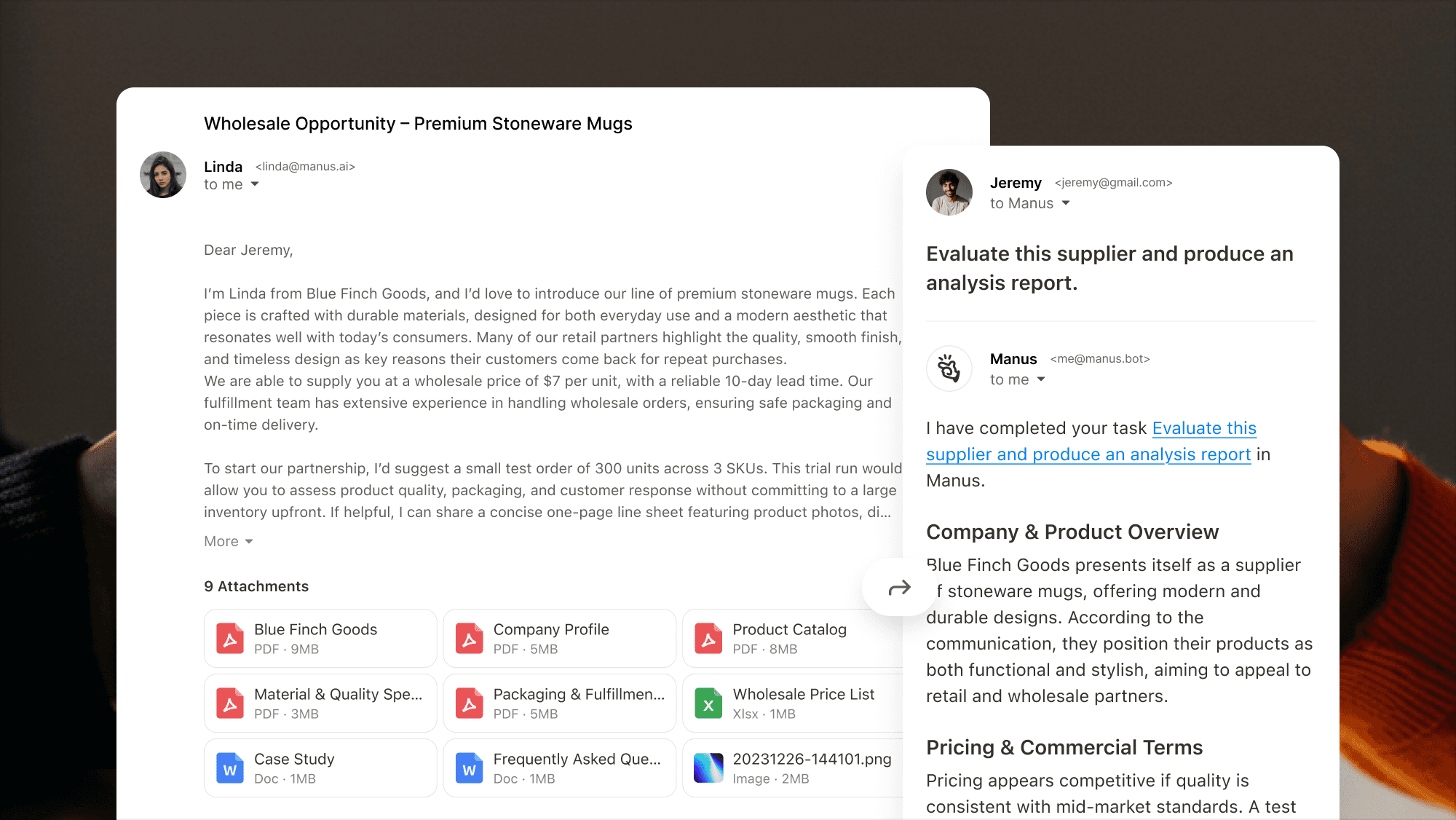
Interface showing Manus extracting key points from a supplier‑evaluation email with multiple attachments and producing an analysis report.

क्यों Mail Manus

View showing Manus extracting key points from a supplier‑evaluation email with multiple attachments.

ईमेल से समाप्त तक

आगे बढ़ाएं, भेजें, या CC Mail Manus ताकि ईमेल को तुरंत कार्यों में बदला जा सके।

Manus को अपने इनबॉक्स में लाएं

Mail Manus आपके इनबॉक्स में सब कुछ डिलीवर करता है, योजना बनाता है और आउटपुट देता है। कोई टैब स्विचिंग नहीं और कोई संदर्भ खोया नहीं।
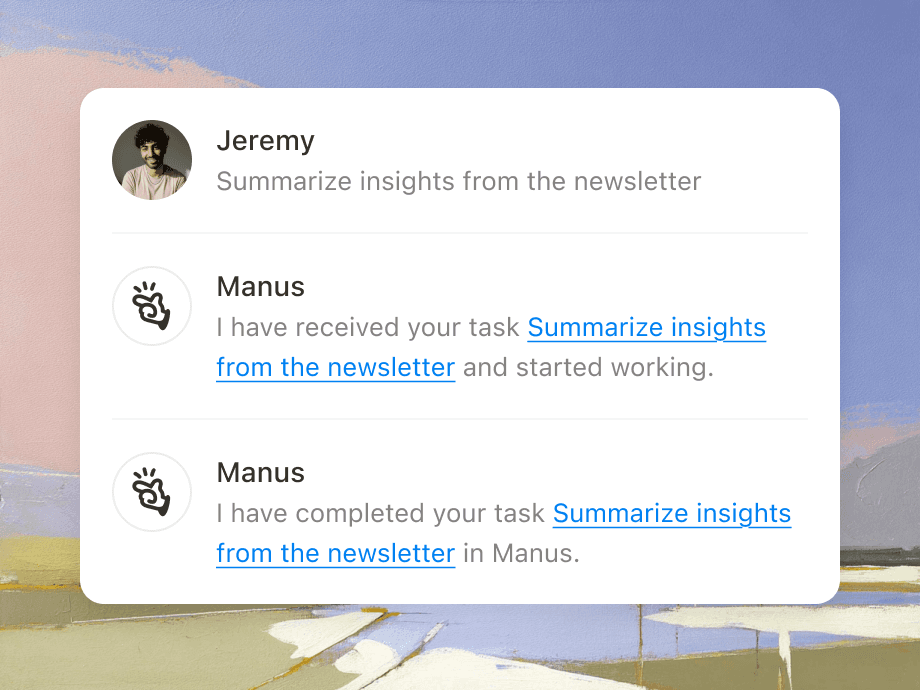
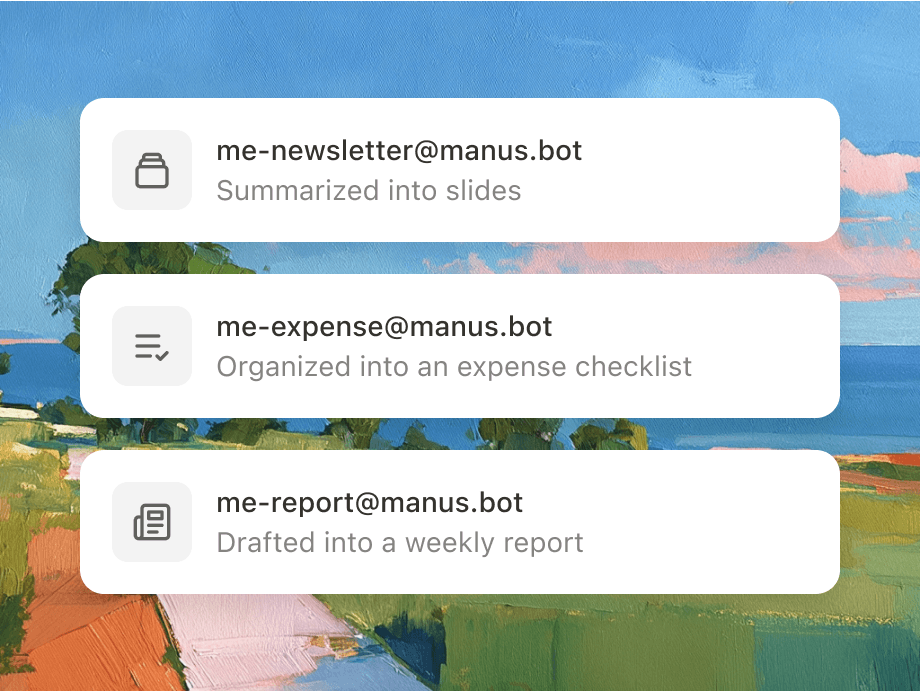
Illustration of forwarding an email with attachments to Manus.
Graphic showing how different forwarding addresses.

ईमेल अग्रेषित करके स्वचालित करें

ईमेल ऑटोमेशन नियम सेट करें, Manus आवर्ती कार्यों को एजेंटिक वर्कफ़्लो में बदल देता है।

आपके इनबॉक्स में सीधे सहयोग

Mail Manus और आपके टीम के साथियों को शामिल करें ताकि साझा कार्य बना सकें और एक-दूसरे की प्रगति पर आगे बढ़ सकें।

Illustration with colleague avatars.

यह कैसे काम करता है

चरण 1

अपनी प्राप्त करने वाली ईमेल बनाएं

@manus.bot के साथ अपना अद्वितीय ईमेल प्रीफिक्स चुनें।

Illustration showing how to set up your unique Manus receiving address and workflow email.

चरण 2

अपने ईमेल भेजने को लिंक करें

हमें बताएं कि आप ईमेल कहां से भेजेंगे।

Interface illustrating how to link and authorize multiple sender email accounts in Manus.

चरण 3

ईमेल को कार्यों में बदलें

यदि आपके पास कोई कार्य है, तो बस Manus को इसे संभालने दें।

Illustration showing Manus converting an incoming email into an actionable task.

पिछला

अगला

चरण 1

अपनी प्राप्त करने वाली ईमेल बनाएं

@manus.bot के साथ अपना अद्वितीय ईमेल प्रीफिक्स चुनें।

Illustration showing how to set up your unique Manus receiving address and workflow email.

चरण 2

अपने ईमेल भेजने को लिंक करें

हमें बताएं कि आप ईमेल कहां से भेजेंगे।

Interface illustrating how to link and authorize multiple sender email accounts in Manus.

चरण 3

ईमेल को कार्यों में बदलें

यदि आपके पास कोई कार्य है, तो बस Manus को इसे संभालने दें।

Illustration showing Manus converting an incoming email into an actionable task.

अक्सर पूछे जाने वाले प्रश्न

मैं Mail Manus को कैसे सक्षम करूं?

मैं ईमेल के माध्यम से कार्य कैसे बना सकता हूँ?

वर्कफ़्लो ईमेल क्या है और यह क्या कर सकता है?

सहयोग सुविधा कैसे काम करती है?

अपने समय को वापस पाएं।
बस इसे Manus को अग्रेषित कर दें।

अपने समय को वापस पाएं। बस इसे Manus को अग्रेषित कर दें।