Which AI Agent Should You Choose: OpenClaw vs. Manus Desktop
For years, the dream of a true AI assistant, one that could live on your computer, access your files, and automate your unique workflow, felt just out of reach. Then came OpenClaw, a powerful, open-source framework that gave developers and hobbyists the keys to the kingdom. It was complex and demanding, but it was the only real way to have an AI agent with local control.
That is, until now.
With the launch of its “My Computer” feature, Manus has firmly positioned its Desktop agent as a direct competitor to OpenClaw. The game has changed. The question is no longer if you can have a personal AI agent on your desktop, but which kind of agent is right for you: the powerful, DIY framework or the polished, all-in-one application?
This article tells the story of two users with two different goals to help you decide.
At a Glance: OpenClaw vs. Manus Desktop
Feature | OpenClaw | Manus Desktop |
Best For | Developers & Hobbyists | Professionals & General Users |
Setup Process | Manual (Command line, requires Node.js) | Simple (Standard app installer) |
Core Philosophy | DIY, open-source, maximum control | Integrated, user-friendly, secure |
Slide Generation | Requires third-party skills | Native, integrated feature |
Web Development | Possible via skills, developer-focused | Native, guided project setup |
Local Automation | Strong (e.g., running Python scripts) | Strong (e.g., file organization, workflows) |
Pricing | Free (plus model/hosting costs) | Freemium (with paid tiers) |
Two Approaches to Automation
At their heart, both OpenClaw and Manus Desktop are automation engines. But how they achieve that automation reveals their core philosophies, and how they differ from each other. Perhaps going through use cases that mimic real life situations might help us to understand this better. Let’s imagine two different professionals: a developer named Alex and a marketer named Sarah.
The Developer’s Automated Watchdog
Alex, a freelance web developer, wants to monitor his client’s e-commerce site for downtime. He needs an agent that can check the site’s status every few minutes, alert him on his phone if it goes down, and automatically try to restart the server.
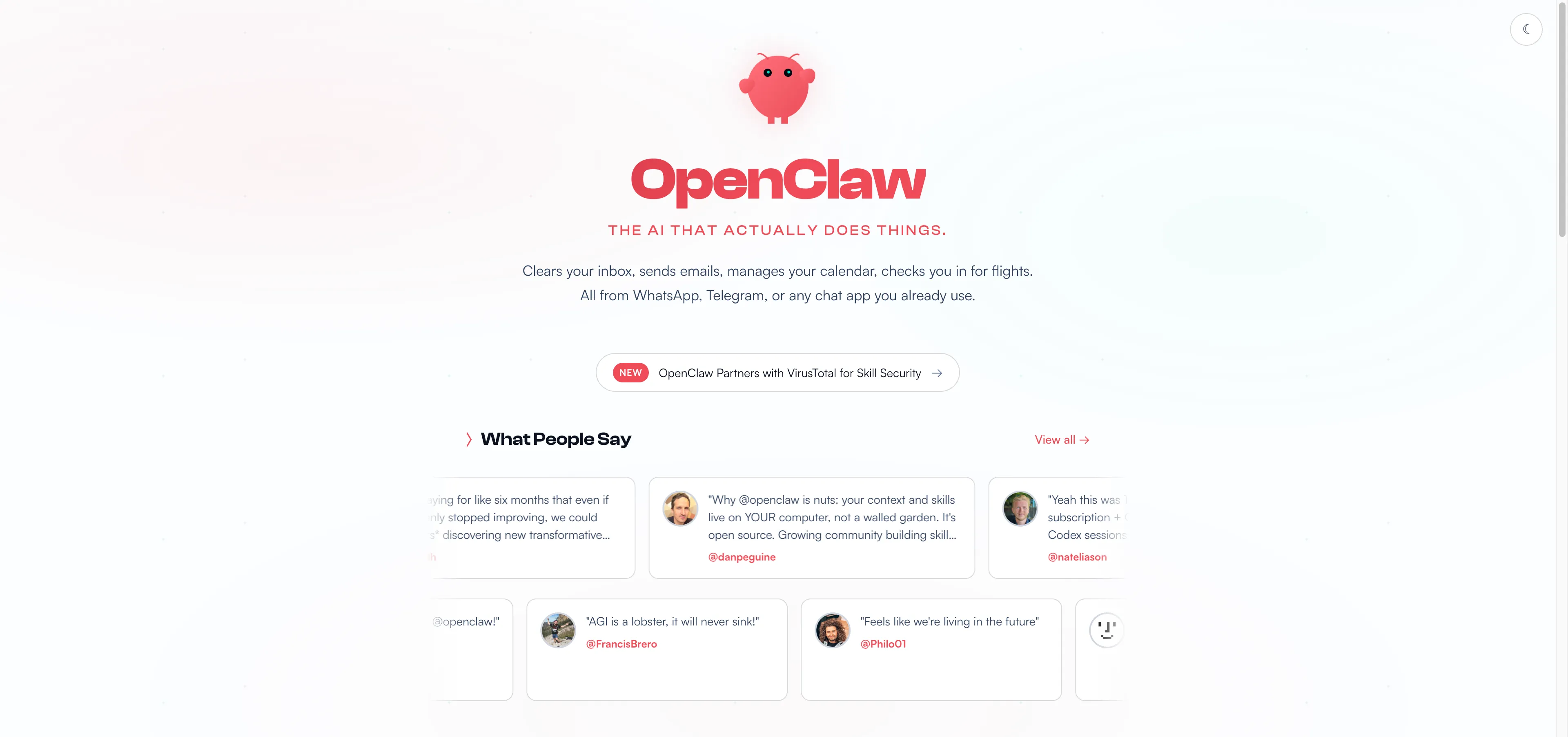
With OpenClaw, Alex’s workflow looks like this:
From his terminal, he tells his OpenClaw agent, “Create a Python script that checks https://client-site.com every 5 minutes. If the HTTP status isn’t 200, send me a WhatsApp message and then run pm2 restart web-server.”
Behind the scenes, OpenClaw gets to work:
1.It writes a monitor.py script and saves it to Alex’s local machine.
2.It accesses the system’s cron scheduler to set up a recurring task to run the script.
3.When the site eventually goes down, the script triggers OpenClaw’s native WhatsApp integration to send an alert directly to Alex’s phone.
4.Simultaneously, it uses its direct shell access to execute the pm2 command, restarting the server.
This is OpenClaw in its element. It offers Alex limitless, granular control over his system. For a developer comfortable with scripts, schedulers, and shell commands, this is ultimate power and flexibility.
The Marketer’s Automated Content Engine
Sarah, a marketing manager, wants to stay on top of a key competitor’s announcements. She needs an agent to check their blog for new posts, summarize the content, add it to her team’s Notion database, and save a copy for her records.
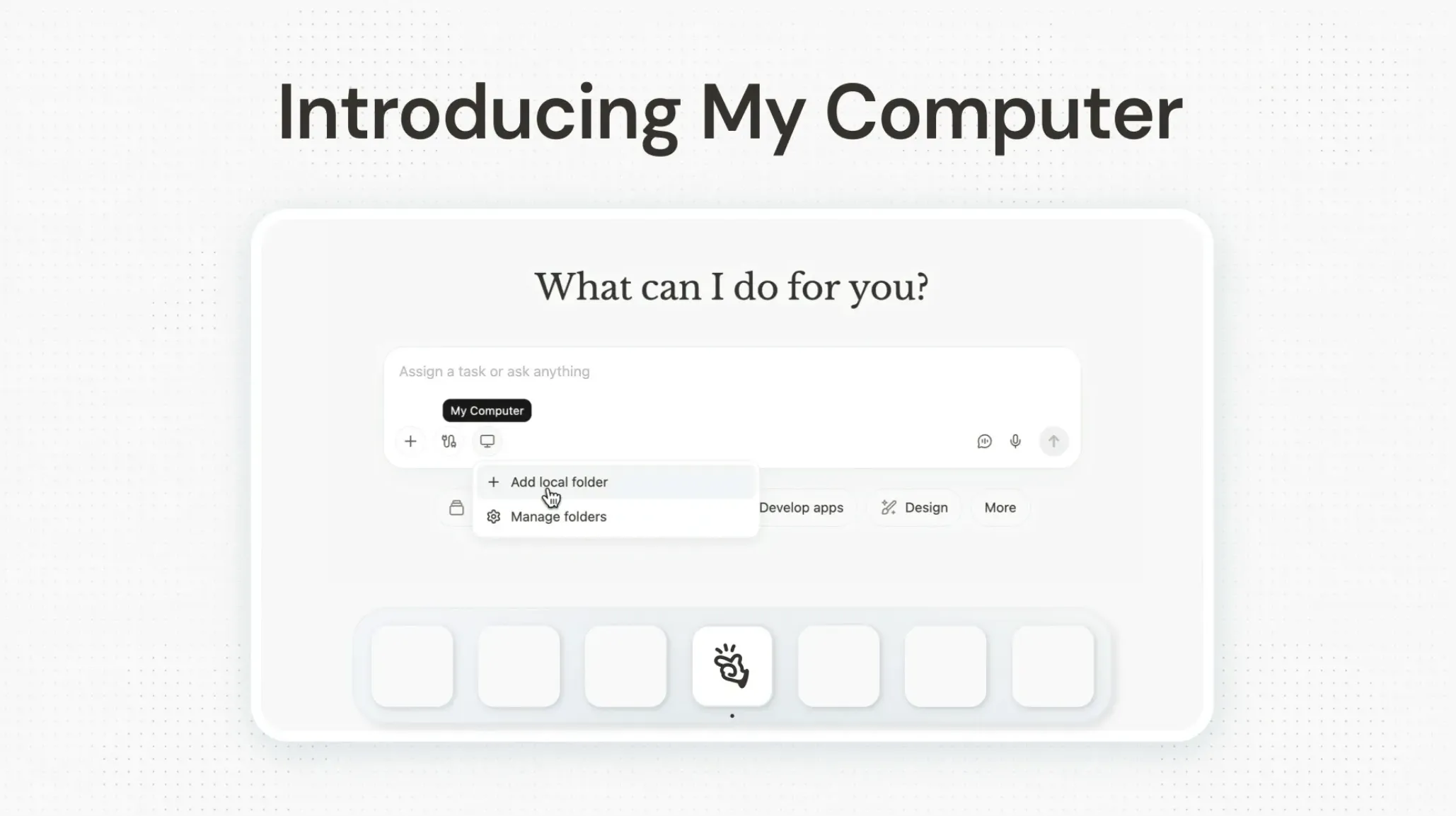
With Manus Desktop, Sarah’s workflow looks like this:
From the Manus Desktop app, she gives a single prompt: “Every morning, check https://competitor.com/blog. If there’s a new post, summarize it, add the summary to our ‘Competitor Intel’ Notion database, and save a PDF of the article to my ‘Competitor Research’ folder on my desktop.”
Manus handles the entire multi-step process seamlessly:
1.It uses its built-in scheduler to create a recurring local task.
2.Every morning, it uses its Web Connector to browse the competitor’s blog.
3.When it finds a new post, it reads the article and generates a concise summary and analysis.
4.Using its native Notion integration (via MCP ), it securely connects to Sarah’s account and creates a new page in the correct database, populating it with the summary.
5.Finally, using its “My Computer” access, it saves a clean PDF of the article directly into the specified folder on her desktop.
This is the Manus working its magic. Sarah didn’t need to know what a cron job was, how to write a script, or how the Notion API works. She stated her goal in plain English, and the integrated platform handled the rest. For a professional focused on productivity, this is the faster, more direct path to a powerful automated workflow, regardless of your technical expertise.
For Builders: Presentations and Websites
The differences become even clearer when moving from automation to creation. Let’s continue Sarah’s story. Now that she has the competitor intel, she needs to create a presentation for her team and a landing page to respond to the competitor’s move.
With Manus Desktop, this is a natural next step. She gives two more prompts:
•“Create a 10-slide presentation summarizing the key findings from my ‘Competitor Intel’ Notion database.”
•“Now, build a landing page with the headline ‘A Smarter Alternative’ and three sections highlighting our advantages. Use a professional and clean design.”
Since Slides and Web Dev are native tools within Manus, the agent generates a complete, polished presentation and a fully coded, ready-to-deploy website without any extra setup. It’s an integrated, end-to-end content creation pipeline. Quick, seamless and effective.
With OpenClaw, this is also possible, but it’s a different kind of project. Sarah (or more likely, a developer she hires) would need to:
1.Find and install third-party skills: She would search a repository like ClawHub to find a presentation skill (e.g., felo-slides) and a web development skill.
2.Install and configure them: This would involve running more command-line scripts (npx clawhub@latest install...).
3.Manage API keys: The presentation skill might require its own API key and have its own separate costs.
4.Chain the commands: She would then need to orchestrate the workflow between the core agent and these new skills.
It can be done, and the open-source nature means the possibilities are endless. However, it shifts the user’s role from simply stating a goal to actively building and managing the toolchain required to achieve it.
Conclusion: So Which Agent is Better?
The answer depends entirely on how you view the relationship between power, control, and convenience.
OpenClaw offers near-infinite power and control for those who have the technical skills to build and maintain it. It’s a framework for builders, a blank canvas for developers who want to craft a truly bespoke AI. The “cost” is the time and expertise required for setup, maintenance, and security.
Manus Desktop offers immense power in a polished, secure, and immediately usable package. It’s a ready-to-use assistant for professionals, designed to automate complex business and productivity workflows without requiring any technical knowledge. The “cost” is a trade-off in system-level control for a massive gain in speed, safety, and ease of use.
Ultimately, OpenClaw provides the building blocks, while Manus Desktop delivers the finished building. Here’s another tip, for those developers intrigued by OpenClaw’s customizability but wary of the setup and security risks, you can even use Manus to deploy it in a secure, sandboxed environment, giving you the best of both worlds.
