Introducing ElevenLabs on Manus: Give Your Ideas a Voice From One Chat

Introducing ElevenLabs on Manus! Generate speech, transcribe recordings, clone voices, and build audio apps by talking to Manus.
Simply describe the audio you need or the app you want to build, and Manus handles the rest. From there, the same chat is where you turn blog posts into podcasts, extract meeting notes, and design sound effects. ElevenLabs keeps doing what it does best in the background — powering world-class AI audio — while Manus handles the day-to-day on top.
Getting Started
The simplest way to begin is to just ask. Tell Manus you want to create some audio — what the script is, whose voice to use, the feel you're going for — and Manus will connect to your authorized ElevenLabs account and start generating. All AI-generated audio should be reviewed before publishing or distribution. You don't have to write code, manage API keys, or set anything up beforehand. By the end of the conversation, you'll have finished audio files, all processed in your own ElevenLabs environment.
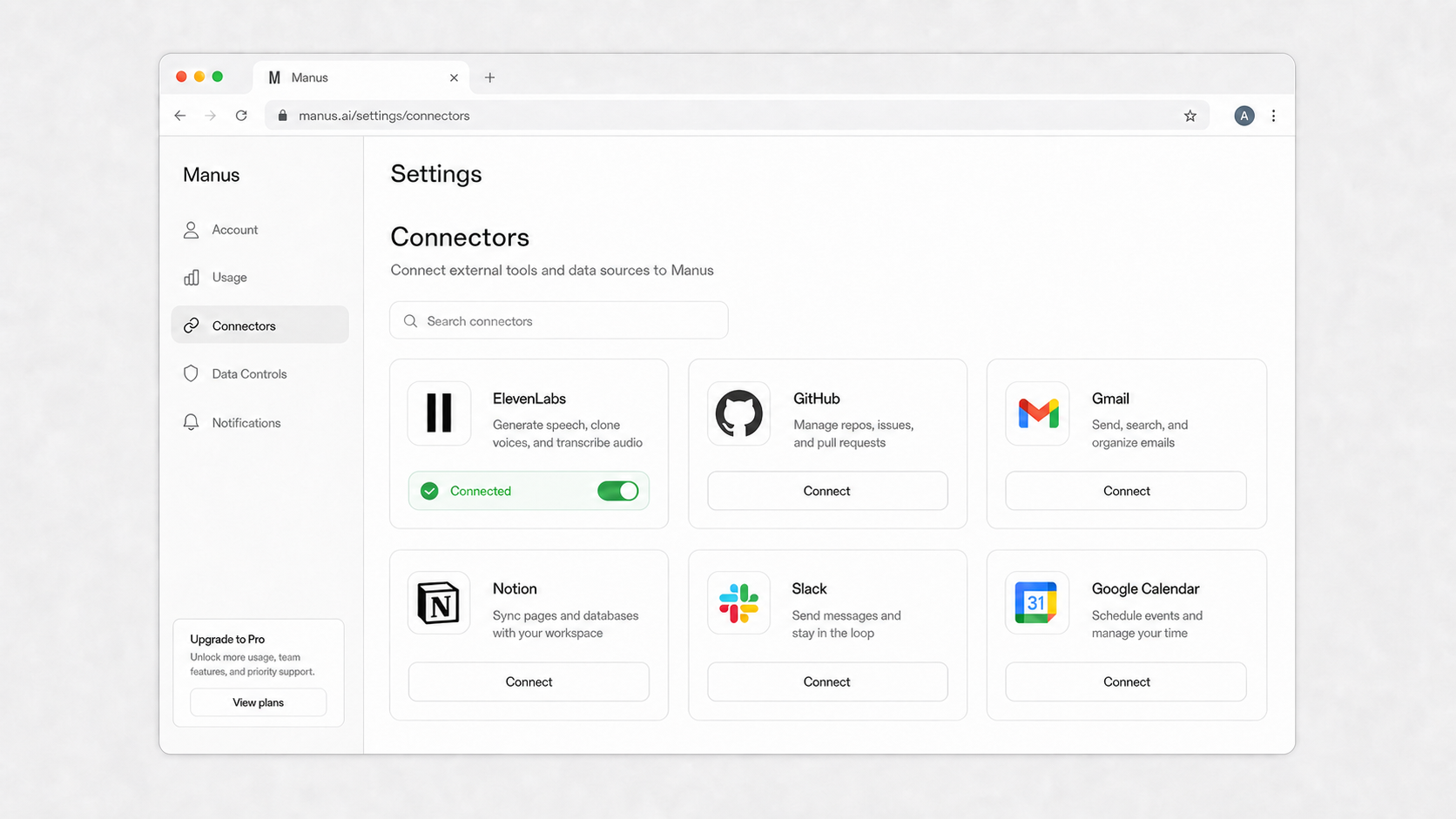
When you're ready to start, there's one quick step: connect your account. Click Connect under Integrations, sign in to ElevenLabs, and Manus is ready to generate. Manus will prompt you when it's the right moment, so you don't have to think about it until you need it.
What It Can Do for You
If you already use ElevenLabs, tasks that used to require coordinating across multiple tools and scripts now happen in a single chat against the account you already own. This integration bridges your audio workflows directly into your workspace without disrupting anything you already have set up — your ElevenLabs billing and usage history remain governed by your ElevenLabs account terms.
Generate scripts and audio
Manus writes the script and generates the audio before you lift a finger
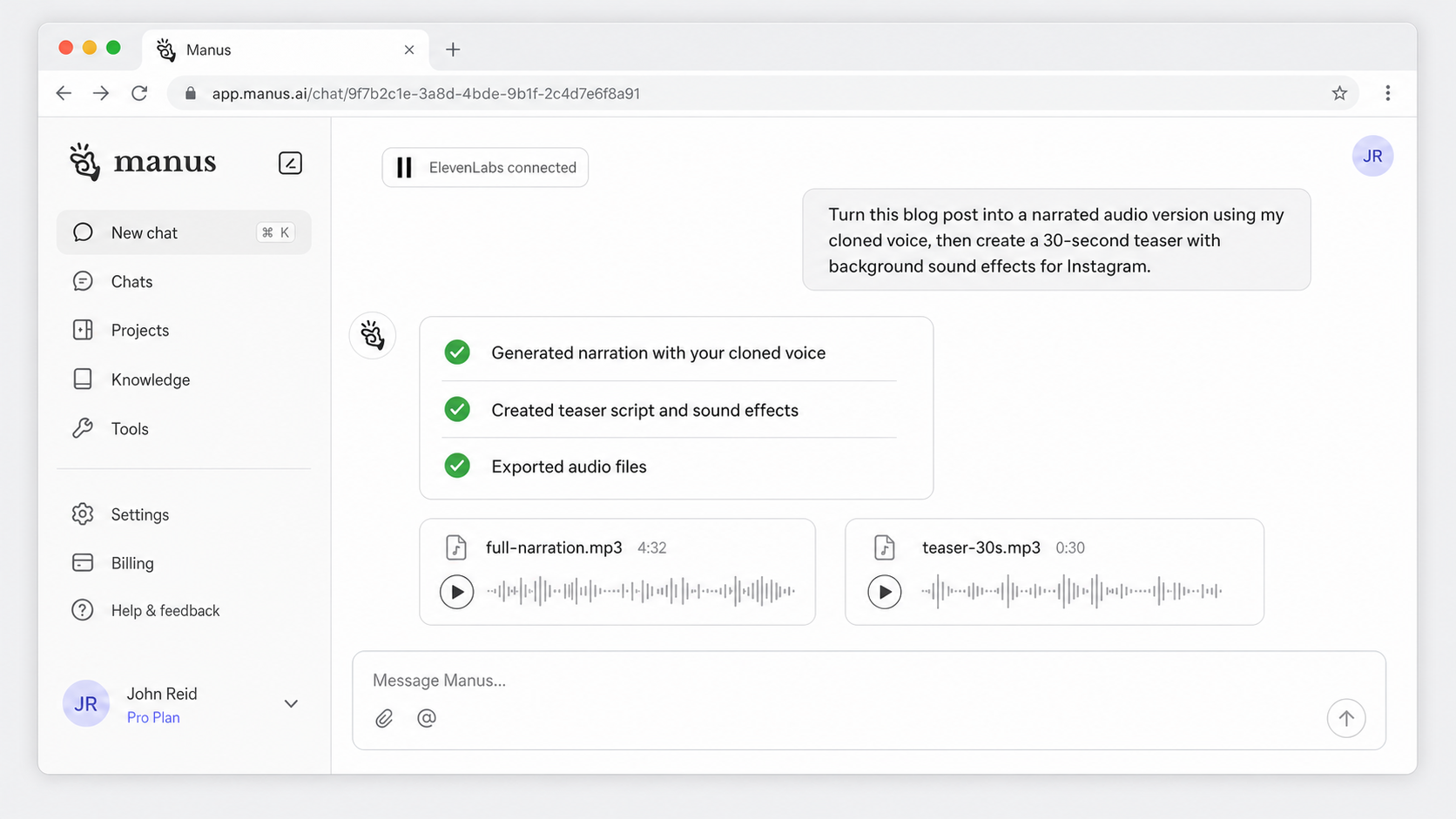
You describe the content in one prompt. Manus drafts the text, then generates the audio against your connected ElevenLabs account — selecting the right voice, applying the proper pacing, and handing back a finished file.
Use it to:
•Launch a podcast version of your newsletter without recording anything yourself.
•Stand up a voiceover for a product demo video with localized languages.
•Rebuild your onboarding flow around narrated documentation.
•Stage a custom soundscape for a creative project.
Prompts to start with:
"Take my latest blog post, narrate it with a professional British voice, and create a 30-second teaser with background sound effects for Instagram."
"Create a voiceover for this product launch script in Japanese, using a warm and energetic tone."
Process audio files for insights
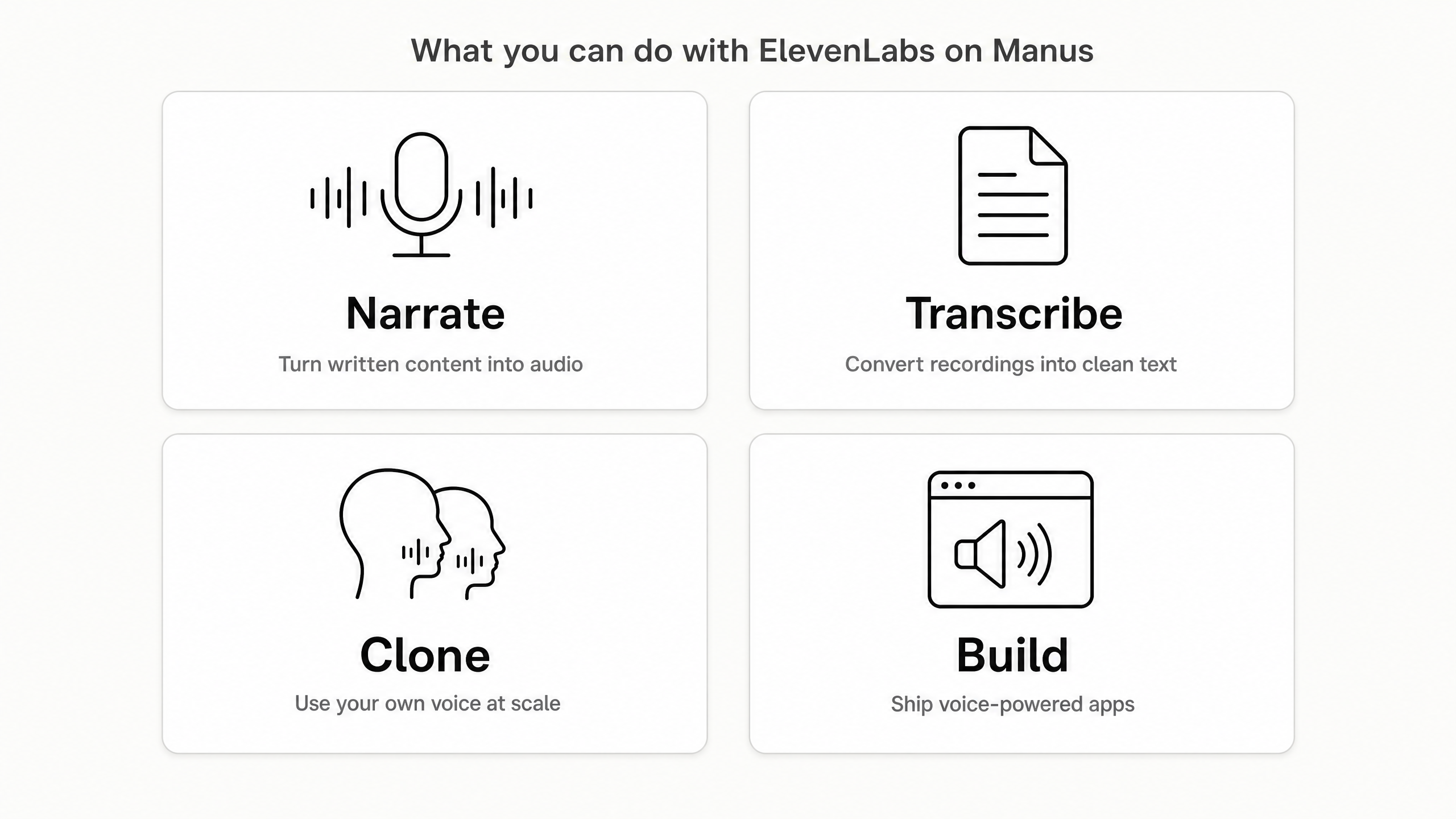
Most audio doesn't start as text. It starts as a raw recording. Manus handles that. With the ElevenLabs connector on, upload the audio file securely within your Manus session, and the ElevenLabs connector will seamlessly process it — identifying speakers, drafting summaries, and organizing the insights as it goes.
Use it to:
•Bulk-process customer interviews into clean transcripts and action items.
•Review your meeting recordings for key decisions and organize them into a shared doc.
•Reorganize a rambling voice memo into a structured project brief.
•Extract the five strongest quotes from a podcast episode for social media.
Prompts to start with:
"Here's the raw audio from our all-hands meeting. Transcribe it, label each speaker, and pull the key decisions into a doc."
"Review this customer interview recording. Flag any mentions of pricing or competitors and summarize their main pain points."
Build voice powered applications
With the ElevenLabs connector, Manus can turn your ideas into full voice-powered applications. Ask for a personalized song generator, a language tutor, or an interactive story, and Manus will build the app — using ElevenLabs as the audio engine.
Use it to:
•Clear the hurdle of building a full-stack app by letting Manus write the code.
•Plan a personalized audio experience around a viral trend.
•Double down on a creative idea by giving it a voice.
Prompts to start with:
"Build a personalized song generator web app with a retro UI, support for four languages, and narration using my authorized voice clone. (Note: you must have rights to any voice you clone, and ElevenLabs’ consent requirements apply.)"
"Create a language practice app where users can talk to an AI tutor that responds with natural speech."
Availability
The ElevenLabs connector is available to Manus users with an active ElevenLabs account. Available capabilities depend on your ElevenLabs plan and credit balance. Setup walkthroughs are in the Manus docs at manus.im/docs.
Common Questions
If you're a Manus user
Q: How does the integration actually work?
A: Manus uses ElevenLabs' APIs to generate speech, clone voices, and transcribe audio on your behalf. The workflow is managed by Manus; ElevenLabs processes the audio. Generated outputs are returned within your Manus session. Manus only accesses 3rd party connectors you have already authorized. No new permissions are granted automatically.
Q: Do I need an existing ElevenLabs account to start?
A: Yes. You need an active ElevenLabs account to connect it to Manus.
If you're an ElevenLabs user
Q: Does Manus replace my ElevenLabs dashboard?
A: No. Manus builds a conversational interface that connects to your ElevenLabs account on the backend. Your existing history and voices stay untouched; ElevenLabs keeps managing generation and billing as usual.
Q: Does Manus access my audio data?
A: Manus reads and writes audio through ElevenLabs' API to power features like transcription and generation. Audio data is processed according to ElevenLabs' data retention policies. Manus only accesses 3rd party connectors you have already authorized. No new permissions are granted automatically. Review ElevenLabs' privacy policy for details on how your data is handled.
Bring Sound into Every Manus Task
Most work tools are silent. The ElevenLabs connector changes that, letting anything you create in Manus speak. This is part of a broader direction for Manus: bring the tools and services behind your work into the same place where the work actually happens.
