AI text summarizer
Transform lengthy documents into clear, actionable summaries in seconds—paste text or upload files
Use cases
How it works



Frequently asked questions
How does Manus differ from other text summarizers?
Unlike tools that simply extract sentences or shorten paragraphs, Manus actually reads and understands your content. It identifies arguments, tracks logical flow, and recognizes how ideas connect—just like a human analyst. Then it creates summaries that preserve meaning and context, not just extract keywords. This means your summaries are actually useful, not just shorter.
Can Manus summarize documents in different formats?
Yes. Manus handles PDFs, Word documents, plain text, meeting transcripts, and more. You can upload files directly or paste text—no conversion required. It even works with scanned documents using OCR, though the accuracy depends on scan quality.
How accurate are the summaries generated by Manus?
Manus preserves the original meaning and key information from your documents. It doesn't invent content or misrepresent arguments. However, summarization inherently involves selection—Manus prioritizes main points over supporting details. For critical documents like legal contracts or medical reports, we recommend reviewing summaries against the original or using Fact Checker to verify key claims.
Can I customize the summary length and format?
Absolutely. You have full control over both format and length. For format, choose bullet points for quick scanning, paragraphs for narrative flow, or specify a custom structure. For length, select from very short (key takeaways only), short (brief main points), medium (balanced detail), or long (comprehensive with context). You can also specify what to focus on—main arguments, methodology, action items, or whatever matters most to you.
What's the difference between bullet points and paragraph summaries?
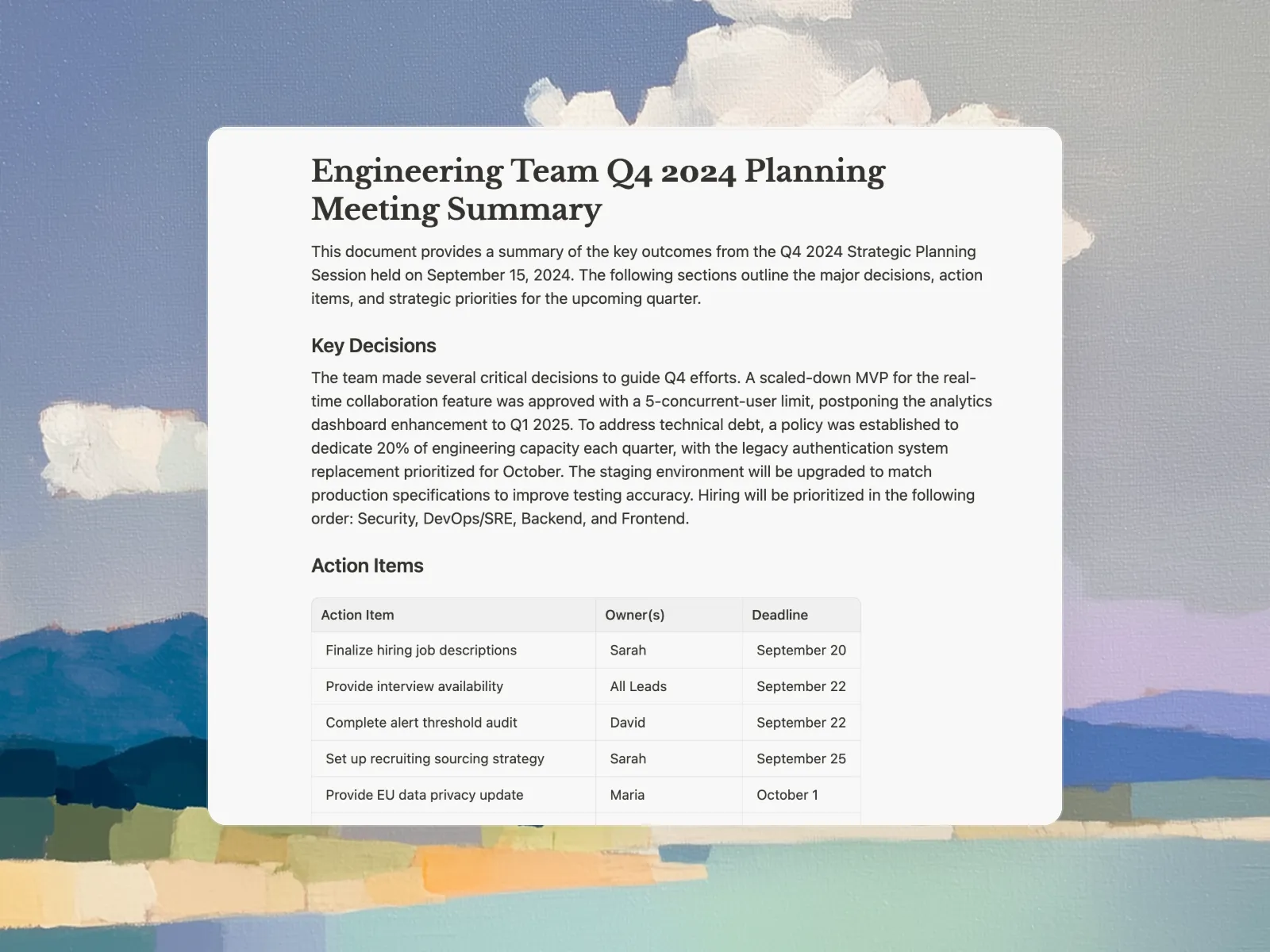
Bullet points are ideal when you need to quickly scan key information—perfect for meeting notes, action items, or study materials. Each point is a standalone takeaway. Paragraph summaries provide narrative flow and show how ideas connect—better for executive summaries, research overviews, or when you need to understand the logical structure. You can also request custom formats like numbered lists, Q&A format, or section-by-section breakdowns.
Is Manus suitable for academic research papers?
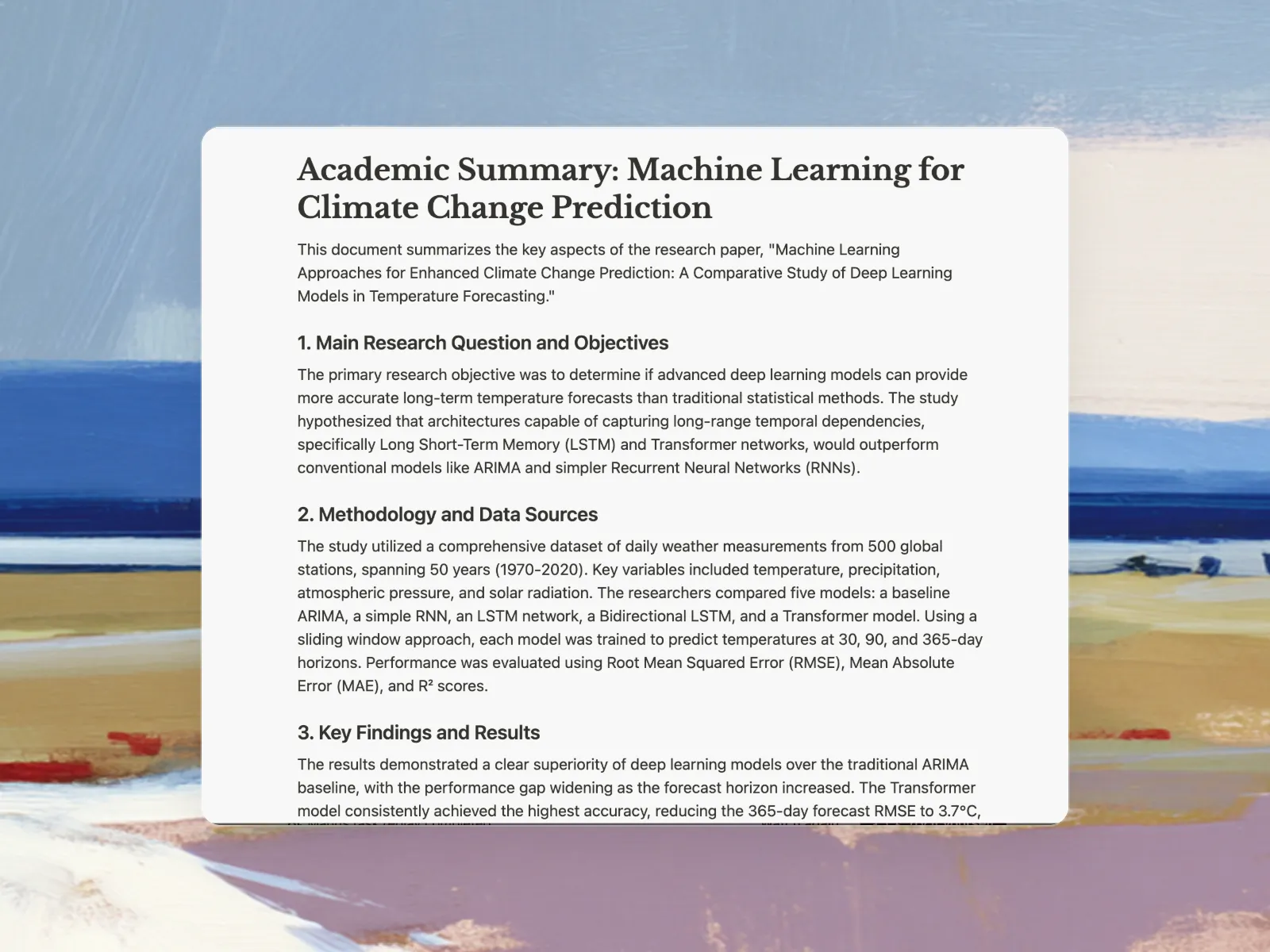
Yes, Manus is built to handle complex academic content. It recognizes scholarly structure—abstract, introduction, methodology, results, discussion—and can extract specific sections or provide comprehensive summaries. Students and researchers use Manus to quickly assess paper relevance, prepare literature reviews, and identify key findings without reading every full paper.
How does Manus handle technical or specialized terminology?
Manus preserves technical terms and specialized vocabulary rather than simplifying them away. If you need explanations of technical concepts, you can ask Manus to clarify specific terms or provide context. For highly specialized fields like medical research or legal documents, the quality depends on how clearly the original document is written.
Can Manus summarize multiple documents at once?
Yes, Manus excels at handling multiple documents. You can upload several documents and ask Manus to identify common themes, contradictions, or complementary information across them—useful for literature reviews or comparative analysis. For large-scale research, try Wide Research.
What's the maximum document length Manus can summarize?
Manus can handle documents of various lengths—from short articles to lengthy research papers and reports. For very long documents like books or dissertations, Manus can work through sections or chapters. The tool is optimized for documents between 1,000 and 50,000 words, which covers most articles, papers, and reports.
Are my uploaded documents kept private and secure?
Yes. Your documents are processed securely and are not used to train Manus or shared with other users. We implement standard security measures to protect your content during processing. After summarization, you control whether to save or delete your documents from our system.
Can I use Manus summaries in my own work?
You can use Manus summaries as a starting point for your own work, but always attribute the original source appropriately. Summaries are derivative works—they come from someone else's original content. Use Manus to understand and analyze sources faster, then write in your own words and cite properly. For academic work, check your institution's AI tool policies.