Turn text and photos into 3D models with Tripo AI in Manus
Add your own Tripo API key, and Manus uses Tripo to turn one sentence or one photo into a textured 3D model. It can then reduce the mesh, auto-rig characters, convert the file format and put the model on a web page you can rotate. Tripo usage comes out of the credits on your own Tripo account.
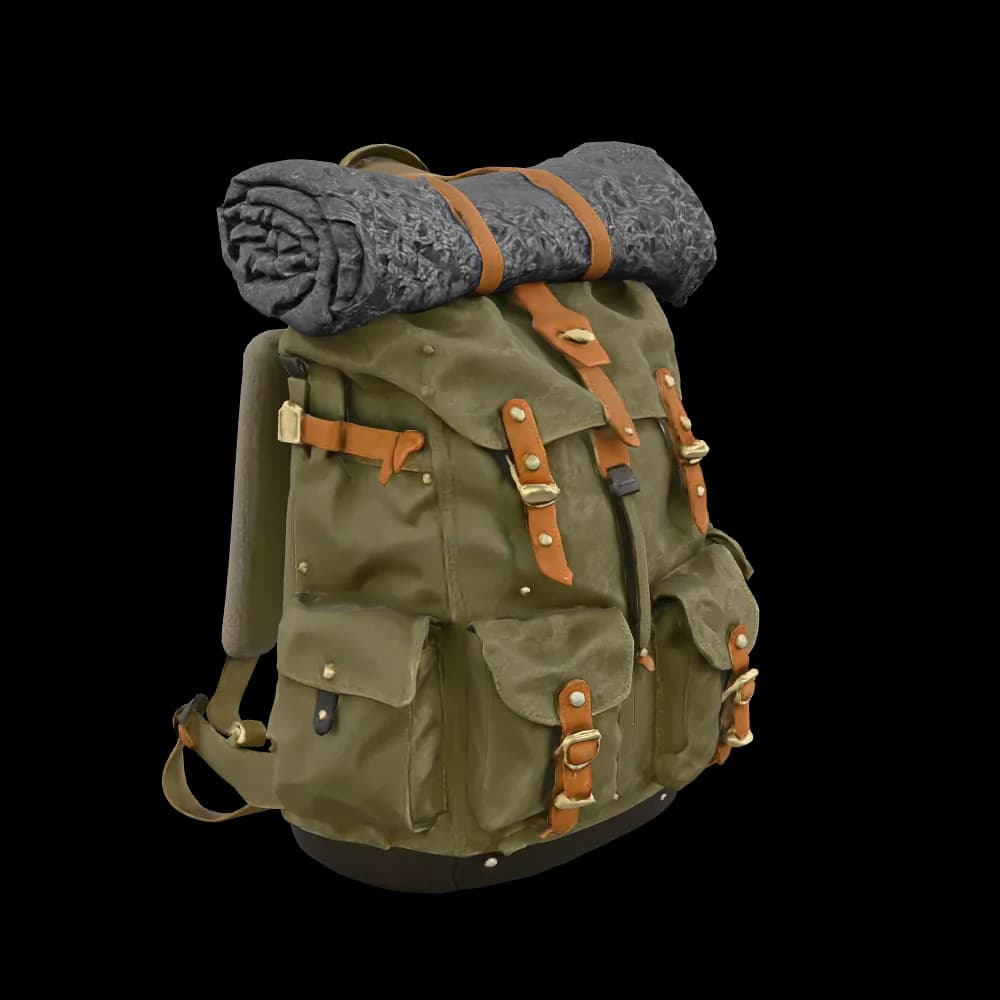
Manus works as an AI 3D model generator on your own Tripo account. This backpack came back from Tripo as a textured GLB model, ready to rotate, download or put on a web page.
Drag the model to rotate it
Tripo text to 3D for props, furniture, characters and products
Describe an object in one sentence. Manus writes the Tripo prompt, runs Tripo AI text to 3D and brings back a textured model you can rotate right in the task.
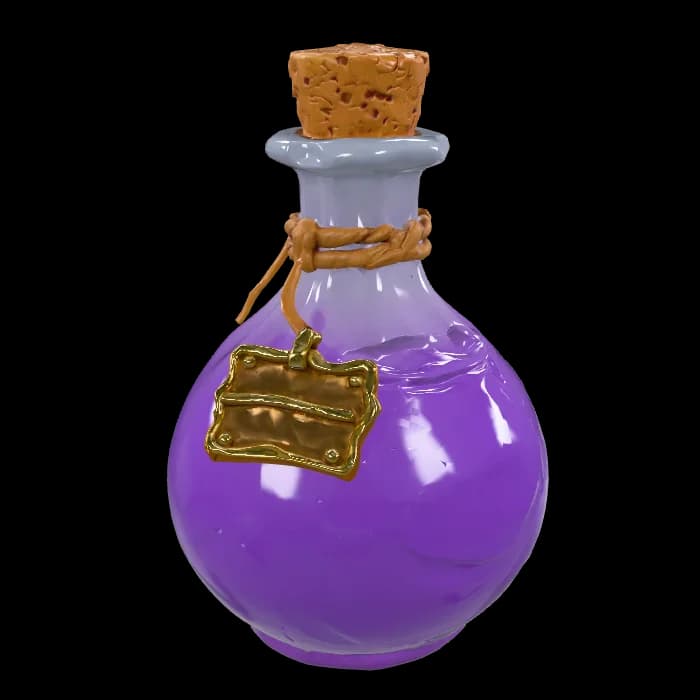
Game props
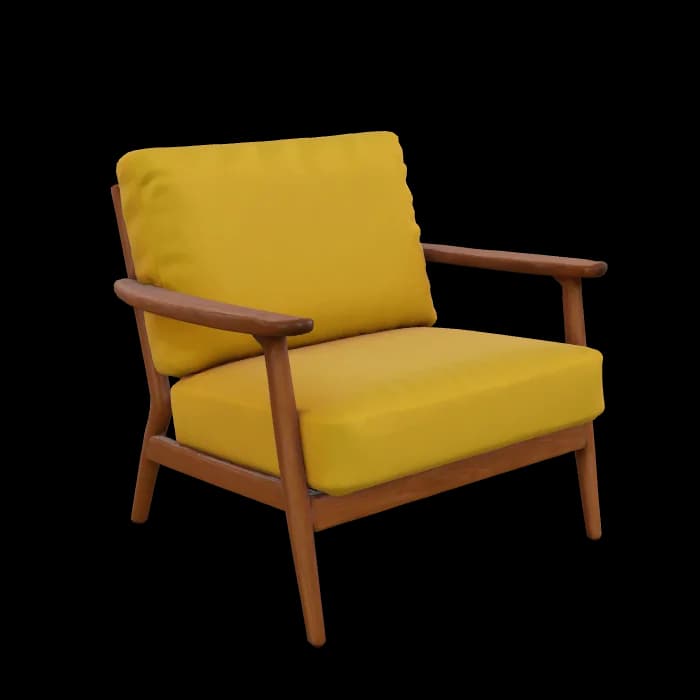
Furniture

Characters
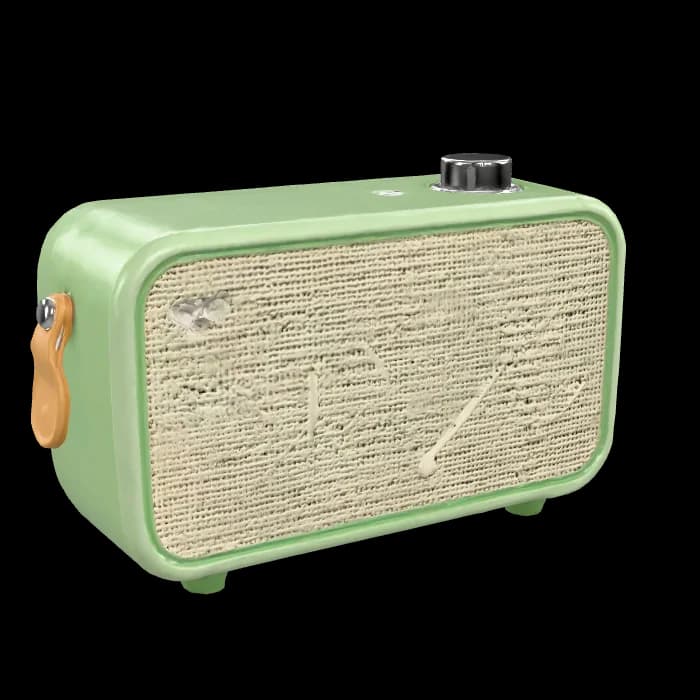
Products
Tripo image to 3D from a single product photo
Upload a product photo, or a few photos of the same object from different angles, and Manus runs Tripo photo to 3D for you. Extra angles help Tripo get the shape and textures right.

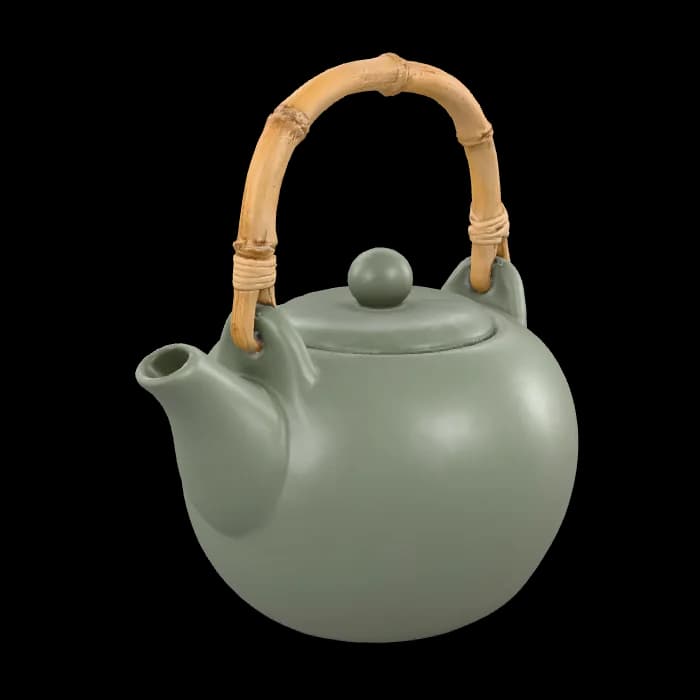
The photo you upload
Tripo AI image to 3D model, ready to rotate
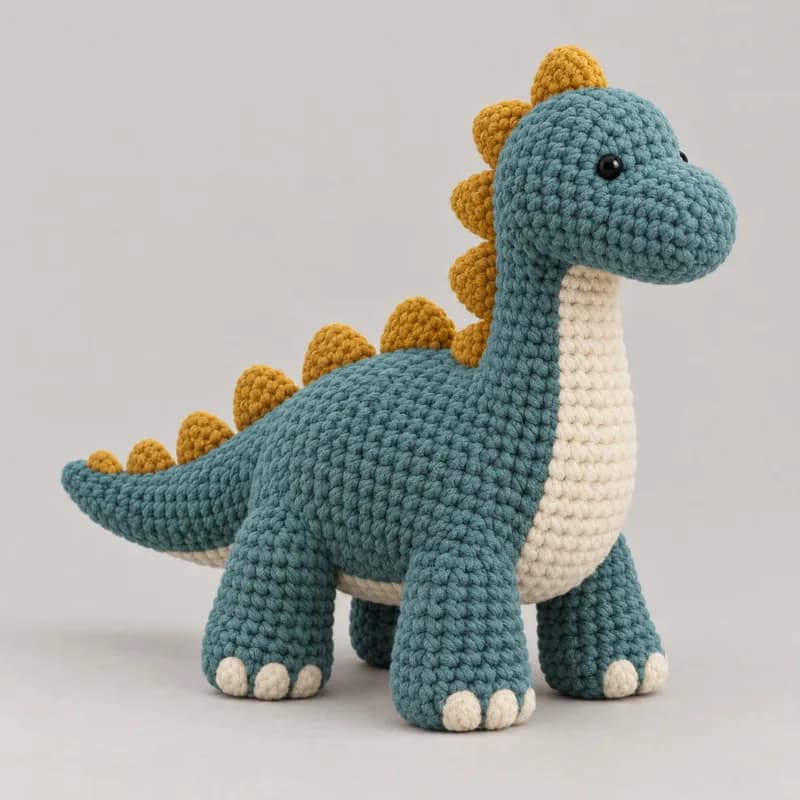
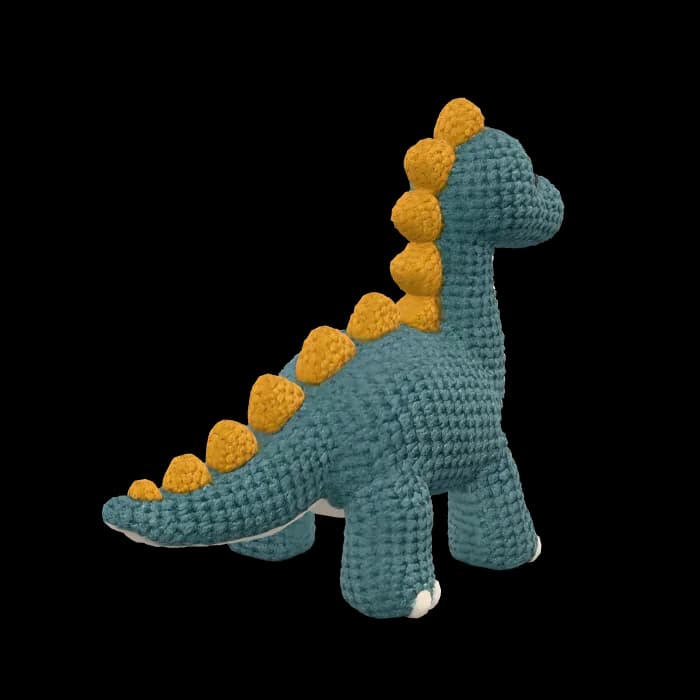
The photo you upload
Tripo AI image to 3D model, ready to rotate
Tripo AI auto rigging, face reduction and format conversion
Ask for the steps you need, and Manus runs them on the same Tripo model one after another. Tripo AI rigging works on humanoid characters and many kinds of creatures.
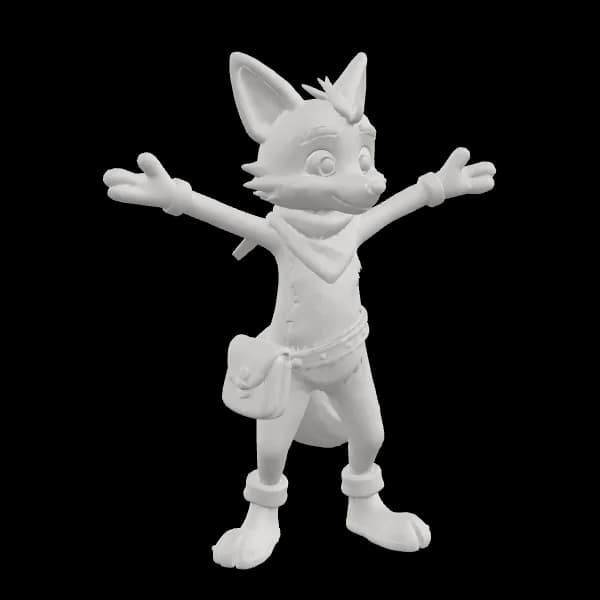
1Generate
A Tripo 3D model from your text or photo, shown here without textures.
2Texture
Add PBR textures, guided by your text or a reference image.
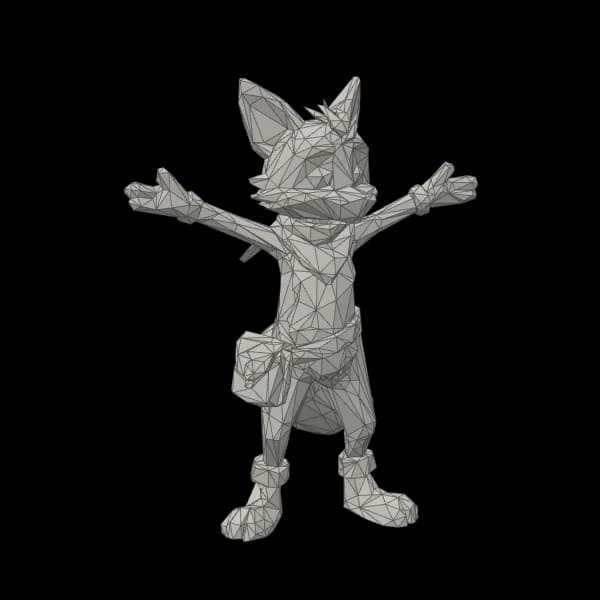
3Reduce faces
Cut the mesh to between 500 and 20,000 faces for games, the web and mobile.
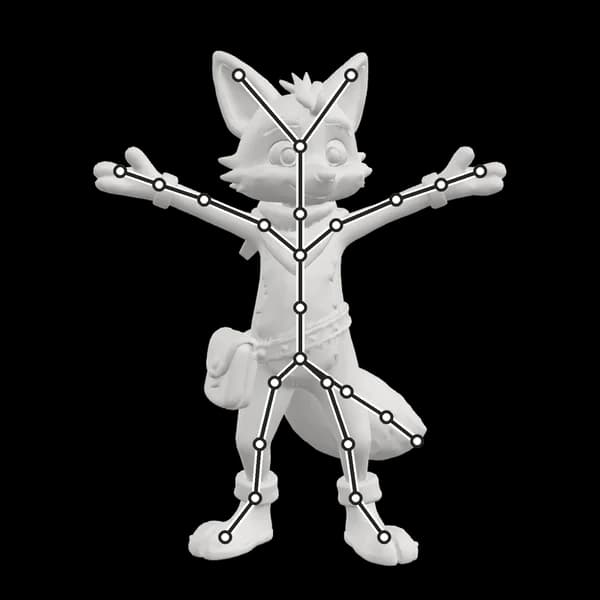
4Auto-rig
Add a skeleton, then preset moves such as walk, run, idle or jump.
An AI 3D model generator for product pages, games and 3D prints
Start from a sentence with text to 3D model AI, or from a photo with image to 3D model AI. Manus links the Tripo steps with the rest of the work, from the first prompt to the finished page or file.
Tripo batch image to 3D for product pages
Convert product photos to 3D models in one go, then let Manus build the page where shoppers can rotate each item.
Build web apps with ManusRigged characters and props for your game
Make characters and props with Tripo, auto-rig the characters with preset animations, and export GLB or FBX for Unity, Unreal or a web game.
Make your own game with Manus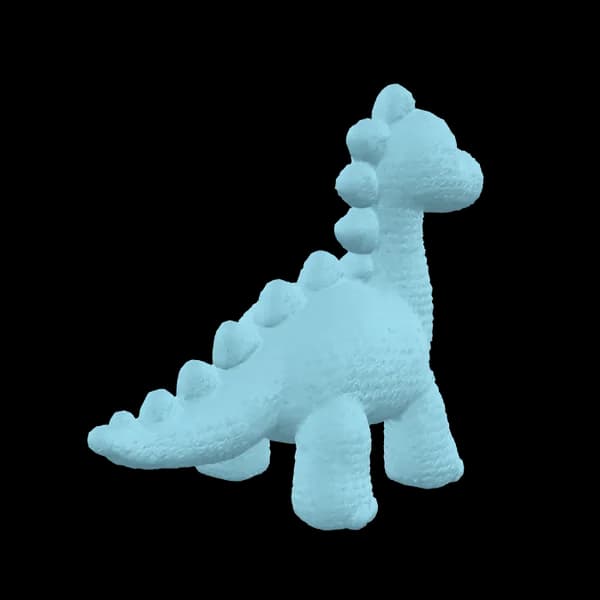
Prepare a Tripo 3D print
Ask for the shape without textures, have Tripo flatten the bottom so the model stands on the print bed, and export STL or 3MF for your slicer.
Text to 3D model with an AI agent, from prompt to web page
Manus first makes a reference image, turns it into a Tripo AI 3D model, converts it and puts it on a web page, all in the same task.
Add your Tripo API key to Manus
The Tripo connector calls the Tripo 3D API with your own key. Add it once, and every Manus task can use Tripo.
Create a key on the Tripo API platform
Sign in at developers.tripo3d.ai, open API Keys and create a key. Tripo shows the key only once, so copy it right away.
Paste it into Manus
Open Connectors in Manus, choose Tripo API, paste the key and select Connect. You only do this once.
Ask for a 3D model in any task
Describe what you need. Manus writes the prompts, calls the Tripo API with your key and brings the models back to the task.
More ways to build with Manus
Questions about the Tripo AI API connector
How do I connect Tripo AI to Manus?
Create an API key on the Tripo API platform. Then open Connectors in Manus, choose Tripo API, paste the key and select Connect. The key is saved once, and any task can use it.
Where do I find the Tripo API docs and my API key?
Sign in to the Tripo API platform at developers.tripo3d.ai and create a key on the API Keys page. Tripo shows the key only once, so copy it right away. The Tripo AI API docs on the same site explain each endpoint, such as text to 3D, image to 3D, rigging and format conversion.
How much does the Tripo API cost?
Tripo API pricing is set by Tripo. Each task uses Tripo API credits from your own Tripo account, and Tripo gives the credits back if a task fails or is cancelled. For the current Tripo AI cost per task, check the Tripo pricing page. The Manus task itself, such as writing prompts or building a page, uses Manus credits as usual.
Which 3D file formats can I export?
Tripo models come back as GLB files. With Tripo format conversion you can also get GLTF, FBX, OBJ, STL, USDZ or 3MF: for example FBX for Unity and Unreal, USDZ for Apple AR Quick Look, and STL or 3MF for 3D printing.
Can Tripo AI rig and animate my character?
Yes. Tripo auto rigging adds a skeleton to humanoid characters and to four-legged, winged and other creatures, with Mixamo-style bone names as an option. A rigged model can then get preset moves such as walk, run, idle or jump, and you can export it as GLB or FBX.
Can I use Tripo 3D models commercially?
That depends on Tripo’s terms and the plan on your Tripo account, not on Manus. Check the Tripo terms of service before you sell or publish a model.
Is this a Tripo MCP server?
No. Manus connects to Tripo through the official Tripo API, using the API key you add. You don’t install or run a Tripo MCP server.
Do I need Claude or another AI tool to use the Tripo API?
No. “Tripo MCP Claude”, “Tripo AI MCP” and “Tripo 3D MCP” guides have you set Tripo up inside another tool yourself. In Manus, you add your key once and describe the model: Manus writes the prompts and makes the API calls.
How is this different from the Tripo website and Tripo Studio?
Tripo Studio is Tripo’s own web app for making and editing 3D models. The connector doesn’t replace it. It runs the Tripo API inside a Manus task, so one chat can write the prompt, make the model, convert it and build the page around it, next to the rest of your work.