> ## Documentation Index
> Fetch the complete documentation index at: https://manus.im/docs/llms.txt
> Use this file to discover all available pages before exploring further.
> Real-time collaboration on AI tasks—one workspace, one version, zero confusion
# Manus Collab
Manus Collab is a real-time collaboration feature that enables teams to work together on Manus tasks. Instead of juggling multiple document versions, scattered email feedback, and endless "latest\_final\_v3" files, Collab provides one shared workspace where your entire team can prompt, edit, and refine work simultaneously.
When you enable collaboration on a task, you create a single source of truth accessible via one link. Everyone sees updates instantly, everyone can interact with Manus directly, and only the task owner consumes credits.
## How It Works
### Enabling Collaboration
**Step 1**: Open the task that needs collaboration
**Step 2**: Find the share button in the task interface
**Step 3**: Click and select "Collaboration" (not just "Share")
**Step 4**: Enter email addresses of collaborators
**Step 5**: Collaborators receive invitation and can join immediately
### Real-Time Collaboration
Once enabled, all participants can:
* **View the task** in real-time as it develops
* **Prompt Manus directly** to make changes or additions
* **See everyone's prompts** and Manus's responses instantly
* **Iterate together** without waiting for exports or updates
### Example Workflow
**Creating a quarterly review presentation**
Create a Q4 performance review deck with sales data, key wins, and goals for Q1
*Manus generates initial deck*
Add a slide about our social media growth—we hit 50K followers
*Manus adds the slide*
Increase font size on the revenue chart—hard to read
*Manus updates the chart*
Add speaker notes for each slide
*Manus generates speaker notes*
**Result**: Complete, polished presentation created collaboratively in one session, no version conflicts.
## Key Features
### Only Owner Consumes Credits
**Important**: In collaboration mode, only the task owner's credits are consumed. Collaborators can participate fully without using their own credits.
This makes Collab ideal for:
* Teams with mixed subscription levels
* Collaborating with clients or external partners
* Onboarding new team members
* Cross-functional projects
### Owner-Controlled Invitations
Only the task owner can invite collaborators. Collaborators cannot invite additional people.
This maintains control over:
* Who has access to the task
* Sensitive information visibility
* Credit consumption responsibility
## Benefits
| Benefit | Description |
| :------------------------- | :------------------------------------------------- |
| **Zero Version Confusion** | One workspace, always current—no "final\_v3" files |
| **Real-Time Updates** | See changes instantly as team members prompt Manus |
| **Direct AI Interaction** | Everyone can prompt Manus, not just the owner |
| **Cost Efficient** | Only owner consumes credits, collaborators free |
| **Faster Iteration** | No export-feedback-revise cycles |
| **Single Source of Truth** | One link, one version, one workspace |
| **Transparent Process** | See all prompts and changes in real-time |
## Important Notes
### Privacy and Content Sharing
* **Do not share personal information** without permission during collaboration
* **Do not share third-party content** without proper authorization
* **Comply with Terms of Use**: All participants must follow Manus platform policies
### Sandbox Login Cookies
**Important**: When the first collaborator joins a task, the sandbox environment login cookies are cleared.
**What this means**:
* If the task involves authenticated websites (e.g., logged into a CRM), you'll need to log in again
* This is a security measure to protect your credentials
* Only affects tasks using Browser Operator or Cloud Browser with logins
**Workaround**: Complete authenticated portions of the task before inviting collaborators, or be prepared to re-authenticate.
## When to Use Collab
**Ideal For**:
* Team content creation (presentations, reports, articles)
* Client co-creation and feedback
* Cross-functional projects requiring multiple perspectives
* Iterative design and refinement
* Training and onboarding (show how Manus works)
* Research projects with multiple contributors
**Not Ideal For**:
* Solo tasks that don't require input
* Highly sensitive work requiring strict access control
* Tasks where version history tracking is critical
* Simple, quick requests
## Tips for Effective Collaboration
**Set clear roles**:
* Designate who handles which aspects (content, design, data)
* Owner should guide overall direction
* Collaborators focus on specific contributions
**Use specific prompts**:
* ✅ "Add a slide about Q4 sales performance with the numbers from the spreadsheet"
* ❌ "Make it better"
**Communicate in the task**:
* Use prompts to explain changes: "Adding customer testimonials because..."
* This creates a clear record of decisions
**Invite strategically**:
* Start with core team members
* Add others as needed
* Remember: owner controls invitations
**Be mindful of timing**:
* Coordinate major changes to avoid conflicts
* Use async collaboration for different time zones
* Real-time sessions for rapid iteration
## Common Questions
No. Only the task owner can invite collaborators. This maintains control over access and credit consumption.
Yes. Collaborators receive an invitation and need to sign in to Manus to access the task.
Yes. The task owner can manage collaborator access through the sharing settings.
Yes. All collaborators see the complete task history, including prompts and outputs from before they joined.
Manus processes prompts sequentially. Both will be completed, but one after the other.
Yes. All collaborators can access and export the task outputs.
Yes. Collab works with slides, web development, research, data analysis, and all other Manus capabilities.
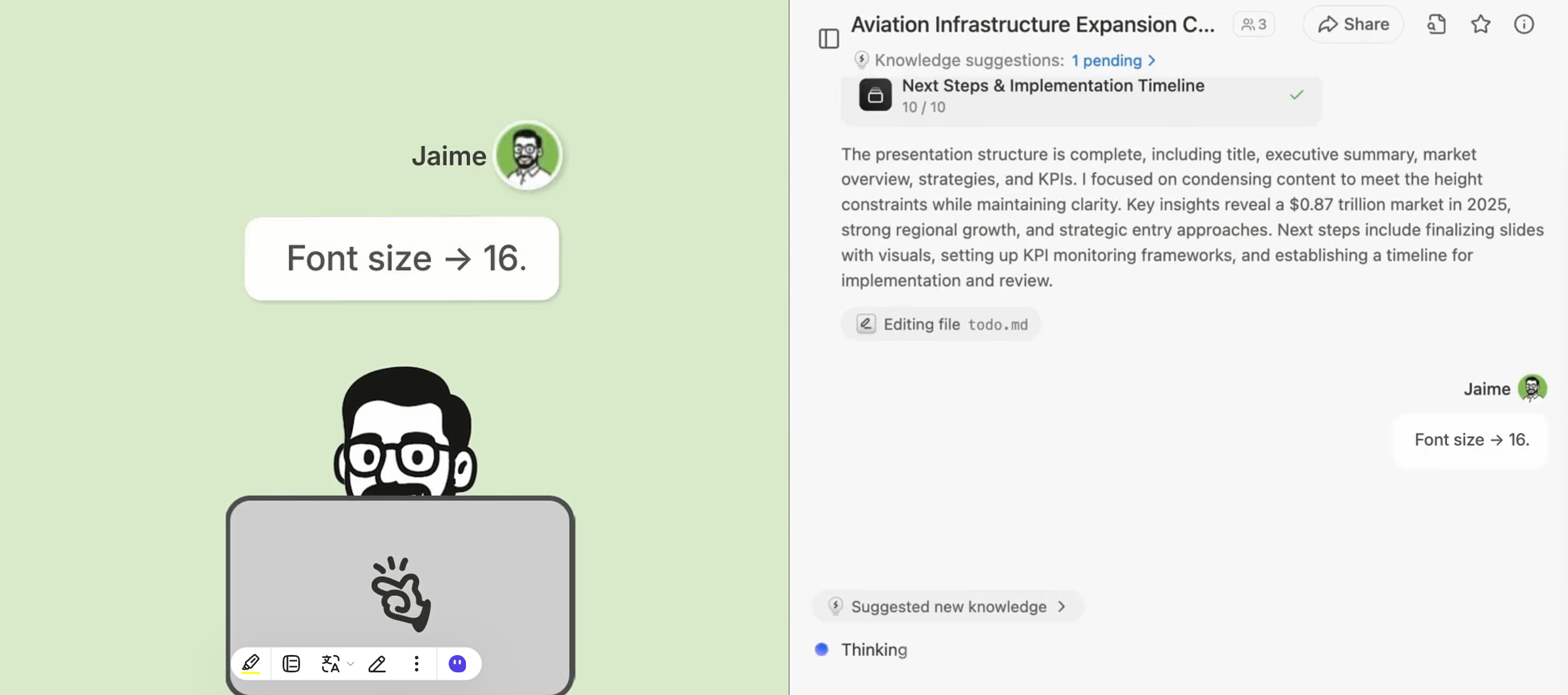 Increase font size on the revenue chart—hard to read
*Manus updates the chart*
Increase font size on the revenue chart—hard to read
*Manus updates the chart*
 **Step 3**: Click and select "Collaboration" (not just "Share")
**Step 4**: Enter email addresses of collaborators
**Step 3**: Click and select "Collaboration" (not just "Share")
**Step 4**: Enter email addresses of collaborators
 **Step 5**: Collaborators receive invitation and can join immediately
### Real-Time Collaboration
Once enabled, all participants can:
* **View the task** in real-time as it develops
* **Prompt Manus directly** to make changes or additions
**Step 5**: Collaborators receive invitation and can join immediately
### Real-Time Collaboration
Once enabled, all participants can:
* **View the task** in real-time as it develops
* **Prompt Manus directly** to make changes or additions
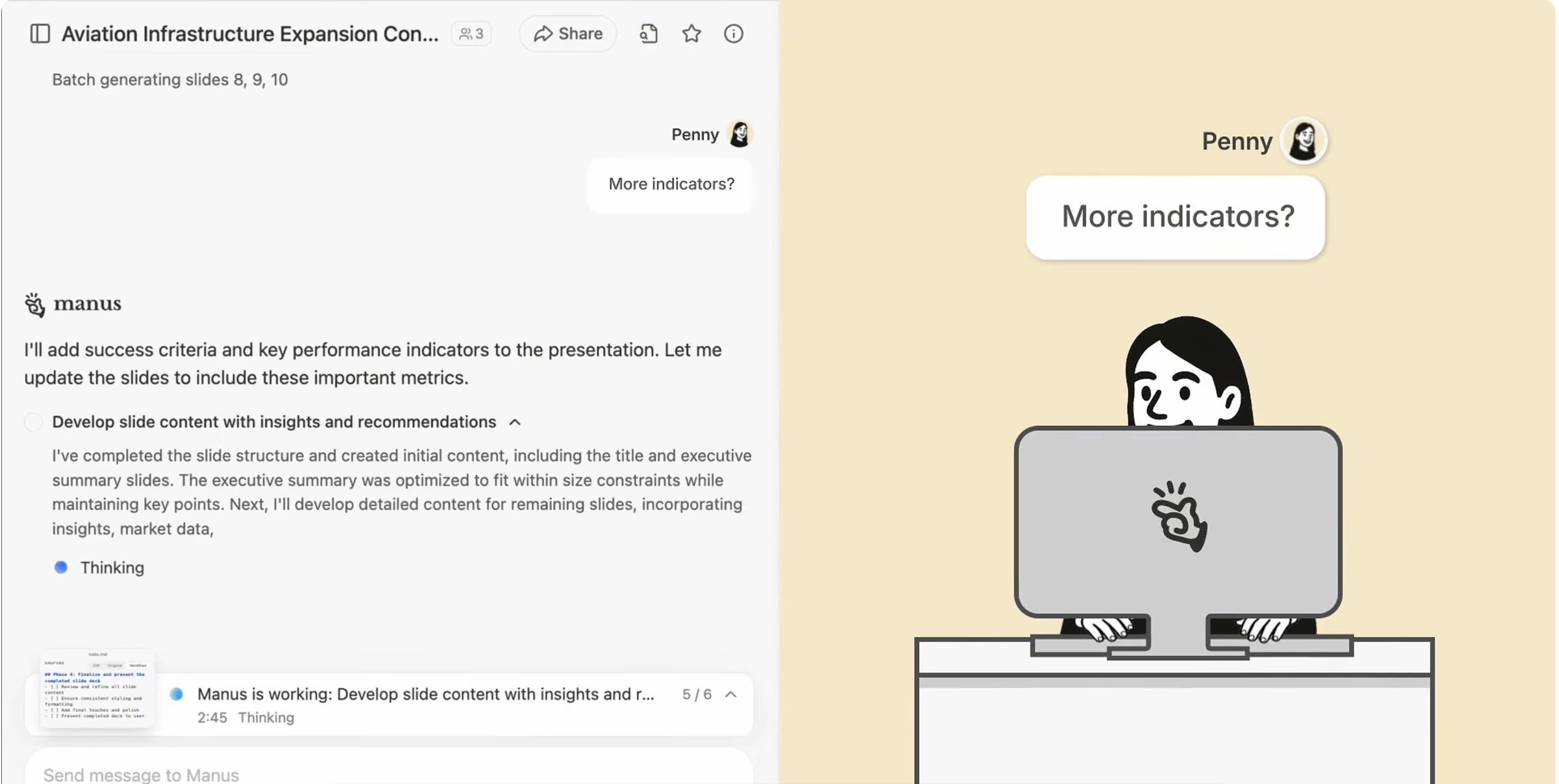 * **See everyone's prompts** and Manus's responses instantly
* **Iterate together** without waiting for exports or updates
### Example Workflow
**Creating a quarterly review presentation**
* **See everyone's prompts** and Manus's responses instantly
* **Iterate together** without waiting for exports or updates
### Example Workflow
**Creating a quarterly review presentation**